listicle
Field Service Software for Septic Companies
Table of Contents
- Why Septic Companies Need Field Service Software
- Quick Comparison: Top Field Service Software Options
- SolvPro: All-in-One Platform with Bilingual Support
- SepticMind: Compliance and AI-Powered Scheduling
- Septic Pumping Route Optimization and Dispatch
- Septic Service Invoicing Software and Payment Processing
- Septic Tank Maintenance Tracking Software Features
- How to Choose the Right Platform for Your Business
- Frequently Asked Questions
Last Updated: September 1, 2026
Why Septic Companies Need Field Service Software
Septic companies operate under constant pressure: technicians scattered across service territories, pumping schedules dependent on tank capacity, and compliance documentation varying by state. Without centralized systems, dispatchers juggle phone calls and spreadsheets, invoices pile up in truck cabs, and cash flow suffers.
The real problem is fragmentation. Manual processes work at five crews but collapse at fifteen or twenty. Recurring pump-out intervals get missed. Technicians spend hours on paperwork instead of closing jobs. Customers wait days for invoices.
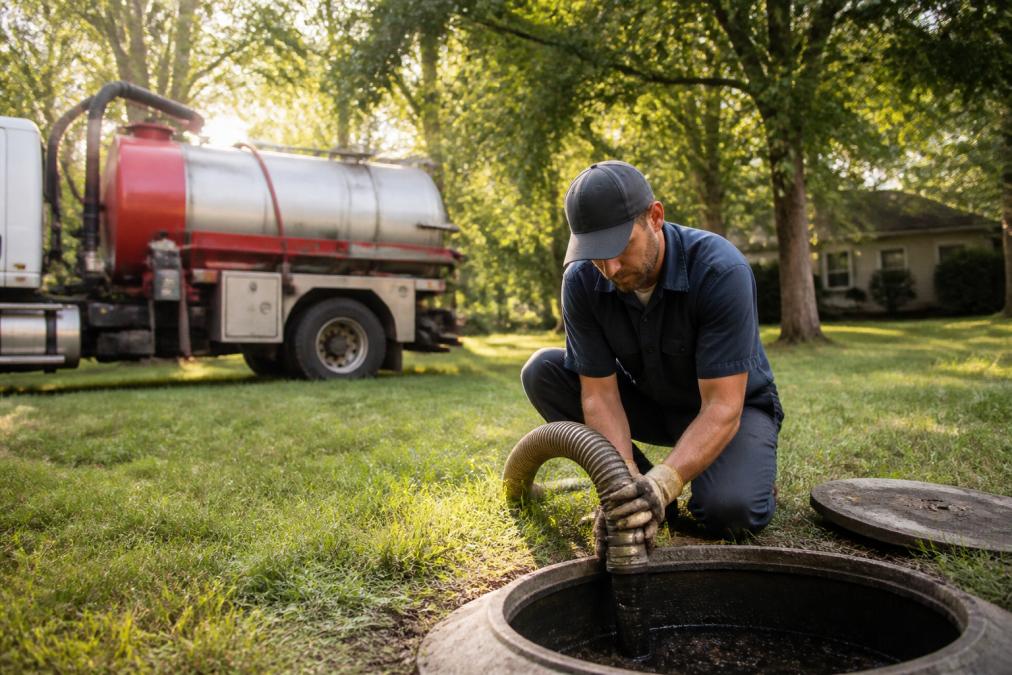
Field service software for septic companies centralizes scheduling, work orders, customer history, invoicing, and payments into one platform accessible from office and field. Technicians access job details and tank history on mobile devices. Dispatchers see real-time crew locations and reassign jobs instantly. Invoices generate automatically, and payments process on-site or online.
The business case is direct: faster job completion means more pumps per technician per day. Faster invoicing means cash arrives sooner. Reduced paperwork means fewer administrative hours. For septic companies running tight margins, this directly impacts profitability.
Compliance also becomes manageable. State-specific pump-out intervals, inspection checklists, and permit documentation live in one place. Technicians capture tank measurements, sludge levels, and customer signatures digitally. Reports generate automatically for state agencies, reducing compliance risk significantly.
Quick Comparison: Top Field Service Software Options
| Software | Best For | Key Strength | Free Trial |
|---|---|---|---|
| SolvPro | Small-to-mid septic companies needing all-in-one simplicity | Bilingual support, mobile invoicing, QuickBooks integration | Yes |
| SepticMind | Compliance-focused operations with complex scheduling | County permit database, AI scheduling, state-specific forms | Yes |
| QuoteIQ | Lead generation and customer retention | Satellite property measurement, AI quoting, automated rebooking | 14-day trial |
| Smart Service | Recurring pump-out specialists | Tank data management, QuickBooks sync, detailed field documentation | No |
| ServiceCore | Multi-service operations (septic, portable sanitation, waste hauling) | Route optimization for rural areas, inventory tracking, manifest management | No |
SolvPro: All-in-One Platform with Bilingual Support
SolvPro combines scheduling, dispatching, mobile work orders, invoicing, and payment processing in one platform designed for small-to-medium septic teams.
The standout feature is bilingual support. Work orders, customer communication, and invoices display in English and Spanish automatically. Technicians see job details in their preferred language, and customers receive communications matching their preference, no translation delays.
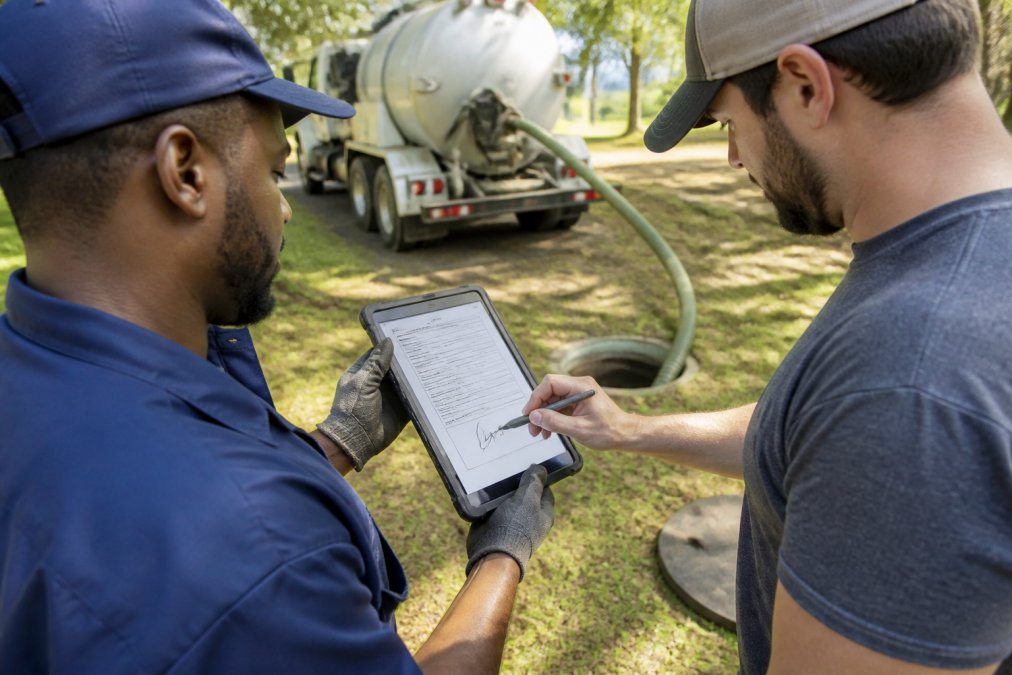
Scheduling uses a drag-and-drop interface. Dispatchers assign jobs by day, week, or crew view. Technicians receive notifications and update job status in real time. When a pump-out takes longer than expected, the dispatcher adjusts downstream jobs instantly.
Mobile invoicing accelerates cash flow. Technicians complete a job, snap photos, and generate an invoice on their phone. Customers can pay immediately via credit card or ACH on-site. Many users report payment arrival within 24 hours instead of weeks.
QuickBooks Online integration eliminates double data entry. Jobs sync automatically, creating line items for invoicing and job costing. Your accounting team sees real-time revenue data without manual spreadsheets.
The learning curve is shallow. Most teams are productive within days without requiring IT expertise.
Pros:
- All-in-one platform: scheduling, invoicing, payments, and crew tracking in one app
- Bilingual support (English and Spanish) for office and field teams
- Mobile invoicing with integrated payment processing
- QuickBooks Online sync for seamless accounting
- Transparent pricing with no long-term contracts
Cons:
- Compliance features less detailed than purpose-built septic software
SepticMind: Compliance and AI-Powered Scheduling
SepticMind was built by septic professionals for septic professionals. It understands pump-out intervals, tank capacity, household size, and state-specific compliance requirements in ways generic field service software cannot.
The compliance advantage is substantial. SepticMind maintains a county permit database covering all 50 states with permit forms, fee schedules, and processing timelines for each jurisdiction. Technicians access this data in the field. Reports generate automatically for state agencies, saving hours of manual research.
AI-powered scheduling predicts service intervals based on tank capacity, household size, and historical usage patterns. It fills your schedule automatically with customers due for service. Technicians work from an optimized route instead of a random list, completing more jobs per day.
The platform handles digital inspection forms and PDF report generation. Technicians capture sludge measurements, scum levels, tank condition, and customer signatures on mobile devices. Reports generate automatically and can be emailed to customers or uploaded to state portals.
Route optimization and real-time dispatch reduce drive time. The system suggests efficient routes based on location density and truck capacity. A customer portal lets clients request service, view history, and receive maintenance reminders automatically.
Pros:
- County permit database for all 50 states with forms and fees
- AI service interval prediction to optimize scheduling
- Digital inspection forms with automatic PDF report generation
- Route optimization and real-time dispatch board
- Customer portal with automated maintenance reminders
Cons:
- May include more features than very small operations need
- Pricing starts at $79/month but scales with business size
Septic Pumping Route Optimization and Dispatch
Route optimization separates efficiency from chaos. A well-optimized route reduces drive time, increases jobs per technician, and improves customer satisfaction through faster response times.
Manual routing fails at scale. Dispatchers cluster jobs by geography but miss nuances: traffic patterns, truck capacity, technician expertise, and equipment specialization. A technician drives across town for a job that could have been combined with a neighbor.
Automated route optimization ingests job locations, technician availability, truck capacity, and traffic data to generate routes minimizing total drive time while respecting constraints. For a company running 10-15 technicians, this can mean additional jobs completed per day. website design features.
Real-time dispatch adjusts routes as conditions change. A job takes longer than expected. A new emergency call comes in. The system recalculates and notifies technicians instantly. Dispatchers no longer need to make dozens of phone calls.
GPS tracking provides visibility. Managers see technician locations in real time. Customers can track arrival times. If a technician is running late, the customer receives a notification automatically, reducing no-shows and improving professionalism.
SepticMind and ServiceCore both excel at route optimization. SepticMind's AI learns your territory and improves routes over time. ServiceCore is built specifically for septic and portable sanitation companies, accounting for truck capacity, waste disposal locations, and manifest requirements.
Septic Service Invoicing Software and Payment Processing
Cash flow is the heartbeat of a septic business. Faster invoicing means faster payment, allowing you to pay technicians, buy fuel, and invest in equipment sooner. Yet most septic companies generate invoices days or weeks after completing work.
Field service software accelerates this dramatically. Technicians complete a job, and the invoice generates automatically on their mobile device. They show it to the customer on the spot. The customer pays by card or ACH right there. No waiting for paperwork to reach the office.
SolvPro and SepticMind both handle this efficiently. SolvPro's mobile invoicing is designed for speed, technicians can complete the entire transaction quickly with payments settling efficiently. For a company pumping 50 tanks per week, this means cash arriving days instead of weeks.
Payment processing should be integrated, not bolted on. The best field service software includes payment processing natively. Technicians don't need a separate app or device.
Recurring billing converts one-time transactions into predictable revenue. The software generates invoices automatically on schedule, sends them to customers, and processes payments.
Integration with QuickBooks Online matters. When invoices sync automatically, your accounting team doesn't manually enter data. Job costing becomes accurate. Tax preparation becomes simpler.
Septic Tank Maintenance Tracking Software Features
Septic maintenance tracking prevents costly mistakes. A missed pump-out can lead to system failure, expensive repairs, and angry customers. Tracking ensures nothing falls through the cracks.
Good maintenance tracking captures sludge depth, scum layer, tank condition, needed repairs, and next recommended service date. This history lives in the customer's profile. Technicians see it on their next visit. Managers can flag tanks needing attention or upgrades.
Automated reminders notify customers when service is due via email, SMS, or in-app notifications. Customers who receive reminders schedule service proactively. Service history reports provide liability protection, you can pull digital records showing multiple pump-outs with clean inspections if disputes arise.
Some platforms integrate IoT sensors that monitor tank levels in real time, alerting technicians when tanks approach capacity. This shifts you from reactive pumping to predictive maintenance, capturing more jobs before emergencies occur.
SepticMind's digital inspection forms are particularly strong. Technicians capture detailed measurements and observations. The system generates compliance reports automatically. State agencies receive documentation without manual paperwork.
Smart Service excels at tank data management, storing tank specifications, prior service findings, and customer information. Technicians see everything they need before arriving, reducing on-site surprises and improving efficiency.
How to Choose the Right Platform for Your Business
Choosing field service software for septic companies requires matching your specific needs to platform strengths.
Start with your biggest operational pain. Is it scheduling chaos? Invoicing delays? Compliance documentation? Crew communication? SolvPro solves scheduling and cash flow. SepticMind solves compliance and scheduling optimization. QuoteIQ solves lead generation and customer retention. Identify your bottleneck first.
Assess your team's technical comfort. If your crews are less tech-savvy, you need a simple platform with intuitive mobile interfaces. SolvPro and QuoteIQ are easier to learn. SepticMind and ServiceCore have steeper curves but more power.
Consider your growth trajectory. If you're scaling from 5 crews to 20 in three years, choose software that grows with you. SolvPro and SepticMind both scale well.
Evaluate integration needs. Most septic companies use QuickBooks Online. Ensure your field service software integrates seamlessly. SolvPro and Smart Service both sync automatically.
Check compliance features if you operate in multiple states. SepticMind's county permit database is invaluable if you cross state lines. If you operate in one state, this is less critical.
Request references from similar companies. Ask the vendor for three septic companies of similar size. Call them and ask about implementation time, learning curve, and whether the software delivered promised benefits.
Test with a free trial. Most platforms offer free trials. Use them for a full week with your team on real jobs. See how mobile invoicing actually works and whether crews actually use the app.
Calculate ROI before committing. If the software costs $200/month and saves 5 hours per week in administrative work, that's worth it. Assign a dollar value to time savings, faster cash flow, and reduced errors. Compare to monthly cost.
Septic companies succeed when operations run smoothly and cash flows predictably. Field service software for septic companies eliminates the friction that slows you down. SolvPro delivers all-in-one simplicity with bilingual support, mobile invoicing, and QuickBooks integration, everything you need to finish jobs faster and get paid sooner. Start your free trial today and see how much time and money you can reclaim.
EPA guidance on septic system maintenance
National Association of Wastewater Transporters industry standards
Small Business Administration resources for field service businesses
Frequently Asked Questions
What features should I look for in field service software for septic companies?
Prioritize scheduling and dispatch capabilities to manage recurring pump-out routes efficiently. Look for mobile app functionality that lets technicians access job details, capture photos, and signatures in the field. Invoicing and payment processing features speed up cash flow by allowing on-site billing. Route optimization saves fuel and labor by grouping nearby jobs. Integration with accounting software like QuickBooks eliminates manual data entry. Compliance documentation tools help track state-specific requirements and inspection records. Bilingual support is valuable if your crew speaks multiple languages.
How does septic pumping route optimization actually save time and money?
Route optimization software groups jobs geographically and sequences them based on technician location, reducing travel time between appointments. This cuts fuel costs and vehicle wear significantly. Technicians complete more jobs per day, improving crew productivity. GPS tracking in the mobile app prevents missed appointments and allows real-time adjustments when emergencies arise. Automated recurring scheduling ensures pump-out intervals are never missed, reducing no-shows. Over time, optimized routes reduce overtime hours and improve customer satisfaction through faster response times.
Can field service software actually help us get paid faster?
Yes, when the software includes mobile invoicing and integrated payment processing. Technicians generate and send invoices on-site instead of waiting until the office processes paperwork. Customers can pay immediately via credit card or ACH through the mobile app, eliminating the days invoices sit in trucks or on desks. QuickBooks integration syncs payments automatically, so your accounting is current. Some platforms also automate payment reminders for past-due invoices and recurring service agreements, improving collection rates.
Is there a significant difference between general field service software and septic-specific platforms?
Yes. Septic-specific software includes features built for your industry: recurring pump-out scheduling based on tank capacity and household size, compliance checklists aligned with state regulations, waste manifest documentation, and ATU (aerobic treatment unit) maintenance tracking. General field service platforms require customization to handle these needs. However, general platforms offer more flexibility if you provide multiple service types. Septic-specific software saves setup time and includes industry best practices, while general platforms provide broader functionality if your business expands beyond septic services.
How does septic tank maintenance tracking software help prevent service delays?
Maintenance tracking software stores complete service history for each tank, including pump-out dates, sludge levels, and inspection findings. Automated reminders alert you when a tank is due for service based on the interval established during the previous visit. The system flags tanks approaching their service window, allowing you to schedule appointments before customers call. Mobile technicians access this history on-site, catching potential issues early. Recurring service agreements automatically generate work orders, ensuring no customer falls through the cracks. This reduces emergency calls and improves operational efficiency.
This article was written using GrandRanker