 listicle
Why Your Business Needs Mobile Dispatch Software
Table of Contents
- The Cost of Manual Dispatching and Paper-Based Workflows
- How Mobile Dispatch Software Transforms Field Operations
- Best Mobile Dispatch Software for Small Business
- Field Service Management Software Benefits
- Dispatch Software Pricing Models
- Addressing Common Concerns About Implementation
- Getting Started With Mobile Dispatch Software
- Frequently Asked Questions
Last Updated: August 10, 2026
The Cost of Manual Dispatching and Paper-Based Workflows
Manual dispatching and paper-based workflows drain money from your business in ways that don't always show up on a balance sheet. When your team relies on spreadsheets, phone calls, and handwritten work orders, you lose efficiency, visibility, speed, and cash flow.
In a typical day without mobile dispatch software, a dispatcher spends hours coordinating technicians by phone. Paperwork gets lost in trucks. Invoices sit for days before reaching the office. Customers call asking for status updates because nobody knows where their technician is. By job completion, the invoice is already a week behind.
The real problem is that everything exists in silos. Your office team doesn't see field operations. Technicians don't know what job comes next until they call in. Accounting can't process payments until paperwork arrives. Each handoff creates friction and delays cash flow.
Many businesses find that hiring someone just to manage paperwork and scheduling costs more than software would. But manual processes remain inherently slow and error-prone. A dispatcher can only track so many technicians. Spreadsheets can't update in real time. Paper records can't be accessed from multiple locations simultaneously.
Mobile dispatch software eliminates the delays between when work happens and when you get paid for it.
How Mobile Dispatch Software Transforms Field Operations
Mobile dispatch software centralizes scheduling, work orders, tracking, invoicing, and payments into one platform accessible from anywhere. Instead of juggling multiple tools and phone calls, your entire operation flows through a single system.

Real-Time Scheduling and Route Optimization
Real-time scheduling lets your dispatcher assign jobs instantly, and technicians see assignments on their mobile device immediately. Route optimization calculates the most efficient route based on job locations, technician availability, and traffic conditions. A technician completing three jobs per day might complete four or five with optimized routing, increasing revenue per technician without additional cost.
The software learns from your business over time, understanding which technicians excel at certain job types and which routes work best at different times. This means schedules are achievable and customers get accurate appointment windows.
GPS Tracking and Fleet Visibility
GPS tracking gives you real-time visibility into every technician's location. A dispatcher can identify the closest technician for urgent jobs. Customers get accurate ETAs instead of guesses. Managers see if technicians are off-route or spending too long at jobs.
This visibility eliminates the trust gap. You're not wondering if your team is where they say they are. Fleet management becomes smarter too, you can identify fuel consumption patterns, plan maintenance, and minimize mileage.
Automated Work Order Management
Digital work orders eliminate the problem of lost paperwork. When a work order is created, it exists in one accessible place. Customer information, job details, pricing, and special instructions are all there for technicians, dispatchers, and office staff. Information flows from one step to the next without re-typing, eliminating transcription errors that delay payment or create billing disputes.
Best Mobile Dispatch Software for Small Business
For small field service businesses, the right software should be intuitive, comprehensive enough for core operations, and affordable.
SolvPro: All-in-One Field Service Management
SolvPro is built specifically for small to medium-sized field service businesses. It centralizes scheduling, work orders, crew tracking, digital contracts, and payments into one mobile-first platform.
SolvPro addresses actual pain points of small service businesses. It supports English and Spanish natively, so bilingual communication isn't clunky. The interface is intuitive enough for quick onboarding without extensive training. It integrates directly with QuickBooks Online, so invoices flow straight into your accounting system.
The platform handles the entire job lifecycle: create a work order, dispatch it, track progress in real time, capture proof of completion, generate an invoice, and accept payment, all without leaving the system. Digital proposals and contracts eliminate email back-and-forth. For small businesses managing operations through spreadsheets and phone calls, SolvPro eliminates that entire manual layer, delivering immediate results in scheduling speed, technician admin time, and payment timing.
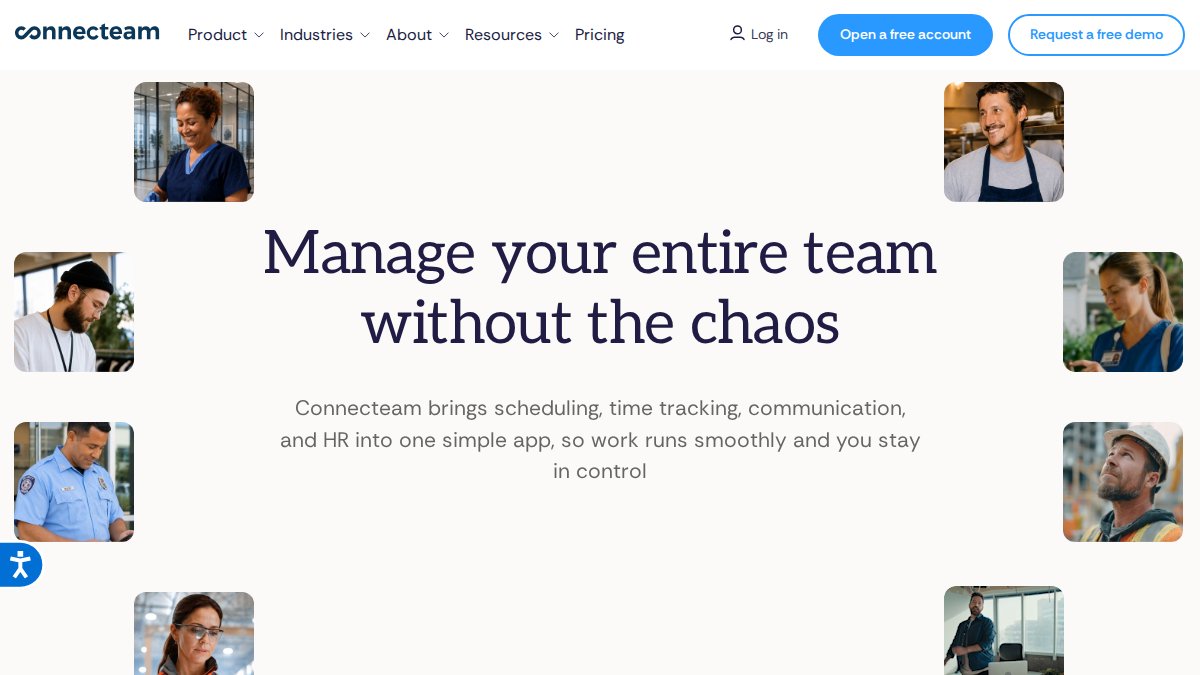
Connecteam: Workforce Management Beyond Dispatching
Connecteam takes a broader approach to field operations. Beyond dispatching, it includes team communication, time tracking with geofencing, training tools, and forms for field operations. This makes sense if you need to manage crew communication, track hours worked, or deliver training. The free plan supports up to 10 users for very small teams.
The trade-off is that Connecteam feels broader but potentially less specialized. If dispatching is your primary pain point, a focused tool might serve better. If you need to manage multiple aspects of field operations, the comprehensive approach pays off.
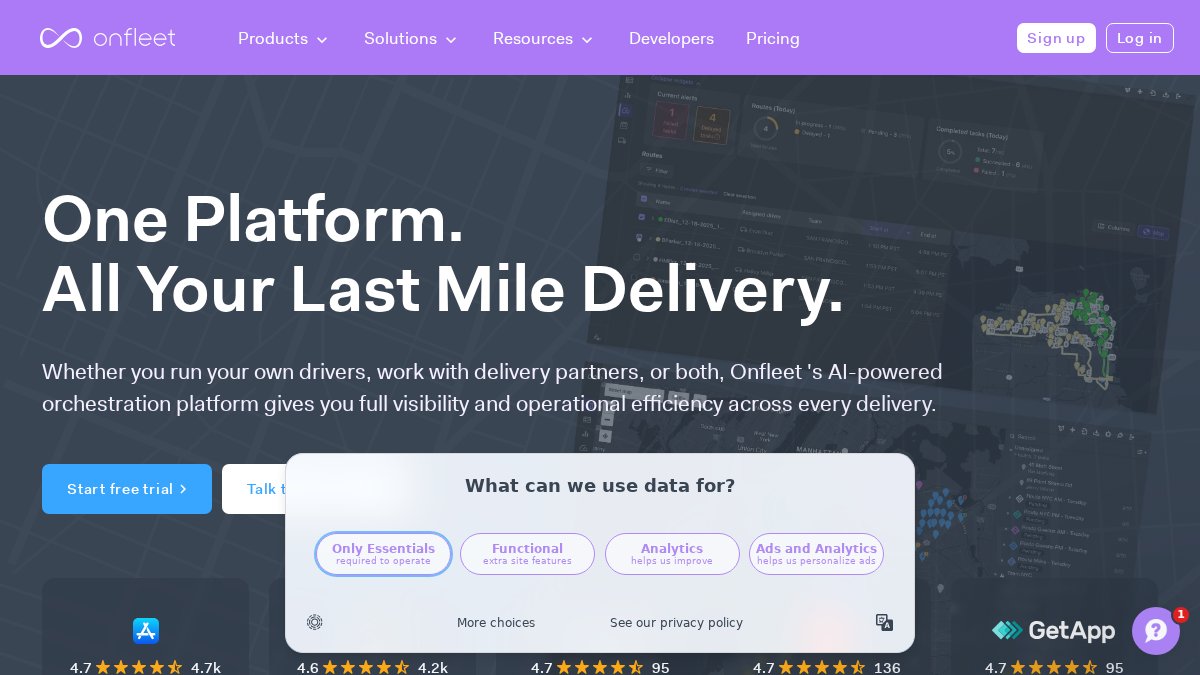
Onfleet: Delivery-Focused Route Optimization
Onfleet is built for businesses where delivery and route optimization are core challenges. Its route optimization engine is powerful for getting jobs completed at multiple locations efficiently.
The platform excels at automated route planning, real-time driver tracking, and customer notifications. Delivery businesses and courier services see significant efficiency gains. Onfleet's pricing is task-based, meaning costs scale with volume. For high-volume delivery businesses, this often makes sense. For smaller operations, per-task pricing can add up quickly.
Field Service Management Software Benefits
Mobile dispatch software benefits extend beyond faster scheduling to every part of your business.
Faster Job Completion and Higher Technician Productivity
When technicians don't spend time waiting for dispatch calls or figuring out what job is next, they complete more work. Route optimization reduces driving time and increases billable hours. Real-time access to job details eliminates surprises or delays from missing information.
A technician completing three jobs per day might complete four, a 33% productivity increase from the same person and cost. Multiply that across your team and the impact is significant. This isn't about working harder; it's about removing friction that prevents smooth work flow.
Accelerated Cash Flow and Faster Payments
When work is completed, invoices are generated automatically. Digital invoices delivered immediately mean payment follows faster. Instead of invoices sitting in trucks and office piles before manual entry, they're delivered and processed the same day.
Field service businesses typically accelerate cash flow by 5-10 days. For a business doing $50,000 monthly revenue, that's $5,000-$10,000 more cash in the bank at any time, working capital for growth or unexpected expenses.
Payment processing simplifies too. Digital invoicing with online payment options means money moves faster. Some businesses accept payment on-site through the mobile app, eliminating the invoice-to-payment delay entirely.
Reduced Administrative Overhead
Every hour office staff spends on scheduling, data entry, or chasing job information is an hour not doing higher-value work. Mobile dispatch software eliminates huge administrative burdens.
Work orders don't need re-entry from paper. Scheduling doesn't require hours of phone calls. Invoicing doesn't mean manually typing field notes. Job status updates happen automatically. For small businesses with one person managing all this, the software can free up 10-15 hours weekly, a full day that could go toward business development or customer service.
Dispatch Software Pricing Models
Mobile dispatch software pricing varies by platform and business model structure.
Per-user pricing charges a monthly fee for each team member needing access. This provides predictability but costs scale linearly with headcount growth.
Task-based pricing charges per job, delivery, or transaction. This aligns costs with volume, attractive for seasonal or rapidly growing businesses, but costs can become unpredictable with volume spikes.
Flat-rate or tiered pricing offers a set monthly amount for certain features regardless of users or tasks. This provides budget certainty and often works well for small businesses with predictable operations.
Many platforms offer free trials or free plans for small teams. Some free plans are genuinely functional; others are intentionally limited to push toward paid tiers.
When evaluating pricing, look beyond base monthly cost. Consider setup fees, implementation costs, integrations, add-ons, and contract terms. A cheap per-user platform can become expensive once you add needed features.
Addressing Common Concerns About Implementation
The biggest hesitation about adopting mobile dispatch software is whether your team will actually use it. Modern software is designed to address these concerns. The best platforms are intuitive enough that your team can use them effectively within days, not weeks.
Change management matters. Your team will resist if they feel forced. The most successful implementations involve your crew in the decision and explain how the software makes their job easier. A technician cares less about "operational efficiency" and more about "you won't call dispatch three times daily."
Many platforms, including SolvPro, offer bilingual support because field service businesses often have multicultural teams. This is built in from the start, not an afterthought.
Integration with existing tools matters too. If you use QuickBooks Online for accounting, you want software that connects seamlessly. Manual data syncing defeats automation's purpose. Platforms integrating with your existing tools eliminate that friction.
Getting Started With Mobile Dispatch Software
Starting doesn't require a massive implementation project. Choose a platform offering a free trial and test it with a small team subset for a week. Don't just review features, test the workflow. Can your dispatcher create and assign a job in 30 seconds? Can a technician pull up a job and understand what they need without calling the office? Can you generate an invoice after job completion?
If the workflow feels natural and your team isn't fighting the interface, you've found the right tool.
When launching, start with your most organized team or busiest routes. These areas deliver the most obvious results and build momentum for broader adoption.
Set realistic expectations. The software isn't magic and won't fix broken processes. What it does is eliminate manual friction that slows everything down. Your team will notice they're spending less time on admin work and more time actually doing the job.
Mobile dispatch software isn't a luxury for large field service companies anymore, it's a practical necessity for small businesses wanting to compete effectively. Winning businesses complete jobs faster, get paid sooner, and keep teams focused on actual work instead of administrative overhead. SolvPro brings together scheduling, crew tracking, digital contracts, and QuickBooks Online integration specifically designed for small service businesses. Start your free trial and see how much time your team can reclaim by eliminating manual dispatching and paperwork.
Frequently Asked Questions
What does mobile dispatch software actually do?
Mobile dispatch software automates the assignment of jobs to technicians, optimizes routes to reduce travel time, tracks crews in real-time via GPS, and enables field staff to access work orders, customer information, and job updates directly on their phones. It eliminates the need for manual scheduling, phone calls, and paper-based job tickets, allowing office staff and field teams to stay synchronized throughout the day.
How does mobile dispatch software improve technician productivity?
By automating route planning, technicians spend less time traveling between jobs and more time completing work. Real-time job information reduces confusion and rework. Automated notifications about next appointments eliminate downtime. Technicians can capture photos, signatures, and notes directly in the app, eliminating paperwork delays. Many field service teams report finishing 15-25% more jobs per day after switching to mobile dispatch software.
What is the difference between manual dispatching and automated mobile dispatch?
Manual dispatching relies on spreadsheets, phone calls, and email to assign jobs and communicate updates. It's slow, error-prone, and creates bottlenecks when staff are unavailable. Automated mobile dispatch uses algorithms to assign jobs based on technician location, skills, and availability, updates routes in real-time if priorities change, and sends notifications instantly to all parties. This eliminates delays, reduces miscommunication, and allows office staff to manage operations without constant phone interruptions.
Can mobile dispatch software integrate with my existing accounting software?
Yes, most field service management platforms integrate with QuickBooks Online, Xero, and other accounting systems. Integration allows work order data, labor costs, and invoices to sync automatically, eliminating manual data entry and reducing billing errors. SolvPro, for example, integrates directly with QuickBooks Online, so your job costs and customer invoices flow seamlessly into your accounting records without extra steps.
This article was written using GrandRanker