 listicle
Future Trends in Mobile Dispatch Technology
Table of Contents
- How Mobile Dispatch Technology Is Evolving
- AI in Field Service Dispatch: Automation and Predictive Routing
- Real-Time Data Sharing and Communication
- Field Service Management Software Trends Shaping 2026
- Digital Work Order Management Best Practices
- Connectivity Advances: 5G and Beyond
- Preparing Your Team for Mobile Dispatch Evolution
- Frequently Asked Questions
Last Updated: October 19, 2026
How Mobile Dispatch Technology Is Evolving
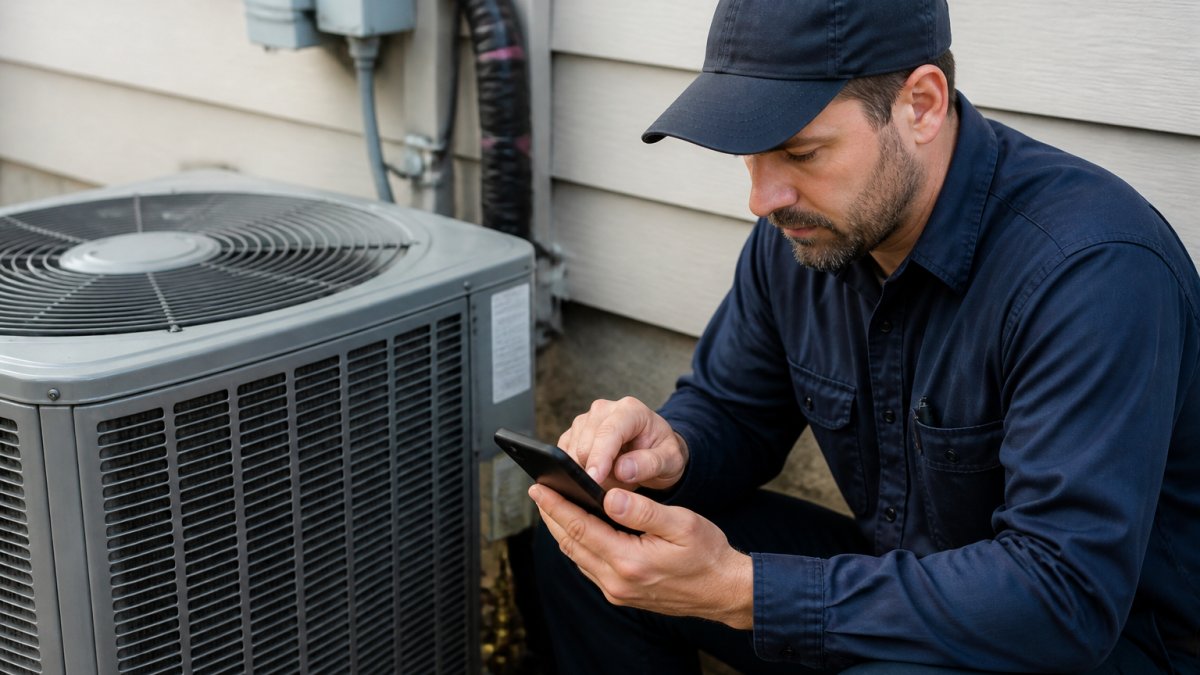
Mobile dispatch technology is transforming how field service teams operate. The shift from radio-based systems to cloud-connected platforms means crews now access real-time job information, customer details, and route optimization from their phones.
The core change isn't just faster communication. It's the ability to make smarter decisions on the fly. Dispatchers can reassign jobs instantly when a crew finishes early. Field workers can capture photos, signatures, and payment information before leaving a site.
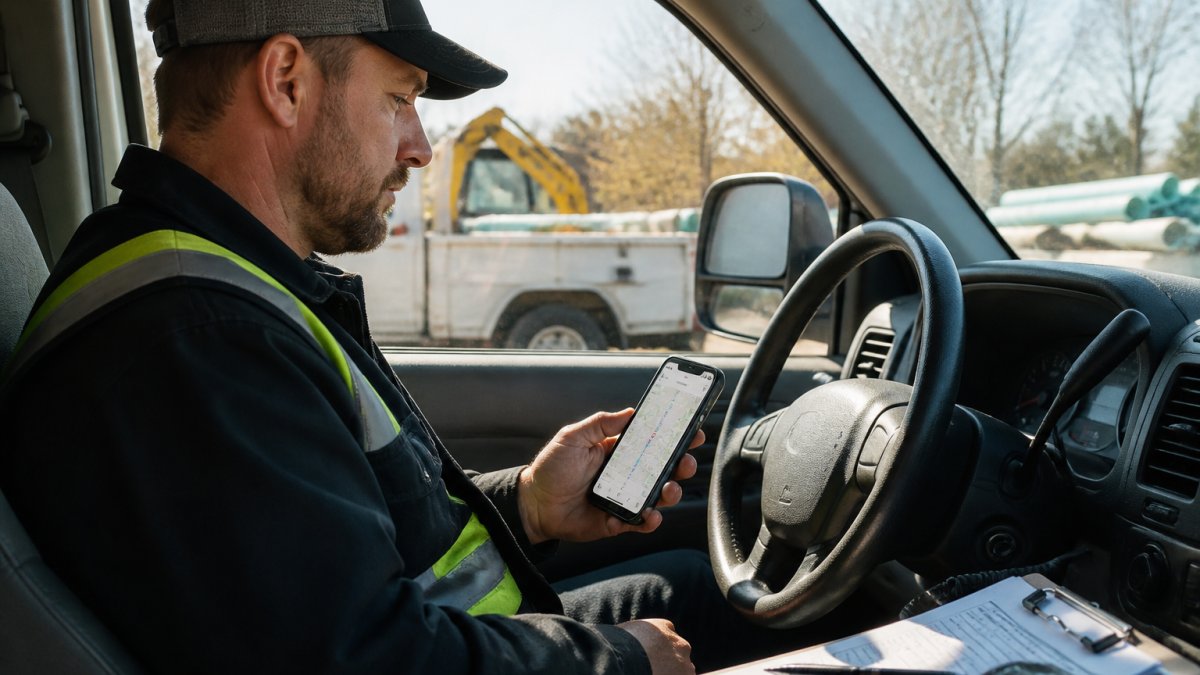
The technology stack supporting this has matured significantly. Cloud platforms handle the heavy lifting, storing data, syncing across devices, and ensuring crews stay connected even in areas with spotty coverage.
AI in Field Service Dispatch: Automation and Predictive Routing
Artificial intelligence is reshaping how dispatchers allocate work and how routes get planned. Instead of a dispatcher manually assigning jobs based on gut feeling, AI systems analyze crew location, skill sets, current workload, and historical performance to suggest the best match. The result is faster job completion and fewer callbacks.
Predictive routing goes a step further. AI examines traffic patterns, weather, and job complexity to calculate the most efficient route, not just the shortest one. A crew might save 30 minutes per day through smarter routing alone.
Common concerns about AI in dispatch center on control. Dispatchers worry they'll lose decision-making power to an algorithm. The reality is different. AI tools provide recommendations, not mandates. A dispatcher who knows a crew member works better on certain job types can override an AI suggestion.
Real-Time Data Sharing and Communication
Real-time data sharing eliminates the communication gaps that plague field service businesses. When a crew arrives at a job, they see the exact scope of work, customer notes, and any special requirements. When they finish, they log completion instantly. The office sees it immediately and can trigger the next steps, invoicing, scheduling follow-up work, or notifying the customer.
This transparency works both ways. Customers can track their crew's arrival window within 15 minutes. Office staff can answer customer calls with accurate information instead of guessing. Field workers get instant feedback if they need clarification on a job.
Silent dispatching, sending job details to a mobile device rather than over radio, is becoming standard. It's faster, reduces radio chatter, and creates a digital record of every assignment. For teams managing multiple crews across large areas, this alone cuts dispatch time dramatically.
Field Service Management Software Trends Shaping 2026
The field service software landscape is consolidating around a few core capabilities, but the more useful trend for buyers is the shift from feature checklists to measurable outcomes. Businesses are moving away from point solutions, one tool for scheduling, another for invoicing, a third for tracking, toward all-in-one platforms that handle scheduling, work orders, crew tracking, and payments in a single system.
Mobility is non-negotiable now. Every serious field service platform offers a mobile app that works offline. Crews don't need constant connectivity to do their jobs, the app syncs data when the connection returns. This matters in rural areas, underground work, or anywhere signal is unreliable.
Customization without complexity is another trend. Teams have different workflows, different terminology, and different pain points. Modern platforms let you configure work order templates, custom fields, and approval processes without requiring a developer. This means the software adapts to your business, not the other way around.
A Practical Evaluation Framework
Most practitioners find that four metrics separate a platform that looks good in a demo from one that performs in the field:
- Response time: the elapsed time from job request to crew arrival, measured at the 50th and 90th percentile, not just the average.
- Dispatch accuracy: the percentage of jobs assigned to a crew with the required skill and equipment on the first attempt, without reassignment.
- Radio-channel utilization: the share of dispatch communication moved to digital data exchange, which reduces radio traffic and creates an audit trail.
- Field productivity: completed jobs per crew per day and first-time-fix rate, both tracked before and after rollout.
Total Cost of Ownership and Procurement
The SERP rarely covers budgets, so this is where a focused guide can add value. Total cost of ownership for mobile dispatch includes subscription or license fees, implementation and data migration, device and mounting hardware, connectivity plans, training time, and the internal labor to configure workflows. Procurement should also account for integration effort with accounting and customer relationship systems, because manual data entry often reappears at the seams between tools.
A common pattern is to phase the rollout: start with scheduling and digital work orders, then add payments and customer notifications, then layer in AI-assisted routing once you have clean historical data. Phased migration reduces risk and gives you baseline metrics to compare against.
Interoperability and Legacy Migration
Integration is mentioned broadly across competitors, but the practical question is legacy compatibility. If your dispatch center still runs a computer-aided dispatch (CAD) system and radio workflows, ask how the mobile platform exchanges data with it: through an API, a data standard, or a middleware layer. Data standards matter because they determine whether location updates, job statuses, and unit recommendations flow without manual rekeying. A phased migration that runs mobile and legacy systems in parallel for a defined period is usually safer than a hard cutover.
Security, Privacy, and Resilience
Dispatch-specific security risks deserve explicit treatment. Device loss and theft, shared logins, and sensitive location data are common weak points. Look for role-based access controls, remote wipe, encryption in transit and at rest, and audit logs that record who changed a job assignment and when. Resilience means the system degrades gracefully during outages: crews should be able to continue working offline and sync later, and dispatchers should have a fallback procedure when the primary network is unavailable.
Accessibility and Field Usability
Accessibility and usability are not afterthoughts. Crews work in gloves, in bright sunlight, in noisy environments, and sometimes one-handed. Interfaces should support large touch targets, high-contrast modes, voice input where hands-free interaction is required, and screen-reader compatibility for office staff. Offline operation and low-connectivity workflows should be tested in the actual conditions your teams face, not just in a conference room.
Digital Work Order Management Best Practices
Digital work orders eliminate the paper chase that wastes time and creates errors. A well-designed work order captures everything a crew needs: customer contact info, job scope, materials on hand, equipment required, and any special instructions.
The best practice is to keep work orders simple but complete. Too many fields overwhelm crews and slow them down. Too few fields leave gaps that create rework. Start with the essentials: what, where, when, and who. Add custom fields only when they directly impact job execution or billing accuracy.
Approval workflows matter more than most teams realize. If a crew can mark a job complete without verification, quality suffers. A simple approval step, office staff or a supervisor reviewing photos and notes before marking the job done, catches problems early. This prevents customer disputes and rework down the line.
Connectivity Advances: 5G and Beyond
5G networks are rolling out across the country, and field service businesses will feel the impact. Faster data speeds mean large files, photos, videos, documents, upload in seconds instead of minutes. This matters when crews need to send before-and-after photos to customers or when office staff need to review a job site remotely.
The real benefit of 5G isn't just speed. It's reliability and lower latency. Crews get instant confirmations that their data synced. Video calls with customers or office staff happen without lag. For businesses doing remote diagnostics or virtual inspections, this is transformative.
Private 5G networks are emerging as an option for large operations. Instead of relying on public carriers, some businesses are deploying their own networks on job sites or across service areas. This guarantees consistent coverage and security. It's not practical for every business, but for operations with high-value equipment or sensitive data, it's worth evaluating.
The Offline and Low-Connectivity Reality
Most competitors treat connectivity as a solved problem. It isn't. Crews work in basements, rural areas, parking structures, and industrial sites where signal is unreliable. The practical design principle is offline-first: the mobile app should let crews view assigned jobs, capture photos and signatures, record time and materials, and collect payment authorization without a live connection, then synchronize when connectivity returns.
Offline-first introduces synchronization challenges. Two devices may edit the same work order, or a crew may complete a job while the office reassigns it. Look for conflict resolution rules, timestamped change logs, and clear indicators of what has synced and what is pending. A common pattern is to queue writes locally and reconcile on reconnect, with the office notified of any conflicts.
Fallback and Resilience
Connectivity planning should include fallback paths. If the primary cellular network is congested or down, crews should be able to switch to another carrier or a local hotspot without losing work. Dispatchers should have a documented procedure for continuing operations when the mobile platform is unreachable, including how to record assignments and reconcile them later. Resilience is less about the fastest network and more about graceful degradation.
What to Ask Vendors
When evaluating mobile dispatch platforms, ask how the app behaves when connectivity drops mid-job, how long offline data is retained, how conflicts are surfaced to dispatchers, and whether the platform supports multiple carriers or private network configurations. These questions separate a platform built for field conditions from one built for a demo.
Preparing Your Team for Mobile Dispatch Evolution
Technology adoption succeeds or fails based on how well your team embraces it. Start by involving crew members in the selection process. Ask them what frustrates them about current systems.
Training matters more than most businesses invest. Set aside time for hands-on practice before going live.
Expect resistance initially. Change disrupts routine, even when the change improves things. Acknowledge the adjustment period. Celebrate quick wins.
The future of mobile dispatch technology isn't about flashy features, it's about eliminating friction. Less time coordinating means more time doing actual work. Less manual data entry means fewer billing errors and faster payment.
SolvPro brings these capabilities together in a single platform designed for field service teams that need simplicity without sacrificing power.
Get started today and see how your team can finish jobs faster and get paid sooner.
Frequently Asked Questions
How is AI changing mobile dispatch technology?
AI is automating job assignment, optimizing routes in real time, and predicting resource needs before they become bottlenecks. In mobile dispatch, AI algorithms analyze historical data and current conditions to match the right technician to each job, reducing travel time and missed appointments. This automation also frees up dispatchers to focus on complex scheduling decisions rather than routine task allocation.
What role does real-time data play in modern field service dispatch?
Real-time data enables dispatchers and field teams to communicate instantly about job changes, delays, and customer requests. When technicians can access live job details, customer notes, and inventory status on mobile devices, response times improve and rework decreases. Real-time visibility also helps business owners track productivity and identify bottlenecks as they happen, not after the day ends.
How will 5G impact mobile dispatch efficiency?
5G provides faster, more reliable connectivity for mobile dispatch operations, enabling larger file transfers, video consultations with customers, and seamless cloud application access in the field. For field service teams, this means technicians can upload photos, documents, and job completion data instantly, reducing administrative delays. The improved bandwidth also supports advanced features like augmented reality troubleshooting guides and real-time video support.
What are the most important features to look for in modern dispatch software?
Prioritize mobile-first design, real-time job tracking, automated scheduling, and integration with your existing accounting tools. Cloud-based platforms ensure your team can access information anywhere, while bilingual support matters if your crews speak multiple languages. Look for systems that simplify work order creation, reduce manual data entry, and provide visibility into job profitability so you can make faster business decisions.