 how-to
How to Train Field Technicians on New Digital Tools
Table of Contents
- Why Field Technician Training on Digital Tools Fails Without a Plan
- Step 1: Assess Digital Skills Before You Roll Out Anything
- Step 2: Build Your Field Service Software Training Checklist
- Step 3: Run Field Service Technician Onboarding in Manageable Phases
- Step 4: Plan Mobile App Training for Field Technicians Around Real Job Sites
- Step 5: Apply Field Technician Training Best Practices for Retention
- Step 6: Measure Adoption With Tool-Specific Metrics
- Get Your Crews Started on SolvPro Today
- Frequently Asked Questions
Last Updated: November 8, 2026
Why Field Technician Training on Digital Tools Fails Without a Plan
Most field service teams don't fail at software because the software is bad. A planned rollout gives crews time to practice before the next job, and on-site team training can help make new digital tools part of the workday rather than another login to ignore.
The tool is rarely the problem. The rollout is.
Technicians are hired for hands-on skill, not screen time. Treat training as an afterthought and you get silent resistance, missed work orders, and unlogged dispatch calls.
Below, we'll walk through how to train field technicians on new digital tools step by step, from the first skills check to the adoption numbers you report to ownership.
Step 1: Assess Digital Skills Before You Roll Out Anything
Start by finding out what your crew can already do. A quick skills check saves weeks of guesswork.
Ask each technician three questions:
- Have you used a smartphone app for work before?
- Do you enter your own time and notes, or does someone else?
- How comfortable are you with photos and forms on a phone?
Then watch them do one real task, like photographing a completed job and adding a note. Confidence often varies within one crew, so a veteran may struggle with a menu while a newer hire adopts quickly.
Group results into three tiers: confident, cautious, and needs one-on-one help. That grouping shapes everything that follows.
Step 2: Build Your Field Service Software Training Checklist
A field service software training checklist keeps the rollout honest. Without one, training drifts into "watch me do it once" and nothing sticks.
Build the checklist around tasks, not features. Technicians don't need to know every setting. They need to complete the jobs that pay the bills.
| Training Task | Why It Matters | Practice Format |
|---|---|---|
| Log in and find today's jobs | Starts every shift | 10-minute walkthrough |
| Open and close a work order | Tracks job status | Role-play with a real job |
| Capture photos and notes | Protects against disputes | Photo drill on a live site |
| Record time on site | Feeds payroll and job costing | Timed practice run |
| Collect a signature or payment | Speeds up getting paid | Paired practice |
| Sync after a dead zone | Prevents lost data | Offline drill |
Keep the checklist to tasks a technician touches weekly. Everything else can wait for month two.
Step 3: Run Field Service Technician Onboarding in Manageable Phases
Field service technician onboarding works best in phases, not one long session.
Phase one: watch and copy. A trainer demonstrates the core tasks on a real device.
Phase two: practice on real work. Pair each technician with a buddy for their first live jobs using the tool.
Phase three: solo with a safety net. Technicians work alone but know who to call.
For a deeper walkthrough of getting crews into scheduling tools specifically, see how to onboard new crew members quickly into scheduling software.
Step 4: Plan Mobile App Training for Field Technicians Around Real Job Sites
Mobile app training for field technicians has to happen where the work happens. A conference room teaches the buttons; a job site teaches the workflow. Connectivity and device constraints are two common reasons adoption stalls.
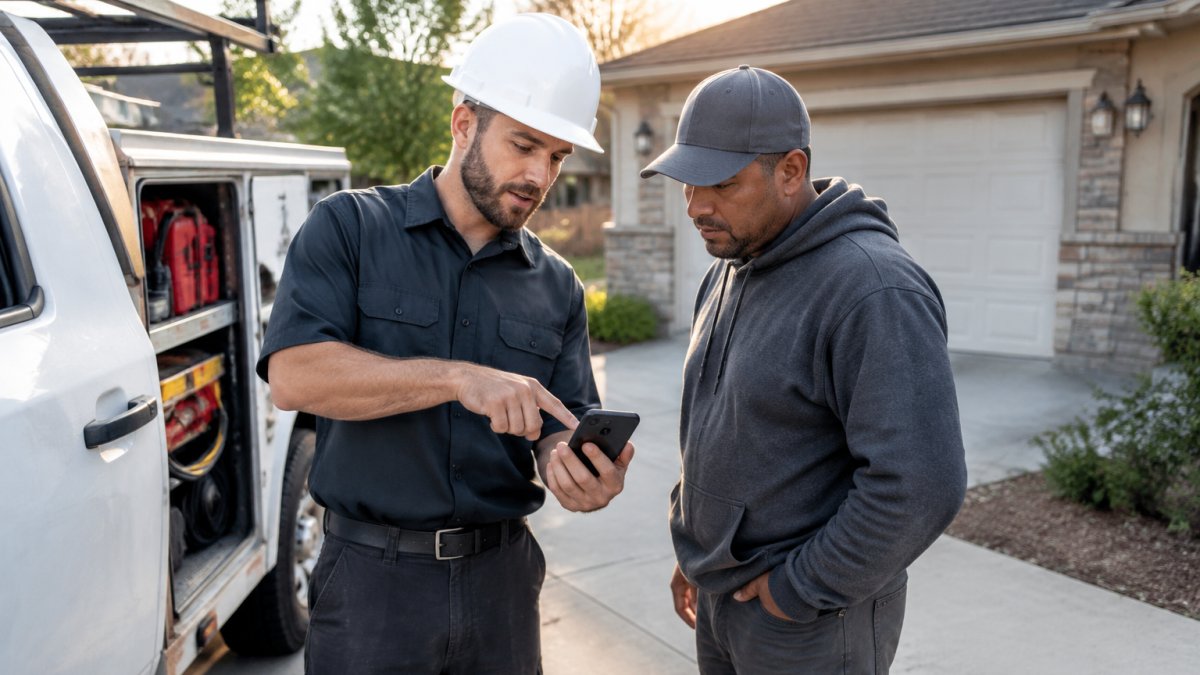
Train in the conditions technicians actually face
Build every practice session around the physical realities of the job:
- Bright sun that washes out a screen, practice at midday with brightness at maximum and auto-brightness off, then confirm they can read a work order and tap the right buttons.
- Gloved hands and small buttons, drill in the gloves the crew actually wears. A technician who cannot hit a signature box with a glove on will skip it.
- Spotty signal in basements, rural lots, and metal buildings, the condition that causes the most silent data loss, and it deserves its own drill (below).
Run a real offline drill, not a demo
Offline mode is the feature technicians trust least until they have seen it work. Do not explain it, prove it. The drill has four steps:
- Put the device in airplane mode before the technician starts the job.
- Have the technician open the assigned work order, add photos, enter notes, and record time on site, all while offline.
- Close the work order and confirm the app shows it as pending sync, not lost.
- Turn airplane mode off and watch the sync complete. Confirm the office sees the same record.
Run this drill once per technician during onboarding and again before any week in a known dead zone. Crews who complete it are less likely to re-enter work orders on paper "just in case."
Test the devices before you test the people
Training fails when the hardware does. Before the first session, confirm on the actual devices the crew will carry:
- The app opens and syncs on the oldest phone in the fleet, not just the newest.
- Battery life survives a full shift with location and photo capture running.
- Storage has room for a day of photos at the resolution the app captures.
If a device cannot pass these checks, fix or replace it before training. A technician who blames the tool for a slow phone will not distinguish between the two, and adoption stalls for reasons unrelated to the software.
Teach the recovery path, not just the happy path
Technicians need to know what to do when something goes wrong, because the first failure without a recovery plan is when crews quietly go back to paper. Cover these three scenarios explicitly:
- The sync fails. Show where pending records appear and how to retry. Confirm the technician knows the record is not lost.
- The app crashes mid-job. Show how to reopen the draft and confirm what was saved.
- The signal never returns before end of shift. Show how to flag the record for the office so dispatch knows the job is complete even if the data has not landed yet.
It also helps to show crews the benefits up front. Our guide to mobile work order apps for technicians covers what changes when paperwork moves to the phone, and the mobile app features for field service technicians shows exactly which features they'll be trained on.
Watch out: training offline mode only in a conference room on Wi-Fi teaches technicians that the feature is theoretical. If they have not seen a sync complete after a real dead-zone job, they will not trust it on a live site.
Step 5: Apply Field Technician Training Best Practices for Retention
Field technician training best practices share one theme: repetition beats intensity. A four-hour session loses most of its value by the next morning.
- Short, recurring sessions. Short, recurring sessions tend to work better than one long class.
- Peer coaches. Pick your fastest adopter as the go-to person. Crews ask peers before managers.
- Bilingual materials. If crews work in English and Spanish, train in both. Half-understood instructions become skipped steps.
Watch out: skipping the peer coach role is the most common mistake we see. One motivated technician on each crew does more for adoption than any manual.
For the people side of the transition, these field service change management best practices pair well with any software rollout.
Step 6: Measure Adoption With Tool-Specific Metrics
You can't manage adoption you don't measure. Pick a handful of numbers and check them weekly. The mistake most teams make is measuring logins and calling it adoption, a technician can log in every day and still run the job on paper. Tool-specific metrics have to track whether the work itself moved into the tool.
Define proficiency per role before you measure it
Adoption looks different for a new hire, an experienced technician, a supervisor, and a dispatcher. Set a proficiency definition for each role so the numbers mean something:
- New hire: completes a full week of assigned jobs in the app with no help requests and no paper backup.
- Experienced technician: completes jobs in the app and uses at least one advanced feature weekly, photo annotation, signature capture, or parts lookup.
- Supervisor: reviews and approves work orders in the app and can answer the crew's top three questions without escalating.
Write these definitions down before launch. They become the target every training session is built to hit, and they stop the rollout from drifting into "everyone seems to be using it."
Track these numbers weekly
- Work orders closed in the app versus on paper, the core adoption signal.
- Photos attached per job, a sign technicians trust the tool as evidence.
- Time from job completion to invoice, the cash flow signal ownership will ask about.
- Login rate per technician per day, a leading indicator, never proof of adoption on its own.
Set a time-to-proficiency target and report it
Time to proficiency matters most. Note the date each technician starts and the date they complete a full week without asking for help. That gap is your real training cost, and it shrinks with every rollout you run.
Set a target before launch, for example, a new hire reaching solo proficiency within two weeks and an experienced technician within one, and report actuals weekly. When a technician misses, the cause is usually a device problem, a missing recovery path (see the offline drill in Step 4), or a role definition that was never explained. Each has a different fix, and the metric tells you which one you are looking at.
Close the loop with the crew
Share the numbers with the crew. Technicians respond to visible progress, especially fewer callbacks and faster pay. Pair the dashboard with a short weekly feedback question, what is still confusing, and what would make the tool faster, and fix the top complaint before the next session.
Watch out: reporting adoption numbers to ownership before the crew has seen them first can erode trust. Show the technicians their own progress before it becomes a management report.
Get Your Crews Started on SolvPro Today
Training a crew on new tools is a project, not a memo. Assemble the skills check, build the checklist, phase the rollout, and measure what changes.
SolvPro is built for exactly this transition. Crew Scheduling & Dispatching, Work Order Management, field time tracking, and Profit Visibility™ & Real-Time Job Costing live in one mobile-friendly platform, with bilingual support in English and Spanish so every crew member trains in the language they think in.
See how scheduling, crew tracking, and job costing work together on the SolvPro platform, then get your crews trained and running.
A crew that never adopts the tool costs you the same as one that never showed up.
Frequently Asked Questions
How long does it take to train technicians on new software?
Plan for a structured training period of a few weeks before crews run jobs solo on a new platform. Break it into short sessions of 20 to 30 minutes rather than one long class. Practicing on real work orders during that window can help technicians reach proficiency sooner. Track time to proficiency per technician so you can spot who needs extra coaching before mistakes reach customers.
How do you get field technicians to actually adopt new technology?
Show the personal payoff first. Technicians are more likely to adopt tools that cut their paperwork and help them finish jobs faster. Pair that with hands-on practice on their own mobile devices, a peer mentor on each crew, and a feedback loop where their complaints about the app get answered. Field service software training that ignores crew input can lose momentum quickly.
What should a field service software training checklist include?
A solid checklist covers account setup, work order creation and closing, photo and note capture, time tracking, dispatch notifications, digital signatures, payment collection, and offline behavior when the signal drops. Add a line for bilingual materials if your crews work in English and Spanish. Run each item as a pass or fail during a supervised job, not as a quiz. That gives you a clear record of who is ready for solo dispatch.
How do you measure whether field technology training is working?
Watch tool-specific numbers rather than attendance. Useful metrics include the percentage of work orders closed in the field on the same day, average time from job completion to invoice, photo and note completion rates, and how often technicians call the office for help with the app. Compare the first two weeks after launch to the month before. If same-day close rates climb and support calls fall, the training is sticking.