 ultimate-guide
Field Service Change Management: 7 Best Practices
Table of Contents
- Why Field Service Change Management Fails Without a Plan
- Build a Field Service Change Management Plan Before You Touch a Tool
- Create a Change Management Communication Plan That Reaches the Truck
- Drive Field Service Software Adoption With Frontline Technicians
- Roll Out Field Service Management Implementation in Phases
- Protect Service Continuity and the Customer Experience During the Switch
- Measure Adoption and Outcomes, Then Keep Improving
- Frequently Asked Questions
Last Updated: October 20, 2026
Why Field Service Change Management Fails Without a Plan
Field service change management is the discipline of moving a field service operation through a technology or process change without losing jobs, revenue, or technicians along the way.
That gap is expensive.
Here's what most guides get wrong: they treat field service change management as a communication problem. It isn't. It's an operations problem with a communication layer on top.
Build a Field Service Change Management Plan Before You Touch a Tool
A field service change management plan is a written sequence of decisions, risks, owners, and dates that governs how your operation moves from the current system to the new one.
Most owners do this in reverse. They buy the tool, then scramble to plan the rollout. That order guarantees resistance, because technicians hear "change" before they hear "why."
Start with three documents, no more than a few pages total:
- A one-page change charter naming the change, the owner, the timeline, and what success looks like
- A risk register listing what could break and who owns each mitigation
- A rollout calendar showing which crews move when
The charter matters more than it looks. It gives you a single reference point when a crew lead asks why the schedule format changed.
Define the Change Goals and the Vision Techs Can Repeat
Write your change goals as outcomes a technician can repeat in one sentence.
Weak goal: "Improve operational efficiency through digital transformation."
Goal a tech can repeat: "We're moving work orders off paper so invoices go out the same day and you stop chasing signatures."
The second version names the change, the mechanism, and the payoff. That's the standard. Test every goal statement against it. If it takes more than one breath, cut it down.
Also separate goals from wishes. "Reduce paperwork" is a goal. "Everyone will love the new app" is a wish.
Run a Risk Assessment on Scheduling, Data, and Cash Flow
A change risk assessment for field service should focus on three systems that touch every job: scheduling, data, and job costs. Rank each risk by likelihood and impact, then assign an owner and a mitigation.
The risks that bite hardest are rarely the ones on the vendor's checklist. In practice, the top three are:
| Risk | What Goes Wrong | Mitigation |
|---|---|---|
| Scheduling cutover | Crews dispatched to the wrong job or double-booked during the switch | Run both systems in parallel for one full billing cycle |
| Data migration | Old work order history, customer notes, or pricing tables lost or garbled | Export and verify records before cutover; keep a read-only archive |
| Cash flow lag | Invoices delayed while staff learn the new billing flow | Pre-build invoice templates; assign one person to monitor receivables daily |
| Legacy integrations | Accounting sync breaks and payments get reconciled by hand | Test the accounting connection with live data before go-live |
| Technician resistance | Crews keep using paper "just in case" | Name a technician champion per crew and remove the paper option on a set date |
Set your risk tolerance explicitly. A landscaping company with tight summer margins should tolerate almost no cash flow risk and plenty of scheduling friction. A septic company with seasonal demand can absorb a slower schedule for two weeks but not a billing gap.
Create a Change Management Communication Plan That Reaches the Truck
A change management communication plan defines who hears what, when, and through which channel, with a specific path for messages to reach technicians who are not at a desk. If your only channel is email, you don't have a plan.
Field crews don't read email at 7 a.m. They read text messages, group chats, and whatever the dispatcher says at the morning huddle. Build the plan around those channels.
A workable structure looks like this:
- Announce the why two to four weeks out, in person, at a crew meeting. Name the problem the change solves, using job costs or invoice lag as the example.
- Follow up in writing the same day through the channel crews actually use, with a one-page summary and a named person to ask questions.
- Run weekly updates during the rollout, each under five minutes, each covering one thing that changed and one thing that didn't.
- Close the loop by reporting back what you heard. When a technician raises a problem and it gets fixed, say so publicly. That single habit does more for adoption than any launch event.
Stakeholder communication runs both directions. Dispatchers need more detail than technicians, and your accounting contact needs a different message entirely. Write separate one-paragraph briefs for each group rather than one long memo nobody finishes.
Drive Field Service Software Adoption With Frontline Technicians
Field service software adoption is the point where a technician chooses the new system over the old workaround, and it depends far more on peer influence than on training slides.
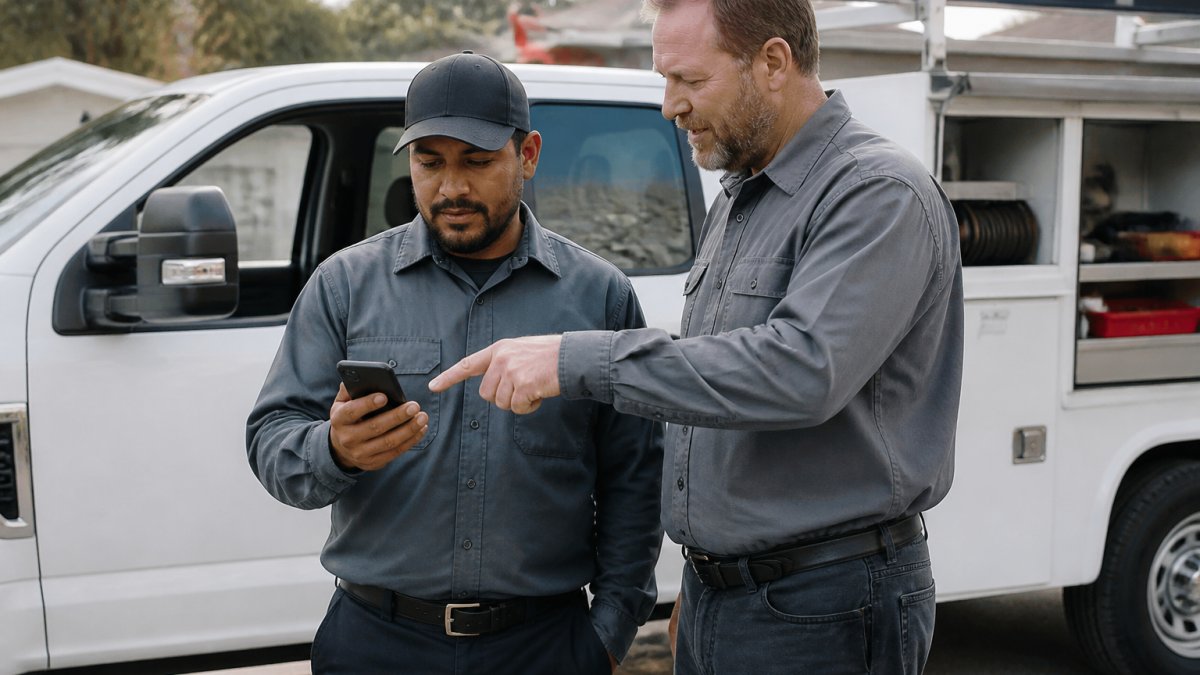
Recruit a champion on each crew before go-live. Pick the technician others already ask for help, not the one who is best with computers.
Then remove the escape hatch. As long as paper work orders sit in the truck, adoption stays optional.
Role-Specific Training and Ongoing Reinforcement
Train by role, not by feature. A dispatcher needs the scheduling board and dispatch workflow. A technician needs the mobile job view, photo capture, and signature flow. An office manager needs invoicing and the accounting sync.
Keep sessions short and tied to real jobs. A 20-minute session that walks through tomorrow's actual schedule beats a two-hour product tour.
Reinforcement matters more than the initial training. Plan for a short refresher at 30 days, a check-in at 60, and a review of common mistakes at 90.
Roll Out Field Service Management Implementation in Phases
A phased field service management implementation moves one crew, one service line, or one location at a time, proving the process before scaling it.
A typical four-phase sequence:
| Phase | Scope | Duration | Exit Criteria |
|---|---|---|---|
| 1. Pilot | One crew, one service type | 2-3 weeks | Pilot crew completes a full billing cycle in the new system |
| 2. Expand | Two to three additional crews | 3-4 weeks | Scheduling and dispatch run without parallel paper |
| 3. Full rollout | Remaining crews and locations | 4-6 weeks | All work orders created digitally; invoicing on schedule |
| 4. Stabilize | Whole operation | 30-60 days | Adoption metrics hold steady; workarounds retired |
Pick your pilot crew carefully. You want a mix of skeptical and capable, not your most enthusiastic team. A pilot that only works because the believers carried it tells you nothing about the crews who will resist.
Run parallel systems for one billing cycle during the pilot. It's extra work, and it's the cheapest insurance you'll ever buy against a cash flow gap.
Protect Service Continuity and the Customer Experience During the Switch
Service continuity means customers experience no drop in response time, job quality, or billing accuracy while your internal systems change. Customers don't care about your implementation timeline.
Two things protect the customer experience during a switch. First, keep dispatch running on a known-good process until the new one is proven, even if that means a short parallel period.
Watch these customer-facing risks closely:
- Missed or delayed appointments during the scheduling cutover
- Duplicate invoices when old and new billing run side by side
- Signature and documentation gaps if digital contracts aren't set up before go-live
- Payment confusion when the payment method or link changes
Assign one person to review the day's completed jobs and outbound invoices during each rollout phase. That daily check catches most continuity failures within hours instead of at month-end.
Measure Adoption and Outcomes, Then Keep Improving
Measure adoption with leading indicators, not just the financial results that show up a quarter later. Adoption metrics tell you whether the change is sticking while you can still fix it.
Track a small dashboard weekly during the rollout:
- Percentage of work orders created in the new system versus paper or spreadsheets
- Time from job completion to invoice sent
- Number of manual workarounds reported by crews
- Training completion by role
- Technician-reported issues, with time to resolution
Then connect those to business outcomes: days sales outstanding, job cost accuracy, and callback rates.
Keep a short continuous improvement loop after stabilization. A monthly 15-minute review with one technician, one dispatcher, and one office lead surfaces the small frictions that quietly erode adoption over time.
That's where an all-in-one platform earns its keep.
Frequently Asked Questions
What should a field service change management plan include?
A workable plan covers six parts: clear change goals, a risk assessment of scheduling and data, named roles and responsibilities, a communication schedule, a training plan by role, and adoption metrics. Add a phased rollout timeline so dispatch and billing never stop mid-switch. Write it down and share it with crew leads before day one, because technicians trust a plan they can see. Review it weekly during the first month and adjust based on what the field reports back.
How do you prepare field technicians for a new process or software?
Start with the people who resist least and let them test the tool on real jobs first. Train by role rather than in one big session: dispatchers need scheduling and dispatch views, technicians need mobile work orders and time tracking, and office staff need invoicing. Keep sessions short and hands-on with the actual device. For bilingual crews, confirm the platform shows work orders and customer messages in both English and Spanish so nobody translates on the fly.
How can managers reduce resistance to change among field service teams?
Resistance usually comes from uncertainty, not stubbornness. Name the crew leads who will champion the change and give them early access. Explain what stays the same, such as pay structure and job assignments, before explaining what changes. Let technicians report problems without penalty during the first weeks. When someone finds a faster way to close a work order in the new system, share it in the next huddle so the team sees the change paying off in their own day.
How do you measure whether a field service change is working?
Pick a small set of numbers before rollout and track them monthly: jobs completed per technician, average time from job completion to invoice sent, first-visit resolution rate, and how many work orders are closed in the field versus back at the office. Pair those with a short adoption check, like the share of technicians logging time in the app daily. If invoicing lag drops and field closures rise, the change is landing. If not, fix training before adding more features.
How long does it take to implement a field service management system?
Small teams often run a first phase in a few weeks: set up scheduling, work orders, and customer records, then pilot with one crew. Full rollout across multiple crews and integrations, such as connecting accounting software for invoicing, usually takes a few months. The timeline depends more on data cleanup and training than on the software itself. Plan for a stabilization period after go-live where someone owns questions daily and fixes gaps in the workflow.
What are common change management challenges for field service teams?
The recurring ones are legacy data that does not migrate cleanly, technicians who lose mobile signal on site, dispatchers clinging to whiteboards, and office staff double-entering jobs in two systems during the transition. Another is skipping stakeholder communication, which leaves crew leads hearing about the change last. Address these with a risk assessment before rollout, a clear cutover date for retiring old systems, and a named person who answers field questions during the first month.
Rolling out a field service change without disrupting jobs, invoices, or crews is hard, and most operations try to do it on spreadsheets and hope. SolvPro gives you one platform for scheduling, dispatch, work orders, digital contracts, and payments, with bilingual support and QuickBooks Online integration, so your rollout has a stable foundation instead of a patchwork. Get started with SolvPro and move your crews onto a system they'll actually use.