 listicle
Field Service Automation Trends for 2026: What to Adopt
Last Updated: November 5, 2026
Quick Summary
Field service automation trends for 2026 center on AI that decides what should happen next, not just records it. The trends worth adopting are AI job scoring and estimate drafting, scheduling and dispatch optimization, predictive maintenance with IoT monitoring, and automated invoicing, matched to your service model.
- AI agents pay off most in job scoring, estimate drafting, and automated follow-ups.
- Scheduling automation is the fastest payback and the best starting point for small teams.
- Predictive maintenance needs four layers, including alert routing and closed-loop follow-up.
- Build the ROI case from four numbers: admin hours, billing lag, first-time fix, and overtime.
- Choose the platform your least tech-savvy tech will actually use, not the longest feature list.
Table of Contents
- Why 2026 Is a Turning Point for Field Service Automation
- AI in Field Service Management: Agents, Estimates, and Job Scoring
- Field Service Scheduling Automation and Dispatch Optimization
- Predictive Maintenance and IoT-Enabled Equipment Monitoring
- Field Service Automation Examples You Can Copy This Year
- Building the ROI and Governance Case for Automation
- Field Service Management Best Practices for a 2026 Rollout
- Choosing the Platform That Fits Your Crews and Your Growth
- Frequently Asked Questions
Why 2026 Is a Turning Point for Field Service Automation
Field service automation trends for in 2026 center on one shift: software no longer just records what happened, it decides what should happen next. Industry outlooks from ServicePower's 2026 Field Service Management Trends Report and Salesforce's field service trend analysis both point to AI, automation, and unified platforms as the defining themes of the year. Readers wanting a broader view of where mobile dispatch technology is heading can explore future trends in mobile dispatch technology next.
Below, we break down what's actually worth adopting, what to skip, and how to roll it out without torching your current workflow.
AI in Field Service Management: Agents, Estimates, and Job Scoring
AI in field service management means software that scores jobs, drafts estimates, and routes work based on patterns rather than gut feel. It's the biggest theme in every 2026 trend report, and also the most overhyped.
Where AI Agents Help Most in Daily Operations
AI agents earn their keep in three unglamorous places:
- Job scoring: ranking incoming requests by profitability and urgency so dispatchers stop guessing
- Estimate drafting: pulling from past jobs to produce a starting number a human can adjust
- Automated follow-ups: nudging customers for approvals and reviews without anyone remembering to
The mistake we see most is buying AI for the headline and skipping the basics. An AI agent is only as good as the data behind it. If your job history lives in a spreadsheet, the agent has nothing to learn from.
Field Service Scheduling Automation and Dispatch Optimization
Scheduling automation is where most small teams should start, because it pays off fastest. Automated scheduling assigns jobs by skills, location, and availability, then dispatch optimization sequences the day to cut windshield time.
What most guides miss is the parts tracking angle. A perfectly routed crew still stalls if the wrong part is on the truck.
If your team is small, a practical walkthrough of automating field service scheduling is a useful next step before you buy anything.
Predictive Maintenance and IoT-Enabled Equipment Monitoring
Predictive maintenance uses connected devices and machine learning to flag equipment problems before a breakdown (What is Predictive Maintenance?).
The mechanics matter more than the marketing. A working predictive program has four layers, and most failed rollouts skip one of them:
- Sensors and telematics: vibration, temperature, pressure, hour-meter, and fault-code data pulled from equipment or from the vehicle's onboard diagnostics. On smaller fleets, a plug-in telematics device is often enough to start.
- Thresholds and models: simple rules (hours since last service, fault-code frequency) catch most issues; machine learning adds value once you have enough history to spot patterns rules miss.
- Alert routing: every alert needs an owner, a response window, and a destination, a work order, not an inbox. Route critical alerts to dispatch and routine ones to a scheduled maintenance queue.
Many teams start with the assets that hurt most when they fail rather than instrumenting everything at once.
Watch out: IoT-enabled monitoring only works when someone acts on the alert.
Connectivity is another practical constraint.
For teams ready to build the habit, this step-by-step preventive maintenance guide covers the rollout in detail.
Field Service Automation Examples You Can Copy This Year
Field service automation examples worth copying are boring on purpose. They save minutes, not headlines.
- Auto-assignment by zone: new requests route to the nearest qualified tech without a phone call.
- Digital work orders: techs complete jobs on a phone, with photo documentation attached.
- Automated invoicing: the invoice generates at job completion instead of sitting in a truck for days.
- Predictive scheduling: recurring landscaping visits book themselves for the season.
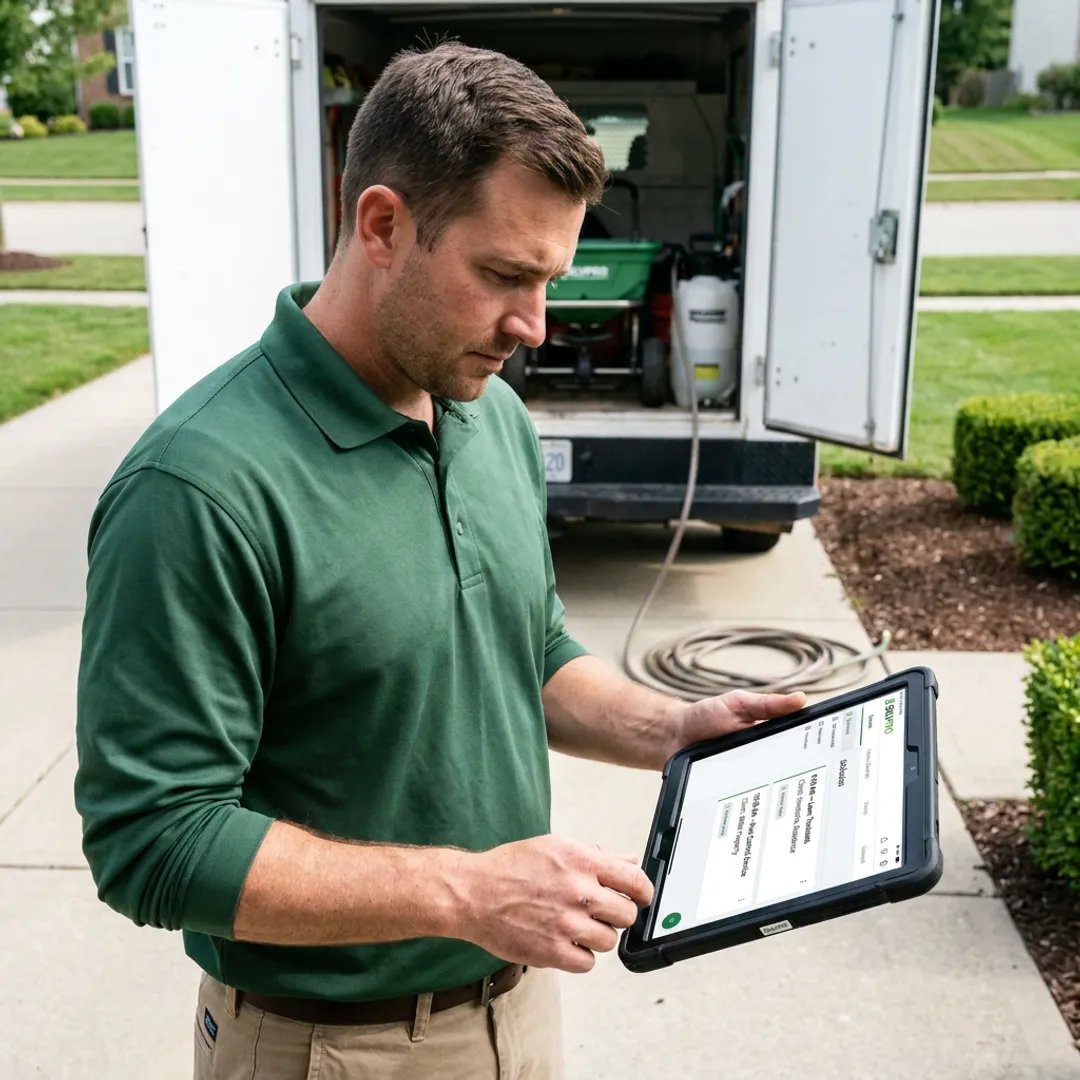
Automation by Service Model: Landscaping, Cleaning, and Excavation
A landscaping company lives on recurring jobs, so recurring job and service management does most of the work. Cleaning crews need fast checklists and photo proof per site. Excavation is different: change orders and job costing matter more than route density, because one scope change can wipe out a margin.
Match the automation to the service model, not the other way around. That single decision prevents most failed rollouts.
Building the ROI and Governance Case for Automation
Most field service automation pitches fail in the budget meeting, not on the job site. The fix is to build the business case before you buy, using numbers your own operation already produces. Automation ROI comes from three measurable places: less administrative workload, faster job completion, and quicker cash collection.
A Simple ROI Model You Can Run This Week
You don't need a finance team to build a defensible case. Pull four numbers from last month and run the arithmetic:
- Administrative hours saved: count hours the office spends on dispatch calls, scheduling changes, and manual invoicing. Multiply by the loaded hourly rate. Measure how much routine dispatch time automated scheduling and auto-assignment remove after a pilot rather than assuming a share in advance.
- Billing lag reduction: find the average days between job completion and invoice sent. Every day of lag is cash sitting in a truck. Moving invoicing to job completion compresses that gap; multiply the days saved by average daily billings to estimate the cash freed up.
- First-time fix improvement: track the percentage of jobs closed on the first visit. Fewer return trips means fewer truck rolls, less fuel, and less unbilled windshield time. Value each avoided return trip at your fully loaded cost per visit.
- Overtime and travel reduction: route optimization and zone-based assignment cut drive time. Compare overtime hours and miles per completed job before and after.
Add the four together for an annual benefit, then divide by the total first-year cost, subscription, implementation, training, and the internal time to run the rollout. The result is a payback period in months. In many operations, scheduling and invoicing automation shows savings in the office sooner than predictive maintenance, which depends on asset history.
Be conservative. Use your own measured baselines, not vendor benchmarks, and present a range rather than a single number. A business case that survives a skeptical question is worth more than an optimistic one that doesn't.
Governance and Human Oversight for AI
Governance matters just as much as ROI, and it's where most 2026 trend reports go quiet. Decide now who can override an AI recommendation, how job data gets reviewed, and what happens when the software is wrong.
A practical governance framework covers five areas:
- Data quality: AI job scoring and estimate drafting are only as good as the job history behind them. Assign an owner for customer records, job outcomes, and pricing data, and clean them before the model relies on them.
- Privacy and security: customer addresses, access notes, photos, and payment details are sensitive. Confirm who inside the company can see what, and how long records are retained.
- Model errors: estimates and job scores will sometimes be wrong. Set a review threshold, for example, estimates above a certain size get a human check, and log overrides so you can see where the model drifts.
Watch out: skipping the governance conversation is how a good rollout turns into a mutiny.
Run the ROI model and the governance checklist side by side. The first gets the budget approved; the second keeps the rollout from stalling six weeks in.
Field Service Management Best Practices for a 2026 Rollout
Field service management best practices for a rollout follow one rule: change the workflow, then the software. Teams that digitize a broken process just get broken results faster.
Start with one workflow, prove it, then expand. Train in both languages your crews actually speak. Keep the first month's goals small and specific.
Integration and Legacy-System Migration Without Downtime
Run old and new systems in parallel for one billing cycle. Clean your customer data before migration, not during it. And confirm your accounting connection up front, since a QuickBooks Online integration removes the manual sync that eats office hours.
For the people side of the switch, these change management practices are worth reading before kickoff.
Choosing the Platform That Fits Your Crews and Your Growth
The right platform is the one your least tech-savvy tech will actually use. That's the test, not the feature list.
| What to Check | Why It Matters | Red Flag |
|---|---|---|
| Bilingual work orders | Crews work in the language they think in | English-only interface |
| Mobile-first design | Job updates happen on a phone, on site | Desktop-only workflows |
| Job costing built in | You see margin per job, not per month | Costing in a separate tool |
| Accounting integration | No manual re-entry of invoices | Export-and-import only |
| Scales with crew count | Growth shouldn't trigger a rebuild | Per-crew pricing cliffs |
SolvPro is an all-in-one field service management platform covering scheduling, work orders, crew tracking, digital contracts, and payments, with bilingual support in English and Spanish and QuickBooks Online integration. If you want to see how the pieces fit, explore SolvPro's field service platform and request a quote for your crew size.
Watch out: buying on feature count alone is the most common expensive mistake. A shorter feature list that your team uses beats a long one they ignore.
Frequently Asked Questions
What field service tasks should businesses automate first?
Start with the tasks that cost the most office time: scheduling, dispatch, and work order creation. Automated scheduling and dispatch optimization remove the back-and-forth of matching crews to jobs, while digital work orders replace paper tickets that sit in trucks for days. From there, add automated follow-ups and invoice triggers so cash flow speeds up. Predictive maintenance and IoT monitoring come later, once your core scheduling and work order data is clean enough to support them.
How is AI changing field service management in 2026?
AI in field service management now covers more than chat assistants. ServicePower's 2026 trends report highlights predictive parts intelligence and computer vision for quality checks, while Salesforce points to AI agents and unified platforms as core trends. In practice, that means AI-assisted dispatch, AI-generated estimates, and predictive scheduling that flags which jobs are likely to run long. The gains show up as fewer repeat visits, tighter first-time fix rates, and less administrative workload for office staff.
How can field service businesses automate scheduling and dispatch?
Field service scheduling automation works by letting the platform assign jobs based on skills matching, location, and availability instead of a dispatcher building the day by hand. Route optimization cuts travel time between stops, and auto-assignment can route new work orders to the right technician. Start by entering accurate crew skills and service areas, then let the system propose assignments while a dispatcher reviews. Most teams keep a manual override for emergencies and complex multi-crew jobs.
What should businesses look for in field service automation software?
Look for a cloud-based platform that handles work order management, mobile job updates, and dispatch optimization in one place, rather than three tools that need manual syncing. Check integration with your accounting system, since QuickBooks Online integration removes double entry. For crews that work in both English and Spanish, confirm bilingual work orders and customer communication work natively, not through a translation add-on. Ask about onboarding support and references from businesses your size before committing.
The real challenge in 2026 isn't picking software. It's getting your crews to trust it. SolvPro handles scheduling and dispatch, work order management, real-time job costing, and digital proposals in one mobile-friendly platform, with bilingual support so every tech works in their own language. Get started with SolvPro today and finish jobs faster with fewer office calls.