 how-to
Simplify Scheduling and Dispatch to Optimize Field Routing
Table of Contents
- Why Manual Scheduling Breaks Field Routing
- Step 1: Map Your Current Scheduling and Dispatch Workflow
- Step 2: Choose Field Service Management Software for Small Business
- Step 3: Apply Dispatch Board Best Practices
- Step 4: How to Reduce Travel Time for Field Technicians
- Step 5: Train Your Crew and Track Routing Performance
- Common Mistakes That Undo Your Routing Gains
- Frequently Asked Questions
Last Updated: September 16, 2026
Why Manual Scheduling Breaks Field Routing
Manual scheduling breaks field routing because it forces dispatchers to guess at drive times, job durations, and technician skills in their heads, and those guesses compound into wasted hours. A whiteboard or spreadsheet can hold the day's jobs, but it can't tell you that sending your septic tech across three towns before lunch adds an hour of unpaid windshield time. This guide from SolvPro walks through a five-step process to simplify scheduling and dispatch so your crews spend more of the day on billable work.
The problem gets worse as you grow. With five crews, one dispatcher can hold the whole day in their head. At fifteen, that stops working. Jobs get double-booked, emergency calls shuffle the afternoon, and nobody knows where anyone actually is until they call in.
Field routing is the practice of sequencing jobs, assigning technicians, and planning travel paths so each crew completes the most work with the least driving. It's the difference between a day that runs itself and a day you rebuild by phone at 7 a.m.
Step 1: Map Your Current Scheduling and Dispatch Workflow
Write down every step between a customer call and a completed invoice, and note who touches the job at each stage. Most owners discover three or four handoffs that exist only because nobody questioned them.
A typical manual workflow looks like this:
- Customer calls the office, office writes the job on a paper slip
- Dispatcher assigns the job to a crew by memory
- Crew drives to the site, discovers the job needs a part
- Crew calls the office, office reschedules, crew drives back
- Invoice sits in the truck until Friday
That's five failure points. Each one costs time you can't bill. Track how long each stage takes for one week, then compare it to what you assumed. The gap is usually where the real money is leaking.
Scheduling assigns a job to a time and a person. Dispatch sends that assignment to the field and adjusts it in real time. They're two different jobs, and manual systems blur them together.
Step 2: Choose Field Service Management Software for Small Business
Field service management software for small business replaces the whiteboard, the paper work order, and the group text with one system that schedules, routes, and tracks jobs in real time. The right platform pays for itself by cutting drive time and getting invoices out the same day.
For a landscaping, cleaning, excavation, or septic operation, the software has to do more than route trucks. It needs to handle the paperwork your office currently chases.
Must-Have Features for Scheduling and Routing
- Drag-and-drop dispatch board that shows every crew and job on one screen
- Route optimization that accounts for traffic, job duration, and technician skill
- Mobile app for technicians to see the day's jobs, capture photos, and collect signatures
- Digital work orders and invoices so nothing sits in a truck overnight
- Bilingual support if your crews work in both English and Spanish
- Accounting integration so completed jobs flow into your books without re-typing
| Platform | Best For | Starting Price | Standout Feature |
|---|---|---|---|
| SolvPro | Small service businesses scaling past spreadsheets | Free trial available | All-in-one scheduling, bilingual work orders, QuickBooks Online integration |
| OptimoRoute | Complex multi-stop delivery routing | $35.10/month per driver | Automated route optimization |
| Onfleet | High-volume last-mile delivery | Contact for pricing | Real-time map-based dispatching |
| Routific | Small to medium delivery fleets | Contact for pricing | Fast setup, simple route planning |
| Locate2u | Service businesses needing live tracking | Contact for pricing | Strong customer communication tools |
| eLogii | Complex, high-volume logistics | Contact for pricing | Highly customizable routing constraints |
| QuoteIQ | Electrical and trade contractors | $299/month | Flat pricing with virtual call team |
How SolvPro Handles Scheduling, Dispatch, and Routing
SolvPro is built for the business that's outgrown the whiteboard but doesn't want enterprise complexity. Jobs land on a drag-and-drop dispatch board, crews see their route on a mobile app, and completed work flows into a digital invoice the customer can pay on site.
For bilingual crews, SolvPro supports work orders and customer communication in both English and Spanish, so a Spanish-speaking technician and an English-speaking homeowner can both read the same job details without translation. The QuickBooks Online integration means invoices don't wait for Friday. Digital proposals and contracts cut the back-and-forth on estimates.
A common mistake is buying a routing-only tool and discovering it doesn't handle work orders or payments. You end up with two systems and a manual bridge between them.
Step 3: Apply Dispatch Board Best Practices
Good dispatch board practices come down to two habits: make the board readable at a glance, and group jobs in the order the trucks will actually drive them. Everything else is detail.
Use Color-Coded Zones and Skill Tags
Divide your service area into geographic zones and assign each a color. Tag every technician with the skills they hold, like septic certification or excavation experience. When an emergency call comes in, you can see instantly which color zone it's in and which qualified tech is closest.
This single change removes most of the "who should take this?" phone calls that eat your morning.
Batch Jobs by Location and Priority
Stop scheduling jobs in the order they were booked. Group them by zone first, then sequence within the zone by priority and time window. A crew that does four jobs in one neighborhood drives less than a crew that does four jobs scattered across the county. Reducing these transit times requires a shift toward streamlined appointment scheduling that prioritizes geographic density to protect your transportation investment.
Step 4: How to Reduce Travel Time for Field Technicians
Cutting travel time starts with measuring it. If you don't know how many hours a week your crews spend driving, you can't tell whether a routing change helped. Pull the numbers from your dispatch board or GPS data before you change anything.
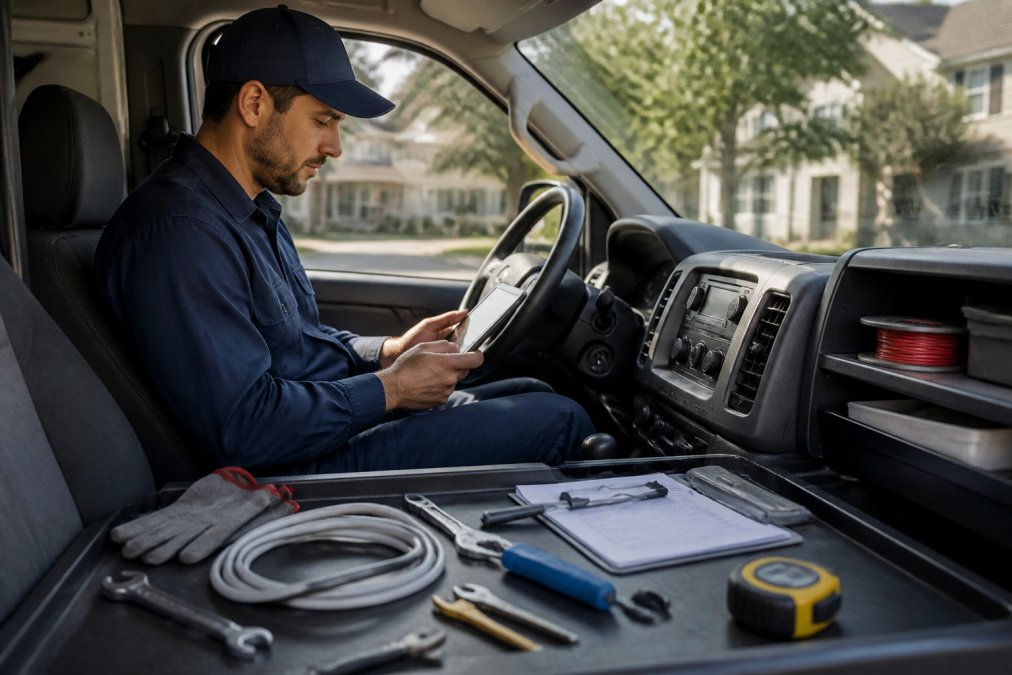
Once you have a baseline, four changes move the needle fastest:
- Cluster jobs by zone so a crew stays in one area instead of crossing the county
- Set realistic job durations in the system so routes don't assume a 30-minute job that takes 90
- Send the nearest qualified tech to emergency calls instead of the first name on the list
- Load parts and materials the night before so crews aren't making supply runs mid-day
The U.S. Department of Energy's guidance on fleet efficiency notes that route planning and idling reduction are two of the largest controllable factors in fleet fuel use, which matters when you're paying for every mile your trucks drive.
Step 5: Train Your Crew and Track Routing Performance
Training is where most routing projects quietly fail. You can buy the best software on the market, but if your technicians keep running the route from memory, nothing changes.
Start with a short, role-specific session.
Then track three numbers weekly:
| Metric | What It Tells You | Target Direction |
|---|---|---|
| Jobs per technician per day | Crew productivity | Up |
| Average drive time between jobs | Routing efficiency | Down |
| Days from job completion to payment | Billing speed | Down |
Common Mistakes That Undo Your Routing Gains
The biggest routing mistakes aren't software problems.
Frequently Asked Questions
What is the difference between scheduling and dispatching in field service?
Scheduling assigns jobs to specific dates or time windows. Dispatching decides which technician goes to which job and in what order, often on the same day. Scheduling sets the plan; dispatching adjusts it in real time. When both live in one system, a last-minute cancellation or emergency call updates the schedule and the route at once, so you avoid double-booking or sending a tech across town for a single stop.
How does route optimization software improve field service efficiency?
Route optimization software sequences stops to cut drive time, fuel use, and overtime. It factors in traffic, service windows, and technician skills, then recalculates when a job runs long. For small service businesses, even a 15% reduction in daily drive time can free up an hour per technician. That hour can become an extra job or earlier finish, which directly improves field routing and daily capacity.
What should I look for in field service management software for small business?
Look for scheduling and dispatch on one screen, mobile access for technicians, automated customer notifications, and payment collection in the field. Bilingual support matters if your crews speak English and Spanish. QuickBooks Online integration saves manual data entry. SolvPro bundles these features with digital contracts and a free trial, so you can test the workflow before committing.
How can automated dispatching reduce operational costs?
Automated dispatching cuts fuel and labor waste by assigning the nearest qualified technician and batching jobs in the same area. It also reduces after-hours admin work, because the system sends job details and updates directly to mobile devices. Fewer phone calls, less windshield time, and faster invoicing add up. Many small service businesses see lower overtime and higher jobs-per-day counts after switching from spreadsheets or whiteboards.
Manual scheduling and dispatch cap how much work your crews can finish in a day, and no amount of hustle fixes a bad route. SolvPro puts scheduling, dispatch, bilingual work orders, digital contracts, and payments in one place, with QuickBooks Online integration so completed jobs turn into invoices the same day. If your whiteboard is running out of room, start a free trial of SolvPro and see how much drive time your crews get back.