 how-to
Automating Customer Communication for Service Businesses
Table of Contents
- What Customer Communication Automation Means for Service Businesses
- How Customer Service Automation Works in Field Service Operations
- Setting Up Automated Appointment Reminders and Job Updates
- Building Customer Communication Templates That Feel Personal
- Customer Service Automation Best Practices for Service Teams
- Choosing the Right Customer Communication Automation Tools
- Common Mistakes to Avoid When Automating Customer Communication
- Frequently Asked Questions
Last Updated: October 6, 2026
What Customer Communication Automation Means for Service Businesses
Automating customer communication for service businesses transforms how you reach crews and customers. Instead of manually sending job updates, appointment reminders, or payment notifications, your system sends them automatically based on triggers you set. A customer books an appointment, and they instantly receive a confirmation text. A job wraps up, and an invoice goes out the same day. A crew member completes a task, and the office gets notified.
This isn't just about saving time on typing messages. Automation ensures nothing falls through the cracks. When communication happens automatically, it happens consistently. No more forgotten follow-ups. No more customers wondering when their service technician will arrive. For service businesses, that consistency directly impacts cash flow, customer satisfaction, and operational efficiency.
Automating customer communication for service businesses solves one of the biggest pain points: the gap between field operations and customer expectations. Crews are focused on the job. Customers want updates. Without automation, someone in the office has to manually bridge that gap. With automation, it happens on its own.
How Customer Service Automation Works in Field Service Operations
Customer service automation in field service runs on a simple logic chain: event triggers action, action sends message. A technician marks a job as "on the way," and the system sends the customer an automated text with an ETA. A payment posts to an account, and an automated email confirms receipt.
The backbone is your field service platform's integration with communication channels. When you're automating customer communication for service businesses, you're connecting your scheduling system, work orders, and payment processing to email, SMS, and sometimes voice. Each channel carries specific types of messages. SMS works for quick updates and reminders. Email handles detailed information and documentation.
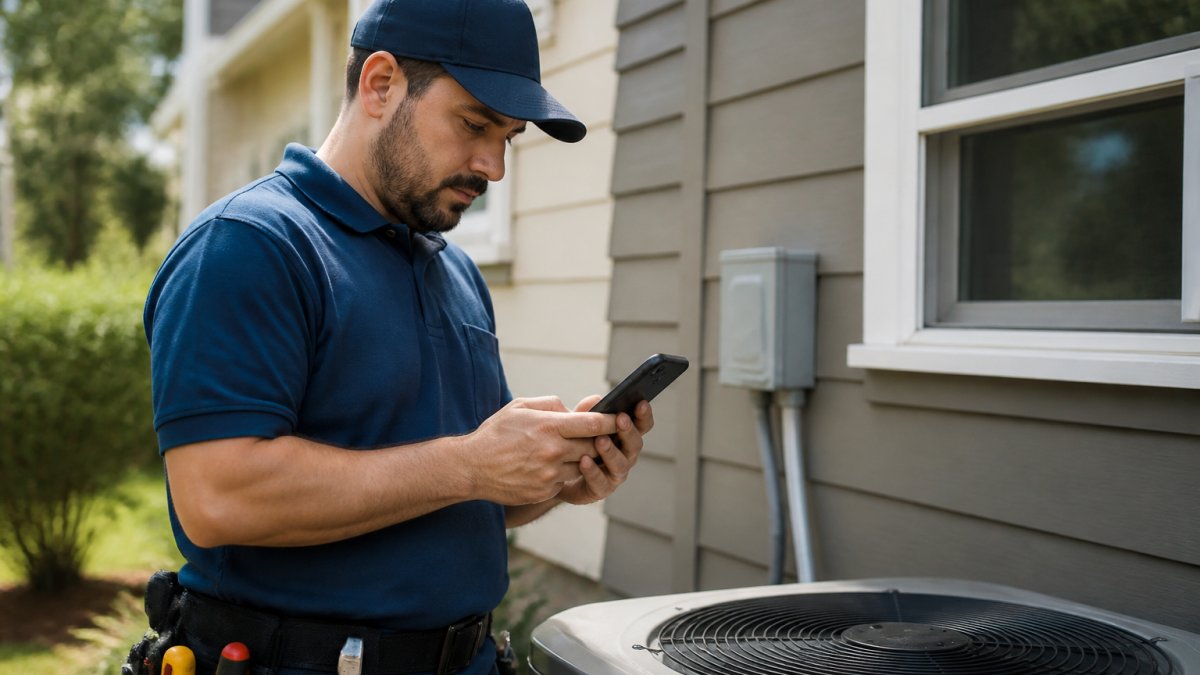
The most effective automation combines multiple channels. A customer might get an SMS when their appointment is confirmed, another text 24 hours before as a reminder, and an email after the job is complete with an invoice and payment link. Each message serves a purpose. Each one happens without anyone manually typing or sending.
Workflow automation also handles internal communication. When a customer submits a service request through your website or app, that triggers a ticket in your system. That ticket automatically routes to the right team member based on skill, location, or availability. The crew member gets notified on their phone. The customer gets a confirmation.
Setting Up Automated Appointment Reminders and Job Updates
Appointment reminders are the easiest win for automating customer communication for service businesses. Most customers miss appointments because they genuinely forgot, not because they don't want the service. A reminder text 24 hours before and another one 2 hours before cuts no-shows dramatically.
To set this up, define your reminder rules in your field service platform:
- Trigger: Appointment scheduled or appointment date arrives
- Message: A templated text with the appointment date, time, and technician name
- Timing: Send the first reminder 24 hours before, the second 2 hours before
- Channel: SMS for speed, email for detailed information
Job updates follow the same pattern. When a technician marks a job as "in progress," send the customer an automated message. When they mark it "complete," send another. When they take a photo of the finished work, attach it to an automated message. Customers see progress in real time without the crew stopping to call or text.
| Automation Type | Trigger | Message | Timing |
|---|---|---|---|
| Appointment reminder | Appointment scheduled | Date, time, technician | 24 hours before |
| Arrival notification | Technician en route | ETA, technician name | Upon dispatch |
| Completion update | Job marked complete | Photos, next steps | Immediately |
| Invoice delivery | Payment due | Invoice link, amount | Same day |
| Payment confirmation | Payment received | Receipt, thank you | Immediately |
Start with appointment reminders. They're simple to configure and deliver immediate results. Once that's working smoothly, layer in job status updates. Then add invoice automation. Build your automation stack gradually so your team can manage each piece without feeling overwhelmed.
Building Customer Communication Templates That Feel Personal
Automation can feel robotic if your templates sound like robots wrote them. A template that says "Your appointment is confirmed for [DATE] at [TIME]" works. A template that says "Hi [CUSTOMER_NAME], we're excited to help with your [SERVICE_TYPE] on [DATE]. Your technician [TECH_NAME] will arrive between [START_TIME] and [END_TIME]" feels like a real person is sending it.
The difference is personalization fields. Every field service platform lets you insert customer name, job type, technician name, and appointment details. Use them. It takes no extra effort once you've built the template, but it makes every message feel specific to that customer.
Write templates in plain language. Avoid jargon. Say "We'll arrive between 2 and 4 PM" instead of "ETA window 14:00-16:00." Say "Your job is done" instead of "Work order status: completed." Short sentences work better in text messages. Longer, more detailed messages work in email.
Create separate templates for different scenarios. An appointment reminder is different from a job completion message. A payment reminder is different from a customer survey request. Each template should have one clear purpose and deliver one clear message. When you're automating customer communication for service businesses, clarity matters more than cleverness.
Keep tone consistent with your brand voice. If your business is professional and formal, your templates should match. If you're casual and friendly, that should come through. Customers recognize authentic tone, and they respond to it.
Customer Service Automation Best Practices for Service Teams
The biggest mistake teams make is automating without a plan. They turn on every feature at once and overwhelm customers with messages. Start with one automation workflow. Test it. Measure results. Then add the next one.
Track what works. If appointment reminders reduce no-shows by half, that's working. If customers complain about too many messages, that's feedback to act on. Most platforms let you see how many messages were sent, opened, and responded to. Use that data to refine your approach.
Set clear escalation rules. Not every message needs human follow-up, but some do. If a customer replies to an automated message asking a question, that message should route to a real person, not disappear into the void. If a payment fails, automation should alert your team so someone can follow up with the customer.
Document your automation workflows. Write down which messages go out when, what triggers them, and what happens next. This matters when you hire new team members or troubleshoot problems. It also helps you spot gaps or overlaps in your communication.
Test bilingual automation if your crews or customers speak multiple languages. If you're automating customer communication for service businesses with Spanish-speaking teams or customers, make sure your templates and workflows support both languages properly. Automation that works in English but breaks in Spanish creates more problems than it solves.
Choosing the Right Customer Communication Automation Tools
The tool you choose shapes what automation is actually possible. Some platforms handle basic reminders well but fall short on complex workflows. Others excel at omnichannel communication but lack field service integration. The best choice depends on what you're trying to automate and how your business operates.
SolvPro stands out for service businesses because it's built specifically for field operations. It centralizes scheduling, work orders, crew tracking, and customer communication in one platform. Appointment reminders, job updates, and payment notifications are built in. You don't need to connect five different tools and hope they talk to each other.
monday service offers ticketing and team collaboration with AI-enabled customer service capabilities. It's strong if you need a centralized ticketing system and want to organize support workflows. The free plan is available, and pricing starts at $9 per seat per month.
Zendesk combines omnichannel support with automation and reporting. It's built for customer service teams that handle inquiries across email, chat, phone, and social media.
Comm100 focuses on live chat and automated conversation bots with customer segmentation. It's useful if live chat is your primary support channel and you want to automate common conversations. Like most chat-focused tools, it's less integrated with field service workflows.
| Tool | Best For | Strength | Limitation |
|---|---|---|---|
| SolvPro | Field service businesses | All-in-one with bilingual support, mobile crews | Specialized for service operations |
| monday service | Service teams needing ticketing | Collaboration + AI, free plan available | Less field-service focused |
| Zendesk | Multi-channel support at scale | Omnichannel, strong automation | Complex setup, contact for pricing |
| Comm100 | Chat-first support | Live chat + bots, customer segmentation | Limited field service integration |
For most service businesses, SolvPro delivers the most direct path to automating customer communication because it understands field operations. You're not forcing a general tool to do field service work.
Common Mistakes to Avoid When Automating Customer Communication
The first mistake is automating without a customer preference system. Not every customer wants text messages. Some prefer email. Some don't want any automated communication at all.
The second mistake is sending too many messages. Automation makes it easy to send a message for every status change. Appointment scheduled, appointment confirmed, technician assigned, technician en route, technician arriving, job started, job complete, invoice sent, payment received.
The third mistake is using generic templates that don't match your brand. A template that sounds corporate and impersonal feels like spam. Customers respond better to messages that sound like they came from a real person at your business.
The fourth mistake is ignoring responses. If a customer replies to an automated message, that reply should route to a human. If you set up automation and never check responses, you're creating a one-way communication channel. That defeats the purpose.
The fifth mistake is not measuring results. You won't know if automating customer communication for service businesses is working unless you track it. Are no-shows down? Are customers responding faster? Are invoices getting paid sooner?
Automating customer communication for service businesses isn't optional anymore. Customers expect updates. Crews need coordination. Offices need efficiency.
SolvPro handles the automation layer for you. Set up your templates once, define your triggers, and the system takes over. Appointment reminders go out automatically. Job updates reach customers in real time. Invoices deliver the same day work is complete.
Frequently Asked Questions
What does customer service automation mean for a small service business?
Customer service automation uses software to handle routine customer interactions without manual effort. For service businesses, this means automated appointment reminders, job status updates, payment notifications, and follow-up messages sent via text, email, or app. Instead of manually calling or texting each customer, your system sends messages automatically based on triggers like job scheduling or completion. This reduces staff time spent on communication and ensures customers stay informed 24/7, improving satisfaction and response times.
How can service businesses automate appointment reminders without losing the personal touch?
Start with templates that include the customer's name, specific job details, and crew member contact information. Automated reminders should feel helpful, not generic. Include relevant details like the appointment time, crew arrival window, and what to expect. Add an option for customers to reply with questions or reschedule. Pair automation with human follow-up for complex issues or customer concerns. This way, routine reminders stay automated while important conversations remain personal, balancing efficiency with customer care.
Which customer communication should a service business automate first?
Start with appointment reminders and job confirmations. These are high-volume, time-sensitive, and customers expect them. Next, automate payment reminders and invoices, which directly improve cash flow. Then add job status updates so customers know when crews are arriving. Finally, automate follow-up requests for reviews or feedback. This sequence reduces administrative burden immediately while building customer confidence in your communication.
What tools can automate customer communication for field service teams?
Field service management platforms like SolvPro combine scheduling, mobile work orders, and automated messaging in one system. They integrate with your existing tools like QuickBooks and support bilingual communication. Specialized tools like Zendesk handle omnichannel support and ticketing, while Comm100 adds live chat and conversation bots. Monday Service offers ticketing and collaboration. Choose based on your team size, budget, and whether you need field-specific features like crew tracking and digital contracts alongside customer communication automation.