 how-to
How to Train Staff on New Dispatching Software
Table of Contents
- Assess Current Skill Gaps and Training Needs
- Create a Dispatching Software Training Checklist
- Choose the Right Training Delivery Methods
- Overcome Employee Resistance to New Technology
- Build a Dispatch Software Training Manual Template
- Measure Training Effectiveness for Field Teams
- Provide Ongoing Support and Reinforcement
- Conclusion
- Frequently Asked Questions
Last Updated: September 30, 2026
Assess Current Skill Gaps and Training Needs
Before rolling out new dispatching software, you need to understand where your team actually stands, which is why knowing how to train staff on new dispatching software starts with assessing their current skills. A skill gap analysis tells you who needs help and what kind of help they need. This prevents wasting time on training that doesn't match your crew's experience level.
Start by documenting what your staff currently does. How do dispatchers schedule jobs today? What tools do field crews use to track their work? Do they use paper, spreadsheets, or something else? This baseline shows you exactly what they'll need to unlearn and relearn.
Next, identify the specific roles that will use the software. A dispatcher needs different training than a field technician. Office managers need different skills than crew leaders. Group your team by role, then assess each group separately.
Ask your team directly what concerns them. Common questions include: Will this make my job harder? How long will it take to learn? What if something breaks? These conversations reveal real anxieties that training can address head-on. When you know what people fear, you can design training that tackles those fears specifically.
Document the gaps you find. Create a simple list showing each role, current skill level, and what they need to learn. This becomes your training roadmap. Share it with your team so they see you have a plan and they're not just being thrown into the deep end.
Create a Dispatching Software Training Checklist
A solid training checklist keeps everyone on track and ensures nothing gets missed. This isn't busywork, it's your insurance policy against half-trained staff making mistakes on the job.
Your dispatching software training checklist should cover these core areas:
- System access and login, Can everyone log in? Do passwords work? Are permissions set correctly?
- Core features by role, Dispatchers learn the dispatch board. Field crews learn the mobile app. Managers learn reporting.
- Common workflows, Creating a job, assigning it to a crew, updating status, marking complete, capturing payment.
- Emergency procedures, What happens if the system goes down? How do crews stay connected?
- Support resources, Where do people find help? Who do they call when stuck?
- Go-live readiness, Is everyone confident enough to use it on actual jobs?
For field service teams specifically, add these items:
- Mobile app navigation, Finding assigned jobs, updating job status, capturing photos and signatures
- Offline functionality, What works when there's no signal? How does data sync when connection returns?
- Customer communication, How do crews send arrival notifications? How do customers pay on-site?
- Bilingual support, If your team speaks Spanish and English, verify both languages work in the interface and training materials
Check off each item as your team completes it. This creates accountability and shows progress. When someone asks "Are we ready to go live?" you can point to a completed checklist instead of guessing.
SolvPro's platform includes bilingual support in English and Spanish, which matters if your crews speak both languages. Make sure your checklist includes testing both language versions so dispatchers and field teams can work in their preferred language without confusion.
Choose the Right Training Delivery Methods
Different people learn differently, which is why understanding how to train staff on new dispatching software means using multiple delivery methods. Some need to see it done. Others need to do it themselves. The best training uses multiple methods so everyone gets what they need.
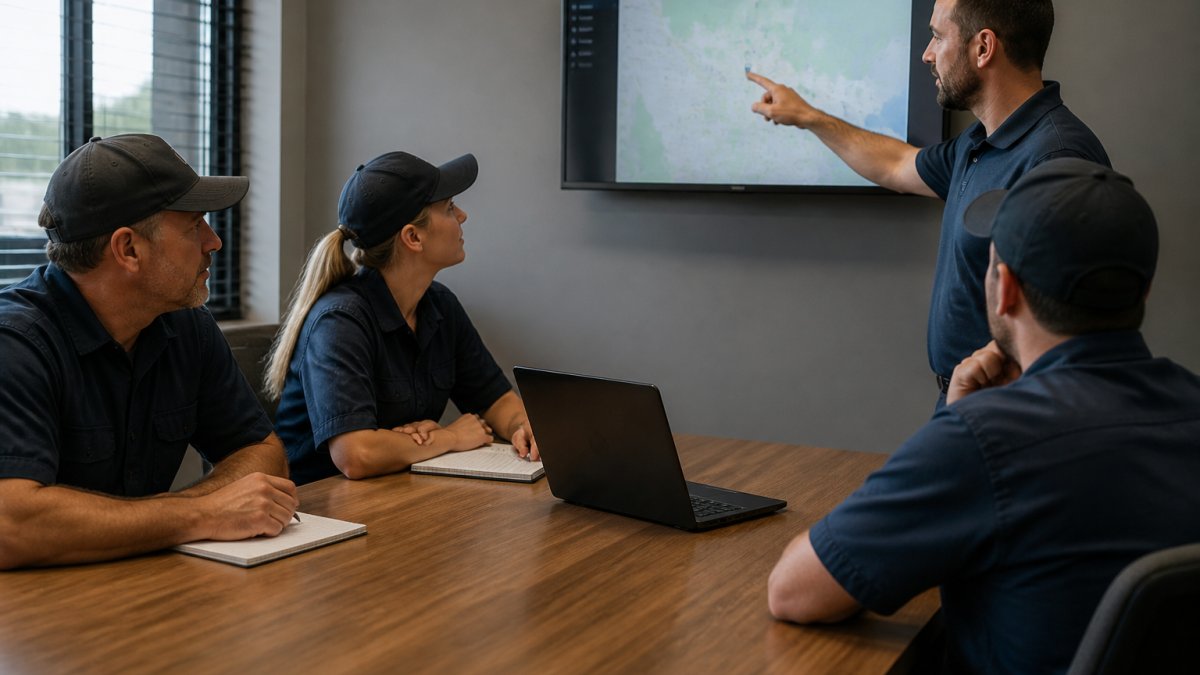
Instructor-led training works well for introducing new concepts. A real person can answer questions on the spot and adjust pace based on confusion. For dispatching software, run a live demo where you show the dispatch board, create a sample job, assign it to a crew, and mark it complete. Do this in real time so people see the actual workflow.
Hands-on practice is non-negotiable. After the demo, give everyone 15-20 minutes to log in and click around themselves. Let them create a test job, update its status, and close it. Mistakes in practice are free. Mistakes on real jobs cost money.
Video walkthroughs let people learn at their own pace. Record a 5-10 minute video showing how to complete one specific task. Someone can watch it three times if needed, pause to take notes, or rewatch the tricky part. Videos work especially well for field crews who might not all be in the office at the same time.
Written guides serve as reference material. Create a one-page guide for each major task: "How to Assign a Job," "How to Update Job Status," "How to Process Payment on Site." Keep them simple with screenshots and numbered steps. Post them where people can find them fast.
Group Q&A sessions let your team ask questions together. Schedule a 30-minute call where everyone can unmute and ask anything. Someone always has a question you didn't anticipate, and hearing the answer helps the whole group.
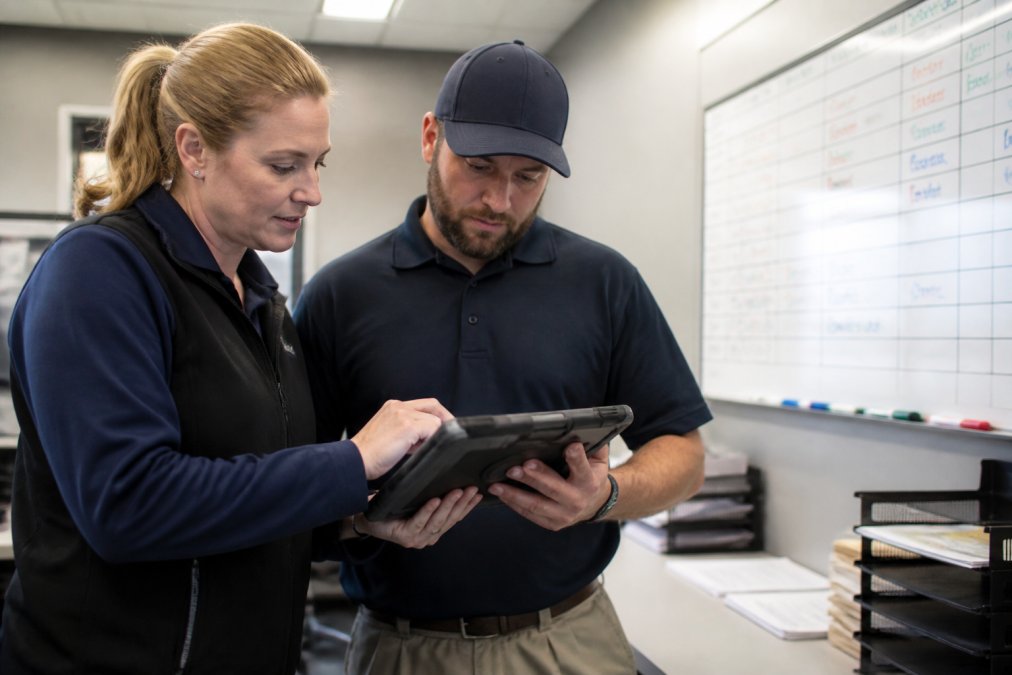
For remote or distributed teams, combine video training with live chat support during the first week. Let people watch training videos on their own schedule, then hop on a quick call if they get stuck. This gives flexibility without leaving anyone behind.
Overcome Employee Resistance to New Technology
Resistance is normal. Your team didn't ask for new software. They have a workflow that works (even if it's messy). Change feels like extra work on top of existing work.
Address resistance directly instead of ignoring it. Start by explaining why you're making the change.
Build a Dispatch Software Training Manual Template
A training manual becomes your reference guide for onboarding new staff and refreshing existing staff. Instead of recreating training every time, you have a repeatable process that scales as you grow. Standardizing these procedures ensures consistency across your team, especially when delivering on-site training to technicians who need to master the software in a live environment.
Your manual should include these sections:
Getting Started
- System requirements (what devices work, what internet speed you need)
- Login and password reset process
- First-time setup (adding your company info, crew names, service areas)
Role-Specific Sections
- For Dispatchers: Creating jobs, assigning to crews, adjusting assignments, monitoring progress, handling cancellations
- For Field Crews: Accepting jobs, viewing job details, updating status, capturing signatures and photos, submitting payment
- For Office Managers: Viewing reports, tracking crew productivity, processing invoices, managing customer records
Workflows
- A typical day from dispatch perspective (start of day, incoming calls, assigning jobs, monitoring completion)
- A typical day from field crew perspective (checking app, traveling to job, completing work, getting paid)
Troubleshooting
- App won't open, restart phone, check internet connection, reinstall app
- Job won't update, check internet connection, try again in 5 minutes, contact support
- Payment processing fails, verify card info, check internet connection, try a different payment method
Support Resources
- Help desk phone number and hours
- Email address for questions
- Video library links
- FAQ section with your most common questions
Measure Training Effectiveness for Field Teams
Start with simple metrics:
Completion rates, Did everyone finish training? If 80% completed but 20% didn't, you have a problem before go-live. Track who finished, when they finished, and whether they passed any quizzes.
Provide Ongoing Support and Reinforcement
Training doesn't end on day one. People forget. New questions come up. Your support system keeps adoption strong long-term.
Conclusion
Training your team on new dispatching software takes planning, patience, and follow-up. Start by understanding where your staff stands today, create a clear training checklist, use multiple training methods, and address resistance directly. Measure what actually changes after training, then provide ongoing support to keep adoption strong.
Frequently Asked Questions
How long should it take to train staff on new dispatching software?
Most field teams can reach operational proficiency in 2-4 weeks with structured training. The timeline depends on your team's technical comfort and the software's complexity. Dispatchers typically need hands-on practice with real work orders to build confidence. Ongoing reinforcement over the first 60-90 days helps prevent backsliding and catches workflow issues early. Start with core functions (creating work orders, assigning jobs, tracking status) before moving to advanced features like automated scheduling or billing integration.
What are the most effective training methods for dispatching software?
Combine multiple approaches: live demonstrations with your actual workflow, hands-on practice sessions where staff create sample jobs, one-on-one coaching for struggling users, and job aids (quick-reference guides) posted at workstations. Field teams learn faster when training uses real scenarios they'll encounter daily. Video tutorials work well for asynchronous learning, but live Q&A sessions catch confusion faster. Peer mentoring, pairing experienced staff with new users, builds confidence and reduces dependency on management.
How do you measure whether dispatching software training actually worked?
Track measurable outcomes: average time to create a work order, reduction in manual data entry errors, faster job assignment times, and crew response time to new jobs. Monitor system usage metrics like login frequency and feature adoption rates. Conduct brief post-training assessments (not formal tests, just scenario-based questions) to confirm staff understand critical workflows. Gather feedback from dispatchers and field crews 2-4 weeks in to identify real pain points. ROI appears when administrative time drops and job completion rates improve.
What should I do if my team resists the new dispatching software?
Resistance typically stems from fear of extra work or loss of control. Address this by showing how the software eliminates tedious tasks (manual scheduling, paper forms) rather than adding them. Involve resistant staff early in the training process, let them ask questions and voice concerns. Highlight quick wins: faster invoicing, better crew communication, fewer missed jobs. Pair them with colleagues who adapted quickly. Avoid forcing everyone to switch overnight; run parallel systems briefly if needed. Acknowledge that the learning curve is real, but temporary.