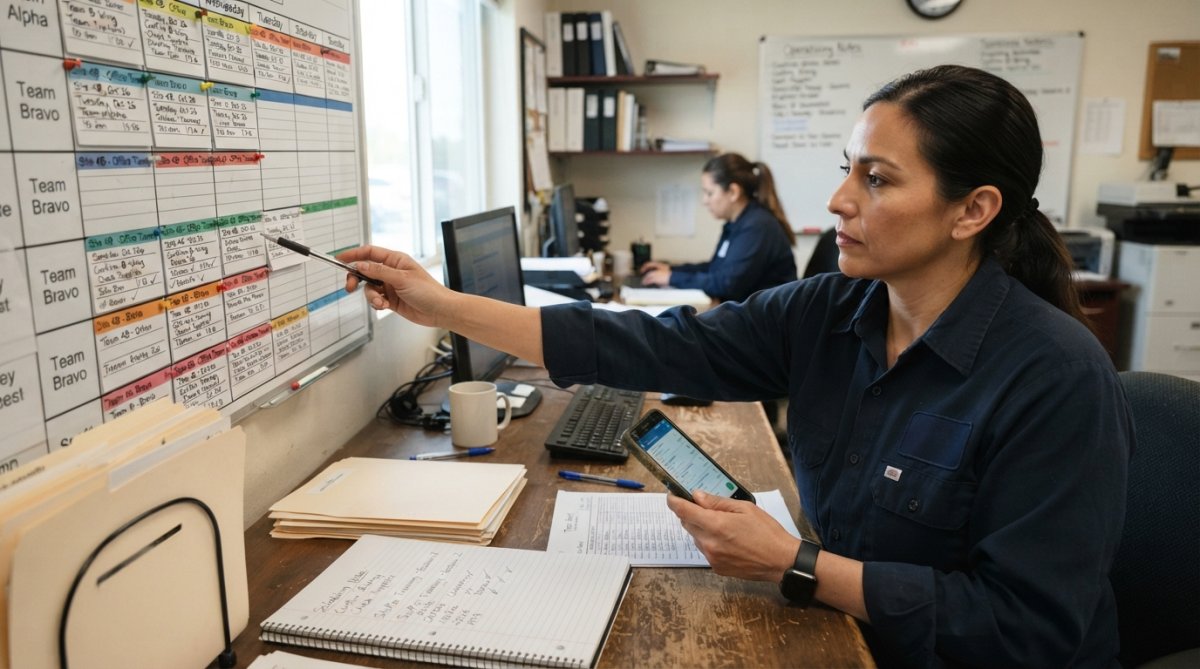
 how-to
How to Implement Janitorial Scheduling Software Step by Step
Table of Contents
- Evaluate Your Business Needs Before Choosing Janitorial Scheduling Software
- Understanding the Janitorial Software Implementation Timeline
- Step 1: Set Up Your Account and Configure Core Settings
- Step 2: Migrate Your Existing Data and Schedules
- Step 3: How to Train Cleaning Staff on New Software
- Best Janitorial Scheduling Software Features to Configure First
- Step 4: Launch Live Operations and Monitor Performance
- Common Implementation Mistakes to Avoid
- Frequently Asked Questions
Last Updated: September 23, 2026
Evaluate Your Business Needs Before Choosing Janitorial Scheduling Software
Before choosing janitorial scheduling software, identify what's broken in your operation. Most teams jump to software without understanding the problem they're solving, ending up with a tool that doesn't fit their workflow.
Map your current process: How are you scheduling crews now? What takes the most time, causes the most mistakes, or breaks communication? Note language needs and critical pain points like delayed invoicing.
Key questions to ask yourself:
- How many crews do you manage? (5 or 50 changes everything)
- Do your crews work recurring cleaning schedules, one-off jobs, or both?
- How do you currently track attendance and time?
- What's your biggest operational bottleneck right now?
- Do you need bilingual support in English and Spanish?
- How tech-savvy is your team, really?
Your answers reveal which features matter. A janitorial scheduling software perfect for 50 crews managing recurring contracts will feel bloated for five crews doing one-off jobs. The wrong fit gets abandoned within three months.
Understanding the Janitorial Software Implementation Timeline
Most teams see their first crews live within 2-4 weeks. Timeline depends on data quality, team size, and customization needs.
Typical implementation phases:
- Week 1-2: Setup and initial configuration. You create your account, add your crew members, and set up basic schedules. If you're starting fresh, this is fast. If you're migrating from spreadsheets, you'll spend time cleaning up your data.
- Week 2-3: Training and testing. Your team learns the new system. You test it with one crew on a small job before going live everywhere.
- Week 3-4: Go live. Your crews start using the system for real work. You monitor closely for the first week and fix issues as they come up.
The biggest delay is adoption. Expect some crews to resist change and fall back to old habits initially.
Step 1: Set Up Your Account and Configure Core Settings
Create your account and configure: company name, address, time zone, crew names, service locations, and billing method. Don't overthink, you can adjust later. If using SolvPro with QuickBooks Online integration, connect it early to avoid manual data syncing.
Step 2: Migrate Your Existing Data and Schedules
Data migration is where most implementations hit friction. Years of scattered data must move into your new janitorial scheduling software without losing scheduling or invoice records. A phased approach balances risk and cost.
Three migration strategies:
1. Parallel-run migration (lowest risk, takes longest) Run both systems for 2-4 weeks. Assign one person to mirror critical data daily. After two weeks, turn off the old system. This eliminates risk of losing scheduling or billing data.
2. Phased migration by location or crew (medium risk, medium timeline) Migrate one crew at a time. Start with your most tech-comfortable crew, train them, run live for a week, then migrate the next. If something breaks, only one crew is affected. This gives real feedback to adjust training before full rollout.
3. Cutover migration (fastest, highest risk) Go live all at once on a Friday or Saturday. Only choose this if you have fewer than 20 crews, clean data, and a successful test import. Have a backup spreadsheet ready.
The data migration checklist:
-
Export and audit your current data. Pull everything from your old system or spreadsheets. Count records. Note any obvious errors (duplicate crew names, missing addresses, dates in inconsistent formats).
-
Map your old data structure to the new software's fields. Your old system might call it "Job Site"; the new software calls it "Service Location." Your old system tracks "Crew Lead"; the new one tracks "Crew Lead" and "Crew Members" separately. Create a mapping document so you know which old field goes where.
-
Clean the data before import. This is the step most teams skip and regret. Standardize crew names ("John Smith" vs. "J. Smith" vs. "John S." should all be "John Smith"). Fix address formatting ("123 Main St" vs. "123 Main Street"). Remove duplicate records. Delete old, inactive clients you don't service anymore. A messy import creates weeks of cleanup work later.
-
Do a test import into a sandbox environment. Most janitorial scheduling software offers a test account or sandbox where you can import data without affecting your live system. Import your cleaned data here first. Spot-check 20-30 records. Do addresses look right? Are crew assignments correct? Are dates in the right format? Fix errors in your source data, not in the software.
-
Plan your import timing. Don't import on a Monday morning when you're about to dispatch crews. Import on a Friday afternoon or over a weekend when you have time to verify everything worked before crews need to use it.
-
Verify the import immediately. After data lands in the live system, don't wait. Check that your crew count matches. Spot-check 10-15 random records. Look for data that didn't import (missing phone numbers, blank addresses). If you find errors, you can often re-import or fix them in bulk before crews start using the system.
-
Keep your old data accessible for 30 days. Don't delete your spreadsheets or old software access for at least a month. If you need to look up a historical record or troubleshoot a discrepancy, you'll have a backup.
Common data migration problems:
- Dates in multiple formats: Standardize to MM/DD/YYYY before import.
- Inconsistent crew names: Standardize spelling and capitalization to avoid duplicates.
- Missing crew assignments: Assign all jobs before import or plan manual assignment.
- Address fields split incorrectly: Plan to split or re-enter data if needed.
- Unnecessary historical data: Import only active clients, current crews, and upcoming jobs.
Budget an extra week for data migration if you've been in business more than two years. If you're starting from scratch with a new client list, you can skip this step entirely and enter data as you go.
Step 3: How to Train Cleaning Staff on New Software
Implementation succeeds or fails here. Training isn't just about buttons, it's about addressing resistance and building confidence that the new system makes work easier.
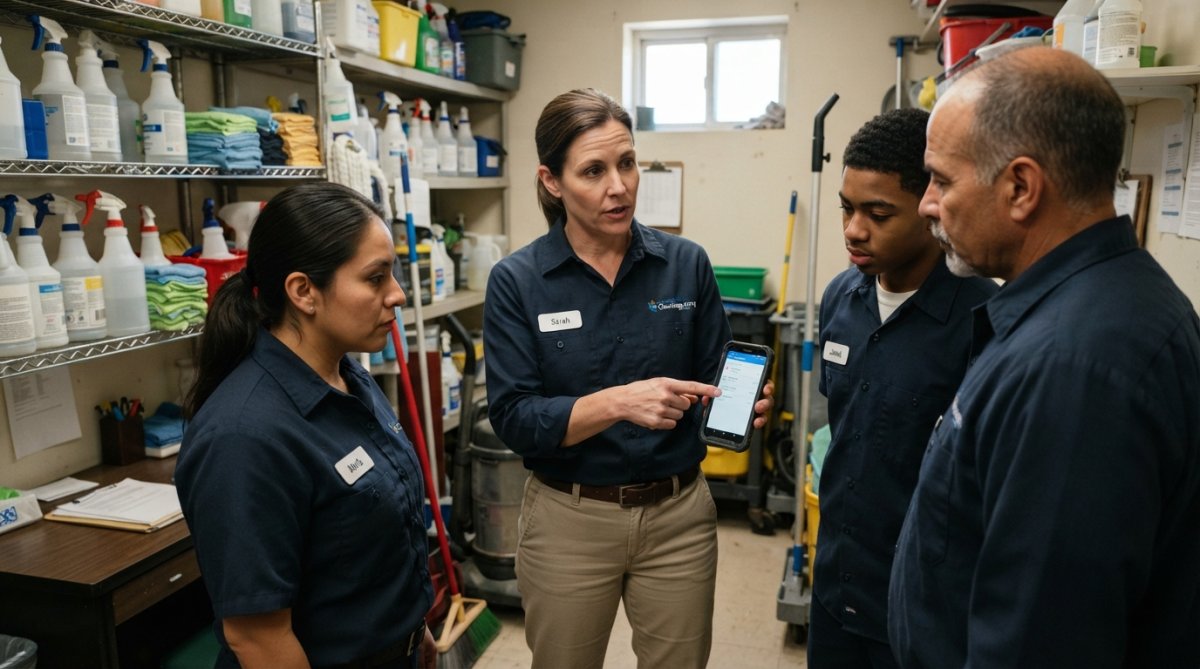
Understanding staff resistance (and why it's normal):
Crews resist change. Address concerns directly: Show how the app saves time (no phone calls for job details), reduces mistakes, and speeds payment. When people understand the benefit, resistance drops.
Building internal champions before formal training:
Identify 2-3 tech-comfortable or respected crew leaders. Train them deeper with extra hands-on practice. They become advocates and your first line of support, reducing your burden and making adoption feel peer-driven.
How to train your crews effectively:
- Start with core workflow: Clock in, view jobs, mark complete. Master these three tasks first.
- Use the mobile app on actual phones. Let crews hold and tap buttons themselves.
- Provide bilingual training and interfaces if your team speaks Spanish or multiple languages.
- Let them practice on a test job before going live.
- Assign a power user as the go-to person for questions.
- Provide one-page laminated visual guides with screenshots of common tasks.
- Go live slowly with one crew for a full week before expanding.
- Have a backup plan: If the app fails, crews text updates and you manually sync later.
Measuring adoption and identifying laggards:
After the first week, identify which crews aren't using the app consistently. Laggards need extra support: targeted training, a crew leader walkthrough, or a simplified workflow. Track adoption metrics: If below 80% after two weeks, adjust your training approach.
Addressing language and literacy barriers:
For crews with English as a second language or limited literacy, choose software with multilingual interfaces, icons, large fonts, and voice commands. Provide extra hands-on training if your software lacks these features.
First-week training: Day 1, walk through core tasks on a test job. Days 2-4, use app for real jobs with daily check-ins. Day 5, debrief and adjust training for next crew.
After the first crew runs successfully for a full week, expand to the next crew.
Best Janitorial Scheduling Software Features to Configure First
Focus on features that drive results: automated dispatch, real-time attendance alerts, digital checklists, client portal, and payroll reporting. Start with dispatch and attendance, they save most teams 5-10 hours weekly. Configure bilingual support if your crews speak Spanish and English.
Step 4: Launch Live Operations and Monitor Performance
Go live with your most reliable crew first. Expect problems, forgotten clock-ins, confusion, misassigned jobs. Monitor daily: crew activity, job completion, time accuracy, and client communication. After one week, adjust based on real data. Expand slowly to the next crew. A slow rollout with zero problems beats fast rollout with chaos.
Common Implementation Mistakes to Avoid
Most teams make the same mistakes. Knowing them in advance saves you weeks of frustration.
Frequently Asked Questions
How long does it typically take to implement janitorial scheduling software?
Implementation timelines vary based on business size and complexity. Small teams with simple schedules may go live in 1-2 weeks, while larger operations with multiple locations and crews typically require 3-6 weeks. The janitorial software implementation timeline includes account setup, data migration, staff training, and a pilot phase. Plan for at least one week of staff training and testing before full rollout. SolvPro's free trial lets you test the process before committing.
What's the best way to train a cleaning crew on new janitorial scheduling software?
Start with hands-on demonstrations using real work orders and schedules your team actually uses. Break training into short sessions (15-30 minutes) covering one feature at a time: checking assignments, clocking in/out, submitting completion reports, and communicating with office staff. Use bilingual materials if your crew speaks multiple languages. Assign a tech-savvy team member as the 'software champion' to answer questions. SolvPro's mobile-friendly interface means crews can learn on the devices they'll use daily.
What are the most important features to enable first in janitorial scheduling software?
Prioritize these best janitorial scheduling software features in order: automated scheduling and dispatch (so crews know their daily assignments), mobile time tracking and attendance alerts (to reduce payroll errors), digital checklists and quality control inspections (to maintain service standards), and client communication portals (to reduce back-and-forth calls). Enable billing automation and payment integration last, after your team is comfortable with the core workflow.
How can I ensure my team actually uses the janitorial scheduling software instead of reverting to spreadsheets?
Make the software mandatory for all job-related communication and scheduling decisions. Require crews to check the app for daily assignments rather than printing schedules. Set clear expectations that all time tracking happens in the app, not on paper. Celebrate early wins publicly, when someone finishes a job faster or a payment processes quicker. Address resistance directly by asking teams what's making them hesitant and solving those specific problems. Most resistance fades once crews see the software actually reduces their administrative work.