 how-to
Digitize Field Service Work Orders: A Step-by-Step Guide
Table of Contents
- What Are Digital Work Orders and Why They Matter
- Benefits of Digital Work Orders for Field Service Teams
- How to Digitize Field Service Work Orders: Step-by-Step Implementation
- Digital Work Order Templates and Customization
- Mobile Work Order Apps: Empowering Your Field Technicians
- Change Management: Getting Your Team on Board
- Cost-Benefit Analysis: Is Digitization Worth It?
- Security and Compliance in Digital Work Order Systems
Last Updated: July 24, 2026
What Are Digital Work Orders and Why They Matter
Field service teams relying on paper-based processes waste significant time on administrative tasks instead of completing jobs. SolvPro analysis found that crews spend an average of 3-5 hours per week on paperwork that digital systems could eliminate entirely. Digitizing field service work orders is essential for staying competitive and improving cash flow.
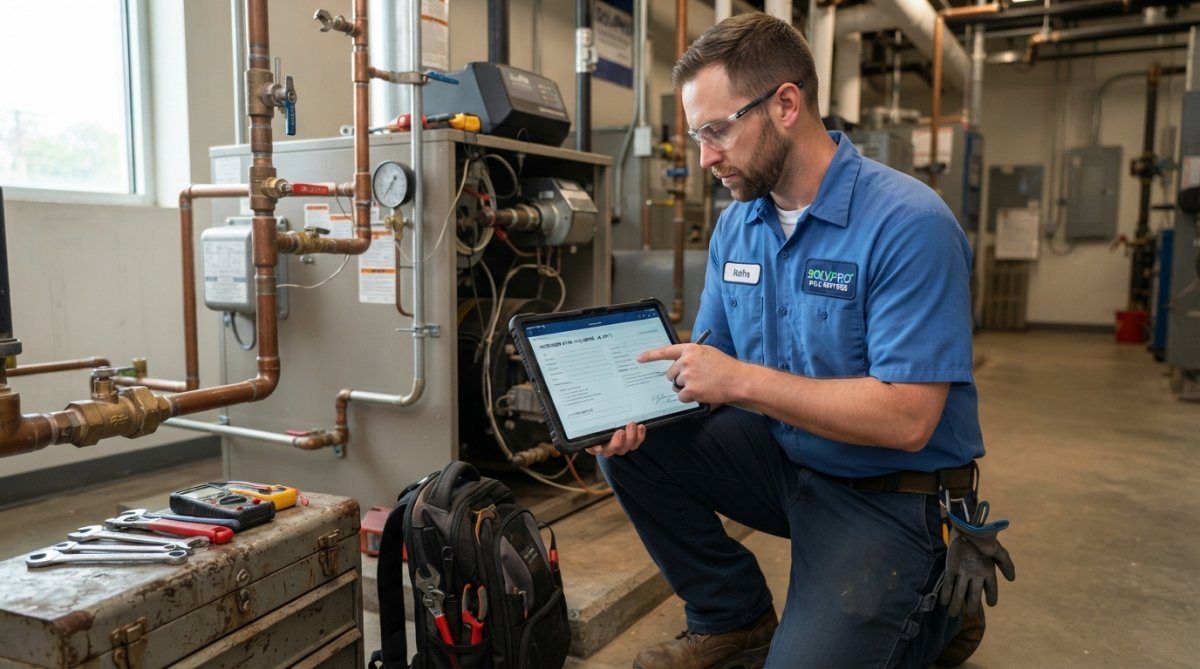
A digital work order is an electronic job ticket capturing all details needed to complete a service call: customer information, service requirements, parts needed, time estimates, and completion notes. Unlike paper forms that get lost in trucks, digital work orders sync instantly across your team and back-office systems.
Paper-based workflows create bottlenecks: technicians handwrite notes that office staff must transcribe, invoices sit in truck cabs for days, and scheduling conflicts occur because dispatch can't see real-time availability. Digital systems eliminate these friction points entirely.
Research from [Forrester's field service management(/features/) report | forrester.com] shows that businesses digitizing their operations reduce administrative overhead by 40% and accelerate job completion by 25%. For service teams operating on tight margins, that's the difference between profitability and stagnation.
Benefits of Digital Work Orders for Field Service Teams
Faster job completion and improved cash flow are the primary outcomes. When technicians access work orders on mobile devices, they see all job details before arriving at the customer site. They capture photos, signatures, and completion notes directly in the app. Invoices generate automatically and can be sent to customers the same day, rather than waiting for office staff to manually create them.
Real-time visibility into field operations solves the dispatcher's challenge: not knowing where crews are, which jobs are running behind, or whether a technician has the right parts. Digital systems show live job status, GPS location, and time tracking. When a customer calls asking "Where's my technician?", dispatch has an answer in seconds.
Office staff no longer spend hours transcribing notes, matching invoices to jobs, or chasing technicians for missing information. Data flows automatically from field to billing to accounting, reducing errors and accelerating invoicing cycles.
How to Digitize Field Service Work Orders: Step-by-Step Implementation
Implementing digital work orders requires a structured approach. Rushing the process or underestimating change management creates resistance that derails the entire project.
Step 1: Assess Your Current Workflow and Pain Points
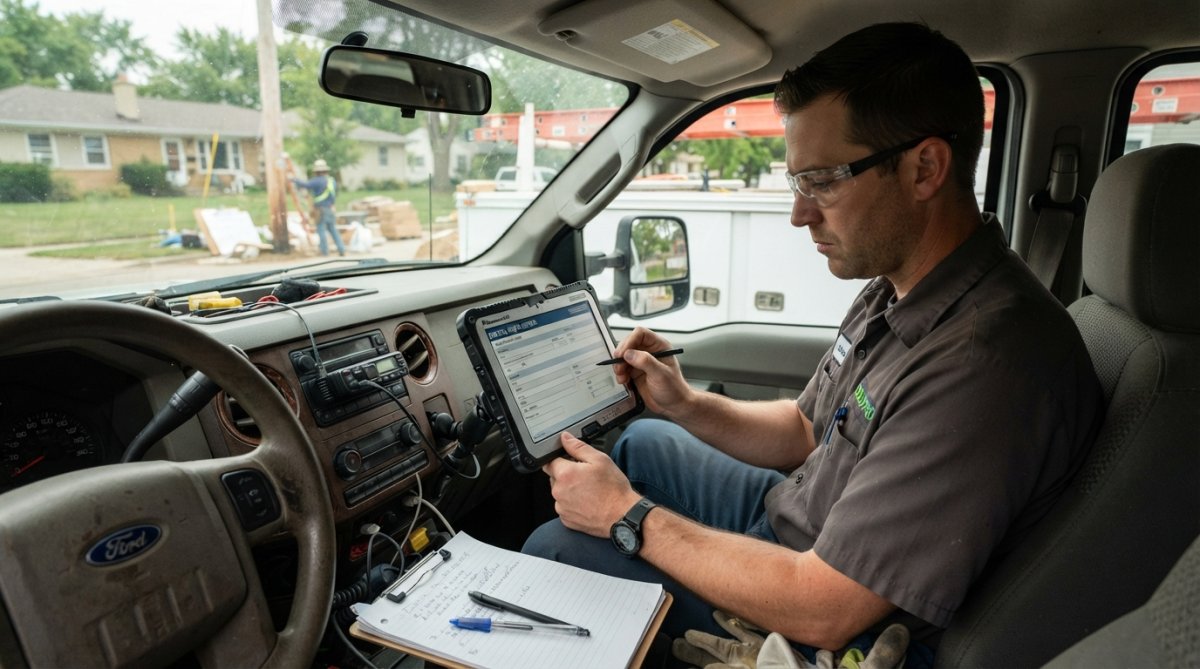
Before choosing software, document exactly what your team does today. Map the current journey: how does a job request come in? Who schedules it? How does the technician get the details? What information do they capture? How does that data flow back to the office?
Identify specific pain points where work slows down or errors happen. Common ones include: technicians arriving without complete job details, customers waiting days for invoices, dispatch spending hours manually coordinating schedules, or office staff unable to track job status in real time.
This assessment becomes your baseline for measuring success. If you reduce invoice-to-payment time from 10 days to 2 days, that's measurable progress.
(/feeds/blog/paperless-field-service-management) Work Orders: Step-by-Step Implementation]Step 2: Choose a Field Service Management Software Solution
The right platform should handle work order management, scheduling, mobile access, and integration with your accounting system in one unified interface rather than stitching together multiple tools.
SolvPro is purpose-built for small to medium-sized service businesses. It centralizes work orders, scheduling, crew tracking, and invoicing in one mobile-friendly platform with bilingual support in English and Spanish. The QuickBooks Online integration means job data flows directly to your accounting system without manual entry. Setup takes days, not weeks.
When evaluating any platform, test it with your actual workflow. Can technicians access jobs offline and sync when they reconnect? Can you customize fields for your specific service types? Does the mobile app work smoothly on older devices? Can you generate invoices in seconds?
Step 3: Design Digital Work Order Templates
Different service types require different information. A plumbing emergency needs different fields than preventive maintenance or an HVAC inspection. Creating templates for each service category ensures technicians capture the right data without extra steps.
A solid work order template includes: customer contact info, service address, service description, time estimate, parts used, labor hours, completion photos, customer signature, and notes. For specialized services, add fields specific to your business.
The key is simplicity. Every extra field increases the chance technicians skip it or enter incomplete data. Stick to essential information.
Step 4: Set up Scheduling and Dispatching Workflows
Digital scheduling eliminates manual back-and-forth that wastes dispatcher time. Instead of calling technicians to check availability, the system shows real-time capacity, skills, and location. Jobs automatically assign to the nearest available technician with the right qualifications.
Set up routing logic: which jobs go to which crews based on location, expertise, or equipment? What's the priority order? When a job comes in, the system should suggest the optimal technician immediately.
Automation here saves hours per week. Technicians receive notifications when assigned a job, directions appear automatically on their phone, and customers can receive SMS updates on arrival time.
Step 5: Train Your Team and Go Live
This is where most digitization projects fail. Teams resist change. Technicians worry about learning new technology. Office staff fear their jobs will disappear. Addressing these concerns head-on prevents the project from stalling.
Start with a small pilot group, your most tech-comfortable crew. Get them comfortable with the system, work out bugs, and let them become advocates. Provide hands-on training, not just video tutorials. Have someone available to answer questions during the first week of live use.
Launch on a Wednesday when your support team can monitor for issues. Have a backup plan, printed work orders on hand if the system crashes, so crews can keep working.
Digital Work Order Templates and Customization
Creating templates that match your actual service types eliminates confusion and ensures consistent data capture.
Creating Templates for Different Service Types
If you offer multiple services, each should have its own template. An electrical repair template needs fields for circuit breaker details and safety test results. A cleaning service template needs square footage and room count. A maintenance visit template needs equipment model numbers and service history.
After your first month of live use, review what data technicians actually need and what fields they skip. Remove the skipped fields. Add any missing fields that came up repeatedly.
Essential Fields and Data Capture
Every work order should capture: customer name and contact, service address, job description, time estimate, technician assigned, actual time spent, parts and materials used, completion status, and customer signature. For billing accuracy, include whether the job was emergency, scheduled, or warranty.
Photos are powerful documentation. Before-and-after shots prove work was completed and reduce disputes. Signature capture provides proof of customer approval. Time tracking ensures accurate billing and helps identify jobs that consistently run over estimate.
Mobile Work Order Apps: Helping Your Field Technicians
The mobile app is where digitization either succeeds or fails. If technicians hate using it, they'll find ways to work around it. If it's intuitive and saves them time, they'll adopt it immediately.
Key Features for Field Staff Productivity
A good mobile app shows technicians their daily schedule with all job details, customer history, and directions. Technicians can mark jobs in progress, capture photos and notes, and complete the job without touching paper. The app should sync data back to the office automatically when connected to WiFi or cellular.
GPS tracking helps dispatch monitor progress and route technicians efficiently. Time tracking builds accurate labor records for invoicing. Signature capture and photo documentation create proof of completion that reduces payment disputes.
The app should work offline; technicians shouldn't need constant internet connection. When they reconnect, data syncs automatically. This is critical for crews working in rural areas or inside buildings with poor signal.
Offline Functionality and Real-Time Synchronization
Offline work is non-negotiable for field service. The app should cache work order details locally, allow note-taking and photo capture offline, and sync everything when connection returns.
Real-time synchronization means office staff see updates immediately. A technician marks a job complete at 3 PM, and the office sees it at 3:01 PM. Dispatch can assign the next job right away. Customers can receive completion notifications instantly.
This instant feedback loop transforms field service from reactive to proactive. Everyone sees status updates in real time instead of waiting until end-of-day.
Change Management: Getting Your Team on Board
The biggest reason digitization projects fail isn't technology, it's people. Technicians worry about job security. Office staff fear change. Dispatchers worry about losing control. Addressing these concerns directly prevents resistance from derailing your project.
Addressing Resistance and Building Buy-In
Start by explaining why you're making the change. "We're losing money because invoices take 10 days to reach customers" is concrete. Involve your most respected technician in the pilot phase. When others see that person using the app successfully, skepticism drops.
Be transparent about tracking: you're tracking jobs and locations to improve scheduling and customer communication, not to monitor individual behavior. Show how real-time visibility helps dispatch route them to the closest jobs, reducing driving time.
Training Strategies for Non-Tech-Savvy Crews
Not everyone learns the same way. Some technicians learn best from video tutorials. Others need hands-on practice. Older crew members may need extra patience and one-on-one coaching.
Create a simple job aid, a laminated one-page guide showing the most common tasks: clocking in, viewing today's jobs, marking job complete, uploading photos. Don't overwhelm them with lengthy manuals.
Assign a "super user" from each crew, someone who learns the system deeply and becomes the go-to person for questions. This reduces support burden on management and makes technicians more comfortable asking a peer than a boss.
Plan for a rough first week. Expect slower job completion as people learn. Have extra support available. Celebrate small wins to build momentum.
Cost-Benefit Analysis: Is Digitization Worth It?
The upfront cost of software and training makes some owners hesitate. But the math almost always favors digitization for service businesses.
Quantifying Time Savings and Efficiency Gains
Start with the biggest time sinks. If your office staff spends 10 hours per week transcribing field notes and creating invoices, and the software cuts that to 2 hours, that's 8 hours recovered. At modest hourly rates, that's hundreds of dollars per week in reclaimed labor.
Technicians spending 30 minutes per job on paperwork save 2.5 hours per week if they handle 5 jobs daily. That's time available for additional jobs or reduced overtime.
Faster invoicing means cash arrives sooner. If digitization cuts the invoice-to-payment cycle from 10 days to 2 days, and you bill $50,000 monthly, you improve cash flow by $40,000 at any given time.
ROI Timeline and Scaling Considerations
For most service businesses, digitization pays for itself within 6-12 months through labor savings and improved cash flow. As you grow, the benefits scale. Adding a 10th crew to a paper-based system means exponential administrative chaos. Adding a 10th crew to a digital system means minimal additional overhead.
Security and Compliance in Digital Work Order Systems
Moving customer data and business information to digital systems raises legitimate security concerns. The right platform protects your data and your customers' information.
Data Protection and Access Controls
Choose software that encrypts data in transit and at rest. Access controls should limit which team members see which information. A technician doesn't need access to payroll data, and office staff doesn't need access to other customers' information.
Regular backups ensure you never lose critical data. Cloud-based systems like SolvPro handle backups automatically, eliminating the risk of data loss if a technician's phone gets damaged.
Ask vendors directly about their security practices. What certifications do they hold? How often do they conduct security audits? What's their incident response plan if a breach occurs?
Audit Trails and Regulatory Compliance
Digital systems create permanent records of who did what and when. Every change to a work order, every status update, every invoice modification gets logged. This audit trail protects your business if disputes arise.
For industries with regulatory requirements, digital documentation proves compliance. Photos, signatures, and timestamps provide evidence that work met code requirements.
Keep audit logs for at least 7 years. Review them periodically to identify patterns and improve processes.
Frequently Asked Questions
What are the main benefits of digitizing field service work orders?
Digital work orders streamline field service operations by eliminating paper-based delays, enabling real-time job status tracking, and accelerating invoice delivery. Technicians can access work order details instantly on mobile devices, capture signatures and photos on-site, and complete jobs faster. Most importantly, digitization reduces administrative overhead, improves cash flow by getting invoices to customers sooner, and provides management with real-time visibility into field operations and crew productivity.
How do I choose the right field service management software for digitizing work orders?
Evaluate software based on core features: mobile accessibility, offline functionality, scheduling and dispatching capabilities, and integration with your accounting system. Consider whether the platform supports bilingual work orders if your team uses multiple languages. Look for solutions that offer templates you can customize for your service types, real-time GPS tracking, and automated notifications. Start with a free trial to test ease of use with your team, and verify that customer support is responsive and accessible during implementation.
What's the typical timeline and cost to implement digital work orders?
Implementation timelines typically range from 2-8 weeks depending on system complexity and team size. Start with a free trial to evaluate the software without commitment. Costs vary based on the number of technicians and features needed, so visit the software provider's website for current pricing. Focus on calculating ROI by measuring time saved per job, reduction in administrative work, and faster invoice processing. Many small service businesses see positive returns within 3-6 months of going live.
How can I ensure my field team adopts digital work orders without resistance?
Change management is critical. Start by involving field staff in the selection process so they feel heard. Demonstrate how digital work orders make their jobs easier, faster access to information, automatic scheduling updates, and quicker payment processing. Provide hands-on training before launch, create simple reference guides, and assign a tech-savvy team member as the go-to resource. Celebrate early wins and gather feedback to refine your processes. Most crews embrace digitization once they experience the practical benefits of reduced paperwork and faster job completion.
Digitizing field service work orders transforms how your business operates. Instead of chasing paperwork, your team focuses on completing jobs and serving customers. SolvPro streamlines this transition by centralizing work orders, scheduling, crew tracking, and invoicing in one platform with bilingual support and QuickBooks integration. Start your free trial today and see how much time and money your team can reclaim by eliminating paperwork.
This article was written using GrandRanker