 how-to
Digital Estimate Templates for Cleaning Services
Table of Contents
- Why Digital Estimate Templates Matter for Cleaning Businesses
- What to Include in Your Cleaning Quote Template
- Building a Commercial Cleaning Estimate Template
- Using a Cleaning Service Pricing Calculator
- Choosing the Right Cleaning Quote Template Format
- Automating Estimates with Cleaning Business Estimating Software
- Sending and Managing Estimates Digitally
- Common Mistakes to Avoid When Creating Estimates
- Frequently Asked Questions
Last Updated: October 13, 2026
Why Digital Estimate Templates Matter for Cleaning Businesses
Creating estimates by hand is a productivity killer. Your team spends hours formatting quotes, recalculating costs, and chasing down client approvals. Meanwhile, jobs pile up and cash flow stalls because invoices move at a snail's pace.
Digital estimate templates for cleaning services solve this problem head-on. They standardize your pricing, speed up the quoting process, and present your business as professional and organized.
The real advantage goes deeper than speed. A solid template ensures you capture the right information upfront, property details, scope of work, labor costs, materials, so there's no confusion later. No scope creep. No surprise conversations about what was actually included.
We've worked with business owners who switched from scattered spreadsheets and email attachments to structured digital estimates.
What to Include in Your Cleaning Quote Template
A cleaning estimate template needs specific sections to be effective. Miss one, and you're either underpricing the job or creating confusion that kills the deal.
Client and Property Information
Start with the basics: client name, phone, email, and service address. This seems obvious, but many templates skip critical details that affect pricing and scheduling.
Include the property type, residential or commercial, because your labor rates and service scope differ dramatically between a 2,000-square-foot home and a 10,000-square-foot office building. Also capture the number of rooms, bathrooms, or square footage. These details drive your cost calculation and help you avoid underestimating the job.
Add a field for current property condition. Is this a standard cleaning or a deep clean after months of neglect? A move-out cleaning or regular maintenance? The condition determines your labor hours and which tasks apply. Your template should make this visible so there's no ambiguity when the client reviews the estimate.
Scope of Work and Service Details
This section defines what you're actually doing. List every service included: vacuuming, mopping, dusting, bathroom cleaning, kitchen cleaning, window cleaning, or specialty services like carpet shampooing or grout cleaning. Be specific.
Many cleaning businesses lose money because they quote a "standard cleaning" without defining it. One client thinks that means baseboards and ceiling fans. Another assumes it doesn't. Your template should itemize tasks so the client knows exactly what's included and what costs extra.
Include service frequency options: one-time cleaning, weekly, bi-weekly, or monthly. Recurring service pricing often differs from one-time jobs, so your template should reflect that distinction. Also add an "estimated hours" field so the client understands the labor involved.
Cost Breakdown and Line-Item Pricing
Break costs into clear categories: labor, materials and supplies, travel or service call fees, and any add-on services. This transparency builds trust and justifies your pricing.
Show your hourly rate or flat rate per service. If you charge $50 per hour and estimate 4 hours for a job, the client sees 4 hours × $50 = $200 in labor. If materials are $30, travel is $15, and a deep-clean add-on is $40, the total is $285. Line-item pricing prevents sticker shock and reduces back-and-forth negotiation.
Include a subtotal, then taxes and fees if applicable. Show the final total prominently. A clean, transparent breakdown signals professionalism and makes clients more likely to approve the estimate.
Building a Commercial Cleaning Estimate Template
Commercial cleaning estimates require a different structure than residential work. Offices, retail spaces, and industrial facilities have different scopes, schedules, and decision-makers.
Commercial jobs often involve recurring service contracts. Your template should accommodate monthly, weekly, or daily cleaning schedules with pricing that reflects volume discounts or premium rates for after-hours work.
Also capture the decision-maker's information separately from the facility manager or building contact. Commercial deals move slowly because multiple people approve the estimate. Your template should have room for the budget owner's name and approval date.
For commercial cleaning estimate templates, include service level options. A basic nightly sweep and trash removal costs less than a full deep clean with floor waxing. Let the client choose their service tier and see the price difference immediately.
Using a Cleaning Service Pricing Calculator
A pricing calculator takes the guesswork out of estimating. Instead of manually multiplying hours by rates, you input property details and the tool calculates labor cost automatically.
The best cleaning service pricing calculator templates use formulas based on square footage and complexity. A 2,000-square-foot home with 3 bedrooms and 2 bathrooms might be 3 hours at your standard rate. A 5,000-square-foot office with 15 rooms might be 8 hours.
Many spreadsheet-based templates include dropdown menus for service type, frequency, and add-ons. When you select "deep cleaning" and "weekly," the calculator adjusts the price automatically. This speeds up quoting and reduces errors.
The advantage is consistency. Every estimate uses the same formula, so pricing is fair and predictable. Clients also appreciate that identical properties get identical quotes, no surprises, no perception of favoritism.
Choosing the Right Cleaning Quote Template Format
Not all digital estimate templates for cleaning services are created equal. The format you choose affects how quickly you can create estimates, how professional they look, and whether clients can easily approve them. Standardizing your documentation process ensures that clients have a clear basis for comparing cleaning quotes before they commit to a service agreement.
PDF vs. Spreadsheet vs. Online Forms
PDF templates are professional and branded. You can add your logo, colors, and contact information so every estimate reflects your business identity. PDFs are also locked, so clients can't accidentally change numbers.
Spreadsheet templates like Excel or Google Sheets are flexible and fast. You can build formulas that calculate totals automatically, and you can duplicate a template for each new job in seconds.
Online form-based templates like Bookipi, Invoice Fly, or FieldCamp offer a middle ground. You fill in property details and service selections through a web form, and the tool generates a professional PDF or sends it directly to the client.
For most cleaning businesses, a hybrid approach works best: use a spreadsheet or online calculator to build the estimate, then export it as a branded PDF to send to the client.
Automating Estimates with Cleaning Business Estimating Software
Manual estimate creation is a bottleneck. You're spending time on data entry and calculations that could go toward sales or operations.
Cleaning business estimating software automates this workflow. You input property details once, and the software generates an estimate, calculates labor and materials, applies taxes, and formats it for client delivery.
The real value is time saved. Instead of spending 20 minutes creating an estimate, you spend 5 minutes. Over a year, that's dozens of hours recovered.
Look for software that offers mobile access so you can create estimates on-site at the client's property. You can walk through the space, photograph it, and generate a quote right there.
Integration with QuickBooks or your accounting software is also critical. When an estimate is approved, the data flows automatically into your invoicing system. No manual re-entry. No data loss between systems.
Sending and Managing Estimates Digitally
Once your estimate is ready, how you deliver it matters. Email attachments get lost. Spreadsheets get forwarded to the wrong person. Digital delivery systems solve these problems.
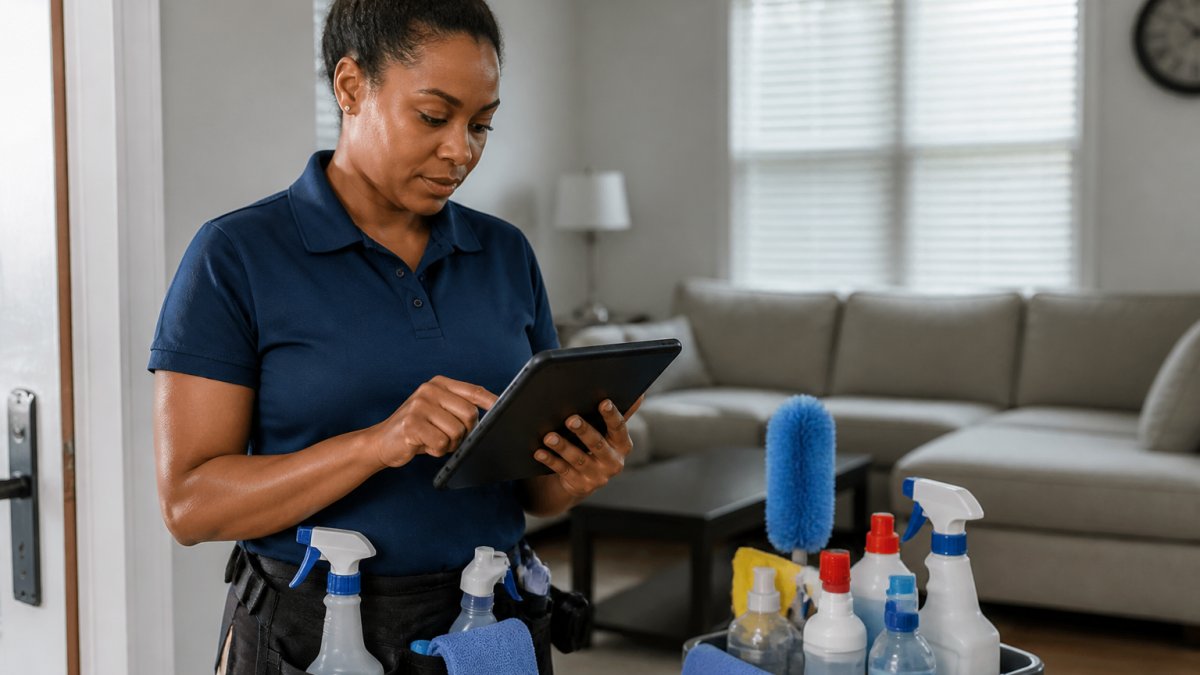
A professional approach is to send the estimate through a platform that tracks when the client opens it, views it, and approves it. This visibility tells you whether the prospect is interested or whether you need to follow up.
Many cleaning business estimating software tools let you send estimates directly from the platform with a unique link. The client clicks the link, reviews the estimate, and approves it without downloading anything.
Electronic Signatures and Client Approval
Digital signatures close the loop. When a client approves an estimate electronically, you have a record of acceptance. This protects you if the client later disputes the scope or price.
Most online estimate platforms support e-signature through services like DocuSign or built-in signature capture. The client signs directly on the estimate, and a timestamp records when they approved it. This is legally binding in most jurisdictions and far more professional than a verbal agreement or email confirmation.
Follow-Up and Revision Tracking
Estimates often go back and forth. The client asks for a price adjustment, wants to add a service, or needs a different schedule. Your system should handle revisions without losing track of the original quote.
The best digital estimate systems let you create a revision, send it to the client, and track which version they approved. You maintain a complete history so there's no confusion later about what was quoted.
Set up automated follow-up reminders. If an estimate isn't approved within 3 days, send a gentle reminder. If it sits for a week, follow up again. Many prospects need a nudge, and automation ensures you don't let opportunities slip through the cracks.
Common Mistakes to Avoid When Creating Estimates
Vague scope descriptions top the list. "Standard cleaning" means different things to different people.
Underestimating labor hours is the second mistake. New cleaning businesses often quote 2 hours for a job that actually takes 3 hours. They do the work, lose money, and burn out their crew.
Forgetting to include all costs is common too. Factor in materials, travel time, overhead, and profit margin, not just direct labor.
Not specifying terms and conditions creates problems. Include your cancellation policy, payment terms, and what happens if the client requests changes after approval. A clear estimate template includes these details so there's no misunderstanding.
Finally, don't skip the follow-up. An estimate sent and forgotten is an estimate that doesn't convert. Build follow-up into your process. If the client doesn't approve within a week, reach out.
Cleaning businesses that move away from scattered spreadsheets and manual processes to structured digital estimates close more deals and spend less time on admin work. SolvPro's field service management platform includes digital proposals and contract capabilities that integrate with your scheduling and payments, so your team can focus on delivering great cleaning work instead of chasing paperwork.
Frequently Asked Questions
What should a cleaning service estimate include?
A complete cleaning estimate should include your business name and contact details, the client's name and property address, a detailed scope of work listing specific cleaning tasks, square footage or number of rooms, service frequency (one-time or recurring), labor costs broken down by hourly rate or flat rate, materials and supplies costs, any travel or overhead fees, taxes, the total estimated price, estimate validity date, terms and conditions, and your payment methods. Professional estimates also include a space for the client to approve and sign, either digitally or by hand.
How do I create a digital estimate template for my cleaning business?
Start by choosing your format: fillable PDF, spreadsheet, or online form. Add your company branding at the top. Include sections for client information, property details, and a detailed line-item breakdown of services with costs. Build a formula to calculate labor (hours × hourly rate) plus materials and fees. Test the template with a sample job to ensure calculations work correctly. Make it easy to customize by using placeholder text for variable fields. Many cleaning businesses use free templates from various sites, then modify them in Excel, Word, or Google Sheets to match their pricing structure.
How do cleaning companies calculate estimates accurately?
Cleaning estimates typically use one of two methods: hourly rates or flat-rate pricing based on square footage and room count. Start by determining your labor cost per hour, which should cover wages, overhead, and profit margin. For residential jobs, estimate 2-4 hours for a standard 2,000 sq ft home; adjust based on property condition and number of rooms. Add material costs (supplies, equipment wear) as a percentage of labor, usually 10-20%. For commercial cleaning, calculate by square footage or number of rooms, then add frequency discounts for recurring contracts. Always include travel time if applicable. Document your estimates so you can refine rates over time based on actual job duration.
Can customers approve and sign a cleaning estimate digitally?
Yes. Digital estimate tools and field service software allow clients to review, approve, and electronically sign estimates on their phone or computer. This speeds up the sales process significantly, clients can approve immediately instead of waiting days for a printed signature. Digital signatures are legally binding in all states under the Uniform Electronic Transactions Act (UETA). Many platforms send estimates via email or text, and clients can sign right there without printing. This also creates an instant digital record of approval, reducing disputes and improving your cash flow by moving faster from estimate to job start to invoice.