 how-to-guide
Reduce Administrative Bottlenecks in Landscaping: 7 Strategies
Table of Contents
- Why Administrative Bottlenecks Cost Landscaping Businesses Time and Money
- Implement Automated Invoicing and Payment Systems to Eliminate Back-Office Delays
- Choose the Right Landscaping Business Software for Your Team
- Establish Standard Operating Procedures (SOPs) That Reduce Decision-Making Time
- Optimize Route Density and Service Area Planning to Reduce Scheduling Friction
- Improve Communication Between Office and Field Teams
- Use AI and Automation to Handle Routine Administrative Tasks
- Measure and Monitor KPIs That Expose Administrative Bottlenecks
Last Updated: July 22, 2026
Why Administrative Bottlenecks Cost Landscaping Businesses Time and Money
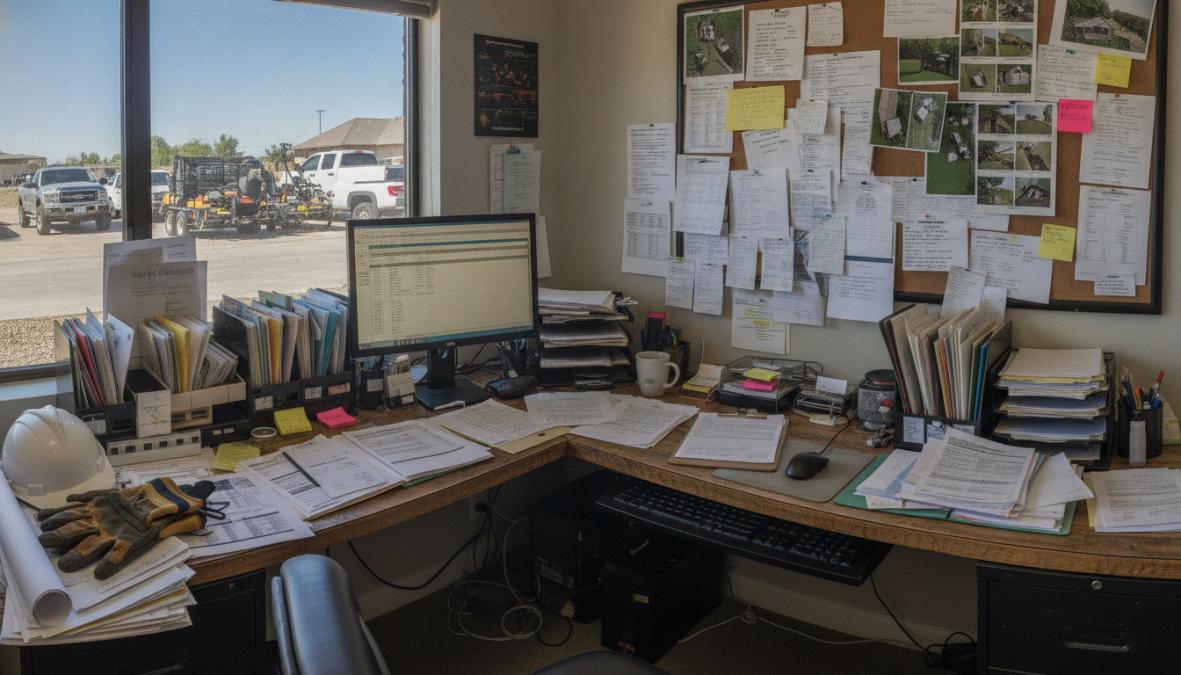
Administrative bottlenecks drain landscaping operations through manual data entry, scheduling conflicts, and payment delays. Research shows companies struggling with disorganized back-office processes lose 10-15 hours per week. When invoices sit in truck cabs for days, cash flow suffers. When scheduling happens across email and text, crews show up to wrong jobs. When customer information lives in multiple places, follow-up calls get missed and repeat business evaporates.
The good news: administrative bottlenecks stem from systems that weren't designed to scale, not lack of effort. A spreadsheet works with two crews but becomes a nightmare with five. Reducing these bottlenecks doesn't require overhauling your entire operation, it requires targeting specific friction points and implementing tools that fit how your team works.
Below are seven concrete strategies that have helped landscaping teams reclaim 8-12 hours per week and accelerate cash flow by 30-40 days.
Implement Automated Invoicing and Payment Systems to Eliminate Back-Office Delays
Invoicing is where most landscaping businesses hemorrhage time. A crew finishes a job, the invoice gets written in the truck or forgotten, and lands on the office manager's desk three days later. Then comes data entry, sending, following up on unpaid invoices, and manual payment reconciliation. This cycle stretches 30-45 days, destroying cash flow.
Automated invoicing systems eliminate this friction by letting crews generate and send invoices from the field. A crew leader completes the job, snaps photos, fills in final details on a mobile device, and the invoice generates automatically. The customer receives it within minutes. Payment processing happens digitally, eliminating checks and manual ACH processing.
Landscaping teams using field-based invoicing typically see payment arrival accelerate by 20-30 days. Instead of waiting 45 days, you're collecting within 15 days. For a company with $50,000 in monthly invoices, that's the difference between covering payroll next week or next month.
Digital invoicing also reduces errors. Automated systems pull job details directly from work orders, so what the crew entered is what the customer sees, no transcription errors or follow-up calls to clarify what was actually done.
Choose the Right Landscaping Business Software for Your Team
Landscaping business software is the backbone of reducing administrative bottlenecks. The wrong choice creates more work; the right choice centralizes scheduling, work orders, customer data, payments, and crew communication into one platform your team actually uses.
Most landscaping owners choose between spreadsheets, multiple disconnected tools, or purpose-built field service platforms. Spreadsheets feel free until one person leaves and the system breaks. Multiple tools create data silos where your CRM doesn't talk to invoicing and invoicing doesn't sync to accounting.
Purpose-built landscaping software centralizes all operations. A good platform includes scheduling and dispatch, mobile work orders, digital proposals, automated invoicing, payment processing, and customer communication. Crews see jobs on a mobile device, confirm arrival, update status in real time, and capture photos, all from the field.
SolvPro is built specifically for service businesses like landscaping. It centralizes scheduling, work orders, crew tracking, digital contracts, and payments into one platform. With bilingual support in English and Spanish, it works for diverse teams. It integrates with QuickBooks Online, so financial data syncs automatically. The mobile app is intuitive enough that crews adopt it without extensive training.
Test a free trial with your actual team doing actual work. If adoption is slow or people revert to old methods, the software isn't right for your workflow.
| Evaluation Criteria | What to Look For | Why It Matters |
|---|---|---|
| Mobile usability | Works offline, syncs when connected | Crews work in areas with poor signal |
| Scheduling integration | Syncs with invoicing and crew data | Prevents scheduling conflicts and billing errors |
| Crew adoption | Intuitive interface, minimal training | Unused software creates more work, not less |
| Integration capability | Connects to QuickBooks, accounting tools | Reduces manual data entry and reconciliation |
| Bilingual support | English and Spanish built-in | Critical for diverse teams |
| Payment processing | Accepts credit cards and ACH directly | Accelerates cash flow |
Establish Standard Operating Procedures (SOPs) That Reduce Decision-Making Time
Standard operating procedures are the infrastructure that stops administrative bottlenecks from forming. Without them, every decision requires discussion. With them, routine tasks execute automatically.
An SOP is a documented process: "When a customer calls for a quote, here's exactly what happens." Without SOPs, different crew leaders quote jobs differently, some underestimate labor, others overestimate. Some follow up with customers, others don't. Inconsistency creates rework and delays.
Effective SOPs for landscaping cover high-impact areas: how quotes are generated and delivered, how jobs are scheduled after approval, how crews receive work orders and communicate changes, how invoices are issued and payment collected, and how customer issues are escalated. Each SOP should be 1-2 pages with simple language and screenshots if needed.
Store SOPs somewhere your team can find them and review quarterly if reality has diverged from the process. When implementing new tools like landscaping business software, SOPs become critical. An SOP might say: "Every job gets a digital work order created by EOD the day before it's scheduled. The crew lead receives it by 6 AM the morning of the job." This prevents crews from showing up without knowing what they're supposed to do.
Optimize Route Density and Service Area Planning to Reduce Scheduling Friction
Route density and service area optimization directly reduce administrative bottlenecks by eliminating wasted time in the field. A crew spending 2 hours driving between jobs is 2 hours not working.
Most landscaping businesses should operate in a 15-20 minute radius from their home base. Beyond that, travel time eats profit. If you're serving customers 45 minutes away, crews spend 1.5 hours daily commuting, 7.5 hours per week per crew, nearly a full day, spent driving instead of working.
Effective service area planning means clustering customers geographically. A crew should move from one job to the next without backtracking. If a customer is far outside your service area, raise pricing to cover travel cost or politely decline.
When jobs are clustered, a crew can complete 4-5 jobs per day instead of 2-3, 100% more productivity from the same crew. The administrative impact is significant: fewer crew assignments to manage, fewer route changes, fewer customer communication delays.
Landscaping software with mapping and scheduling features makes this visible. You can see all customer locations on a map, identify service area gaps, and cluster new jobs geographically. Some platforms suggest optimal route sequences based on job location and duration, eliminating manual juggling and reducing scheduling errors.
Improve Communication Between Office and Field Teams
Field-to-office communication is where most landscaping operations leak efficiency. A crew encounters a problem, the customer wants to add scope, or equipment breaks. The crew leader calls the office. The office manager is busy. The crew waits. Hours pass. The job doesn't complete, and the next crew's schedule is affected.
Real-time communication platforms solve this by creating a direct channel between field crews and the office. A crew leader can send a photo, describe the issue, and get a response in minutes instead of waiting for a phone call to connect.
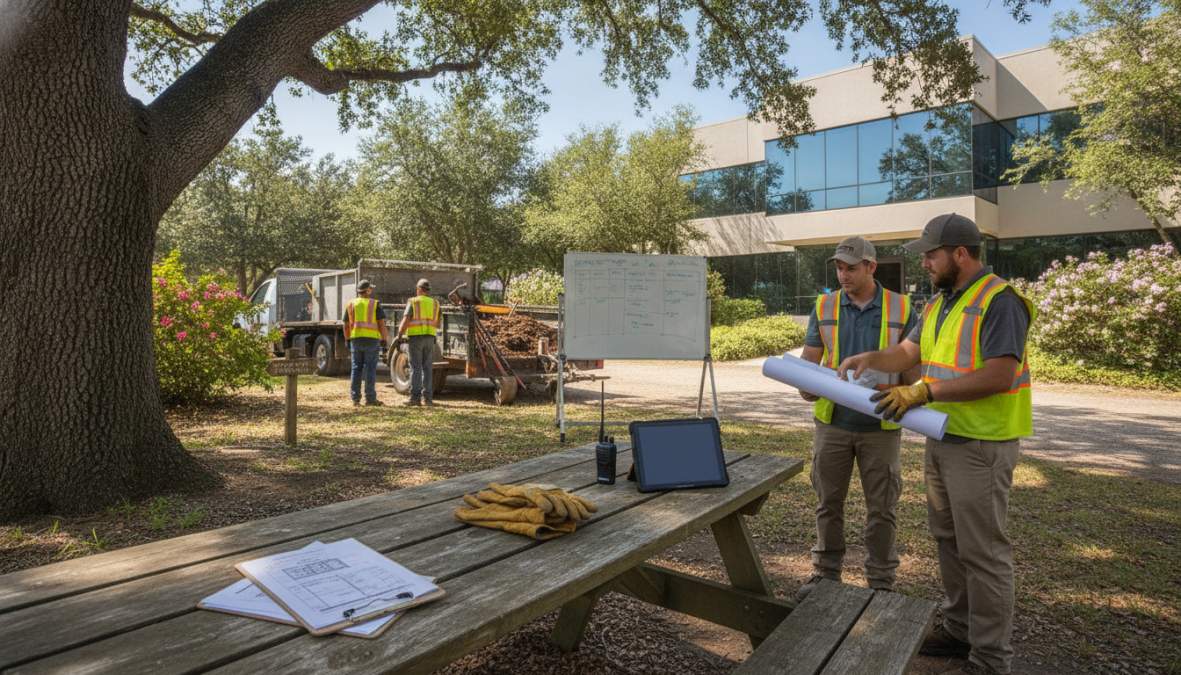
Effective field-to-office communication includes a mobile app that works offline and syncs when connected, office visibility into real-time job status, and a fast way to communicate changes. Many landscaping teams still rely on text messages and phone calls, which create records that are hard to search and easy to misinterpret. A centralized communication system in your landscaping business software creates an audit trail showing exactly what was communicated, when, and by whom.
When crews can resolve issues independently without waiting for office approval, jobs complete on schedule. When the office can see real-time job status, they manage customer expectations accurately. Both reduce the back-and-forth communication that consumes hours.
Use AI and Automation to Handle Routine Administrative Tasks
AI and automation reshape how landscaping businesses reduce administrative bottlenecks by targeting repetitive, rule-based, time-consuming tasks like data entry, scheduling, and customer communication.
Automated data entry is the fastest win. When a crew completes a job and submits a digital work order, the system automatically extracts key information: job date, customer name, scope, labor hours, materials. This data populates invoicing, accounting software, and customer history in seconds instead of 15 minutes of manual entry.
Scheduling optimization is another high-impact automation. Instead of a dispatcher manually assigning crews, an AI system suggests optimal assignments based on crew skills, availability, location, and job requirements. The dispatcher reviews and approves, but the grunt work is eliminated, reducing scheduling time by 60-70%.
Customer communication can be partially automated through templates and triggers. When a job is scheduled, an automated message confirms the appointment. When a job completes, an automated message thanks the customer and requests payment. When an invoice is unpaid after 15 days, an automated reminder is sent.
Start small by picking one repetitive task and automating it. Measure the time saved, then move to the next task.
Measure and Monitor KPIs That Expose Administrative Bottlenecks
You can't improve what you don't measure. Most landscaping businesses have no visibility into where administrative time is actually spent.
Key performance indicators expose bottlenecks by quantifying them. The most revealing KPIs include invoice-to-payment time, job scheduling time, crew use rate, and customer communication response time.
Invoice-to-payment time measures how long between job completion and payment arrival. The industry average for landscaping is 35-45 days. Best-in-class operations collect within 15-20 days. If your time is 50+ days, automated invoicing is your highest-priority fix.
Job scheduling time measures how long between customer quote approval and job scheduling confirmation. This should be 1-2 days. If it's taking 5+ business days, you have an administrative bottleneck that loses customers to competitors.
Crew use rate measures the percentage of time crews are actually working. A healthy rate is 75-85%. Below 70% indicates scheduling inefficiency or route planning problems.
Customer communication response time measures how long between customer contact and response. Under 2 hours makes customers feel valued; 4+ hours creates frustration.
Landscaping business software with built-in reporting makes this measurement automatic. Review KPIs weekly or monthly and identify trends. When a KPI drifts in the wrong direction, diagnose why and adjust.
| KPI | Target | What It Reveals |
|---|---|---|
| Invoice-to-payment time | 15-20 days | Cash flow health and invoicing speed |
| Job scheduling time | 1-2 days | Sales-to-operations efficiency |
| Crew use rate | 75-85% | Route planning and scheduling effectiveness |
| Customer response time | Under 2 hours | Office capacity and communication systems |
| Repeat customer rate | 60%+ | Service quality and customer satisfaction |
| Administrative hours per job | 0.5-1 hour | Back-office efficiency |
Administrative bottlenecks in landscaping aren't inevitable. They result from systems that haven't been optimized for growth. Automated invoicing, centralized software, clear procedures, optimized routes, real-time communication, intelligent automation, and KPI tracking work together to eliminate friction that slows teams down.
SolvPro brings all of these together in one platform. It automates invoicing and payment processing, centralizes scheduling and crew communication, integrates with QuickBooks so data flows automatically, and provides visibility to track KPIs. With bilingual support built in, it works for landscaping teams of any composition. Start a free trial and see how much time your team can reclaim when administrative work stops consuming your day.
Frequently Asked Questions
What are the most common administrative bottlenecks in landscaping businesses?
The biggest bottlenecks include manual invoicing and payment processing that delays cash flow, paper-based work orders that get lost or delayed, duplicate data entry between field and office systems, and poor communication between crews and schedulers. Many landscaping companies also struggle with crew time tracking, job costing accuracy, and scheduling conflicts that require constant manual intervention. These issues compound when teams rely on spreadsheets, email, and phone calls instead of integrated landscaping business software.
How can standard operating procedures (SOPs) reduce administrative work in landscaping?
SOPs eliminate decision-making friction by documenting exactly how routine tasks should be completed, from how invoices are submitted to how change orders are approved. When crews and office staff follow consistent procedures, there's less back-and-forth communication, fewer errors, and faster processing. SOPs also make it easier to train new team members and scale operations without adding proportional administrative overhead. Written procedures serve as a reference that reduces phone calls and clarification emails.
How does route optimization for landscaping reduce administrative work?
Optimizing route density and service areas minimizes scheduling conflicts and last-minute crew reassignments that create administrative chaos. When routes are planned geographically and by service type, dispatchers spend less time juggling crew assignments, and field teams waste less time traveling between jobs. This reduces the need for constant schedule adjustments, improves crew productivity, and cuts administrative overhead. Better routes also improve real-time tracking accuracy and make it easier to handle unexpected changes or cancellations.
Can landscaping business software actually speed up cash flow and payment processing?
Yes, when integrated properly. Digital invoicing and automated payment systems eliminate the delays caused by paper invoices sitting in trucks or on desks. Field teams can submit completed work orders and photos directly from mobile devices, invoices are generated automatically, and payment reminders are sent immediately. Integration with QuickBooks Online or similar accounting software ensures data syncs without manual re-entry. The result is faster invoice delivery, quicker payment collection, and better visibility into which jobs are paid and which are pending, directly improving cash flow.
This article was written using GrandRanker