 how-to
Finish Jobs Faster for Plumbing: A Field Service Guide
Table of Contents
- Why Plumbing Contractors Struggle to Finish Jobs On Time
- Field Service Management Software for Plumbers: What It Does
- How Automated Scheduling and Dispatch Cuts Job Time
- Digital Work Order Benefits for Plumbing Operations
- Plumbing Software for Faster Invoicing and Payment Collection
- Overcoming Implementation Barriers and Team Adoption
- Measuring Your ROI: What to Track After Going Digital
- Frequently Asked Questions
Last Updated: September 25, 2026
Why Plumbing Contractors Struggle to Finish Jobs On Time
Most plumbing contractors face the same problems: jobs stretch longer than planned, crews can't find parts, and invoices get lost, making it harder to finish jobs faster plumbing work. These aren't rare exceptions, they're daily reality for teams managing work orders on paper or spreadsheets.
The core issue is friction. When scheduling, inventory, and invoicing live in separate places, jobs slow down and finishing jobs faster becomes nearly impossible.
Field service management software removes that friction by centralizing scheduling, work orders, crew tracking, invoicing, and payments into one system. Field service management software can help plumbing contractors cut job completion time by eliminating manual handoffs and phone calls.
Teams that switch from paper-based systems report faster job completion, fewer scheduling conflicts, and quicker cash flow.
Field Service Management Software for Plumbers: What It Does
Field service management software is a centralized platform that combines scheduling, work order management, crew tracking, digital invoicing, and payment processing into one tool.
Here's what it actually does:
- Centralizes job information so crews have everything they need on a mobile device
- Automates scheduling to reduce conflicts and double-booking
- Tracks inventory in real time so technicians know what parts are available
- Digitizes work orders so crews don't carry paper clipboards
- Simplifies invoicing so payment arrives faster
- Integrates with accounting software like QuickBooks Online to eliminate manual data entry
The real value lies in eliminating the gap between office and field, when dispatchers, crews, and accountants see the same data, jobs move faster.
SolvPro brings all these functions together with bilingual support in English and Spanish, mobile-friendly design, and integrations that connect to your existing tools, removing the operational chaos that slows teams down.
How Automated Scheduling and Dispatch Cuts Job Time
Automated scheduling delivers the biggest time savings. Instead of manually assigning jobs, the software suggests optimal assignments based on location, crew skills, availability, and workload.
Manual scheduling often creates hidden inefficiencies: crews sit idle while others are overbooked, jobs get assigned to the wrong technician, and travel time balloons because jobs aren't clustered geographically.
Automated dispatch changes this:
- Geographic job clustering groups nearby jobs together, cutting travel time between appointments
- Real-time routing adjusts assignments as conditions change during the day
- Skill-based matching ensures the right technician gets the right job
- Capacity planning prevents overbooking and crew burnout
When crews spend less time traveling, jobs finish faster.
The software also reduces administrative overhead, instead of spending an hour each morning assigning jobs by phone and email, your dispatcher approves automated suggestions in minutes.
Digital Work Order Benefits for Plumbing Operations
Paper work orders create delays at every stage: technicians write notes by hand, return to the office, and someone manually enters the data, by then it's hours old.
Digital work orders eliminate that delay. Technicians update job status, notes, and photos directly in the mobile app, and the office sees changes in real time.
The benefits extend beyond speed:
- Real-time visibility means dispatchers know exactly where crews are and what they're working on
- Photo documentation creates a record of the work completed
- Digital signatures from customers provide proof of completion
- Instant updates to inventory and scheduling when jobs change
- Reduced errors because information is entered once, not transcribed multiple times
For plumbing operations, digital work orders let crews capture photos of the problem and solution, reducing disputes and providing a complete service history for follow-up calls.
The Offline-First Sync Problem Most Software Ignores
Many plumbing contractors hit a wall here: crews work in basements, crawl spaces, and rural areas where cellular signal is unreliable. Cloud-only systems that require constant connectivity become a liability.
Field service software must support offline-first functionality: crews work completely offline, data syncs automatically when reconnected, changes are preserved without conflicts, and crews stay productive without waiting for signal.
SolvPro's mobile-friendly platform allows crews to complete jobs without constant internet connectivity. When they reconnect, the app syncs automatically, preventing lost work and frustration.
Without offline capability, you're forcing your crews to choose between staying connected and staying productive. That's not a choice any plumbing contractor should have to make.
Plumbing Software for Faster Invoicing and Payment Collection
Here's where cash flow improves dramatically. Most plumbing contractors don't invoice customers until days after the job ends. The crew finishes, returns to the office, and someone manually creates an invoice. If the customer isn't there to pay on-site, the invoice sits in a drawer or gets mailed.
Digital invoicing changes the timeline. A technician completes the work, generates an invoice in the field, and presents it to the customer on a mobile device. The customer pays immediately, or the invoice goes out within minutes of job completion.
Fast invoicing means faster payment. Instead of a 30-day collection cycle, you get paid in days. For small contractors managing cash flow, this is transformative.
Plumbing software for faster invoicing typically includes:
- On-site payment processing so customers pay before the technician leaves
- Digital receipts that customers receive instantly
- Automatic invoice generation from work order data
- Integration with accounting software so invoices sync to QuickBooks Online without manual entry
- Payment reminders for invoices that go unpaid
SolvPro integrates with QuickBooks Online, which means your invoices flow directly into your accounting system. No duplicate data entry. No reconciliation headaches. Your accountant sees what your crews invoiced, and the numbers match.
Overcoming Implementation Barriers and Team Adoption
New software doesn't deliver results if your team doesn't use it. This is where many contractors stumble. They buy the tool, turn it on, and watch their crews resist because the learning curve feels steep or the workflow feels clunky.
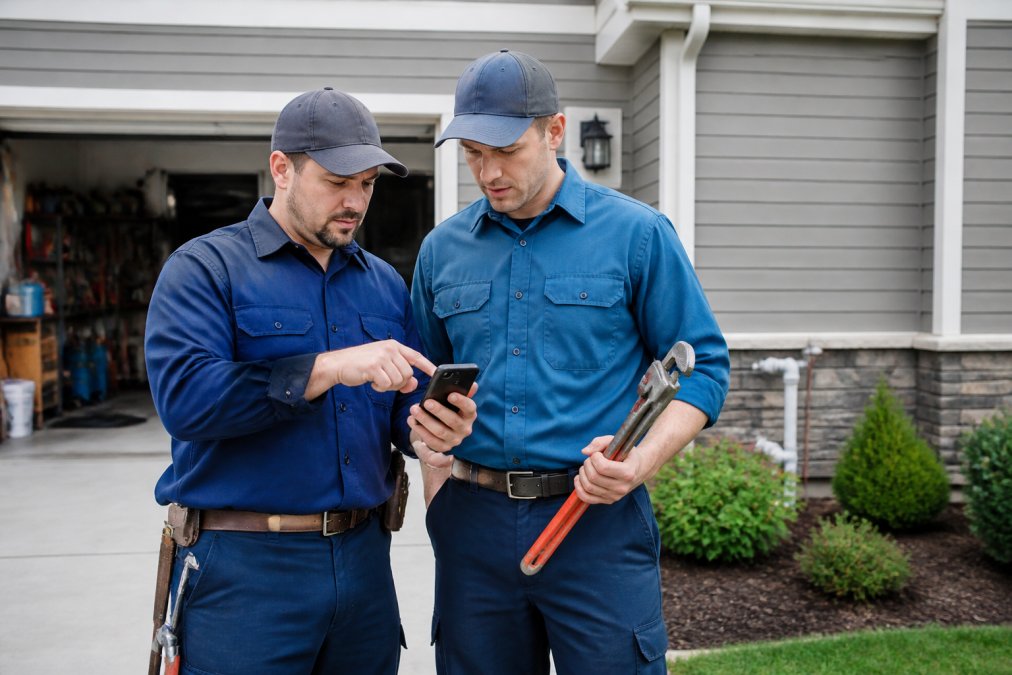
Here's how to make adoption stick:
- Start with a pilot group, introduce the software to 1-2 crews first, work out issues, then roll out to the rest of the team
- Provide hands-on training, don't just send a video link; walk through the system with your team
- Address concerns directly, if crews worry about monitoring or micromanagement, be transparent about what the software actually tracks
- Show the benefit early, highlight one crew that finishes jobs faster or gets paid quicker, and let the rest of the team see the result
- Keep support available, make sure someone on your team can answer questions when crews get stuck
Measuring Your ROI: What to Track After Going Digital
After you implement field service software, you need to know whether it's actually delivering results. ROI isn't always obvious, so track the metrics that matter and use them to calculate real dollar savings.
The Core Metrics to Measure
Start by establishing baseline measurements before implementation, then re-measure 90 days after go-live:
- Average job completion time, measure how long jobs take from arrival to departure; expect 10-20% improvement
- Jobs completed per crew per day, more jobs per crew means higher productivity and revenue per technician
- Time from job completion to invoice, track how many days pass between finishing work and sending an invoice; expect this to drop from 2-3 days to same-day or next-day
- Days to payment, measure how quickly customers pay after receiving invoices; expect improvement from 30+ days to 5-10 days
- Administrative time spent on scheduling and invoicing, measure hours your office staff spend on these tasks before and after
- Crew billable utilization rate, percentage of time crews spend on billable work versus travel, idle time, or administrative tasks
The ROI Calculation Framework
Here's how to translate those metrics into actual dollar savings:
Labor Savings from Reduced Administrative Work:
Revenue Improvement from Faster Job Completion:
Cash Flow Improvement from Faster Invoicing:
Travel Time Savings from Optimized Routing:
Putting It Together: A Real Example
A five-crew plumbing contractor with $1.2 million in annual revenue might see:
- Administrative labor savings: $18,200
- Additional revenue from faster job completion (5 extra jobs/day × 250 days × $350 × 20% margin): $87,500
- Freed working capital from faster invoicing: $73,000 (one-time, but reduces ongoing financing costs)
- Travel time recapture: $75,000
Total first-year impact: $253,700
How to Track These Numbers
Set up a simple spreadsheet before implementation:
- Baseline week, pick a representative week and manually log every metric above
- Implementation week, document hours spent on training and setup
- Weeks 5-12, re-measure the same metrics weekly; most improvement shows up by week 4
- Month 4 onward, measure monthly to ensure gains stick and identify areas needing adjustment
If you don't see measurable improvement by week 8, something in your workflow needs adjustment. Either the software isn't configured correctly for your operations, adoption isn't happening as planned, or your baseline measurement was off. Address it immediately rather than waiting for the 90-day mark.
Frequently Asked Questions
How can plumbing software improve job completion times?
Plumbing software eliminates time wasted on manual scheduling, paperwork, and travel between jobs. Automated dispatching routes technicians to nearby work orders based on geography and skill level, reducing drive time. Digital work orders eliminate the need to call the office for details, and mobile invoicing lets crews complete billing on-site instead of waiting until they return to the office. Combined, these features can reduce administrative overhead by several hours per day.
What are the benefits of using digital work orders for plumbing businesses?
Digital work orders give field crews immediate access to job details, customer history, and equipment requirements without phone calls or paper documents. Technicians can photograph issues, document completed work, and capture signatures in real time. This reduces errors, speeds up customer communication, and creates a permanent record for warranty and service history tracking. For the office, digital orders provide visibility into job status and crew location, improving scheduling accuracy and customer communication.
Can automation software reduce administrative time for plumbing contractors?
Yes. Automation handles scheduling conflicts, dispatches jobs to available crews, syncs customer information, and generates invoices automatically. Instead of manually entering data into multiple systems, technicians record job details once in the mobile app, and the system pushes that information to accounting, billing, and CRM automatically. Many contractors report significant reductions in office administrative time after full implementation, freeing staff to focus on customer service and business growth.
What should I look for in field service management software for plumbers?
Prioritize mobile-first design so crews can work offline and sync when connected. Look for automated scheduling and dispatching to reduce travel time, digital work orders with photo and signature capture, and built-in invoicing with on-site payment processing. Bilingual support is essential if your crew speaks multiple languages. Integration with QuickBooks or your existing accounting system prevents double-entry and keeps financial data synchronized. A free trial lets you test the platform with your actual workflows before committing.