 comparison
Digital Work Order App vs Paper Forms: 2026 Guide
Table of Contents
- Digital Work Order App vs Paper Forms: Core Differences
- Benefits of Digital Work Order Software
- Challenges of Paper-Based Work Orders
- How to Transition from Paper to Digital Forms
- Work Order Management Software Examples
- Security, Compliance, and Data Integrity
- Making the Switch: Digital Work Order App or Paper Forms?
Last Updated: August 14, 2026
Digital Work Order App vs Paper Forms: Core Differences
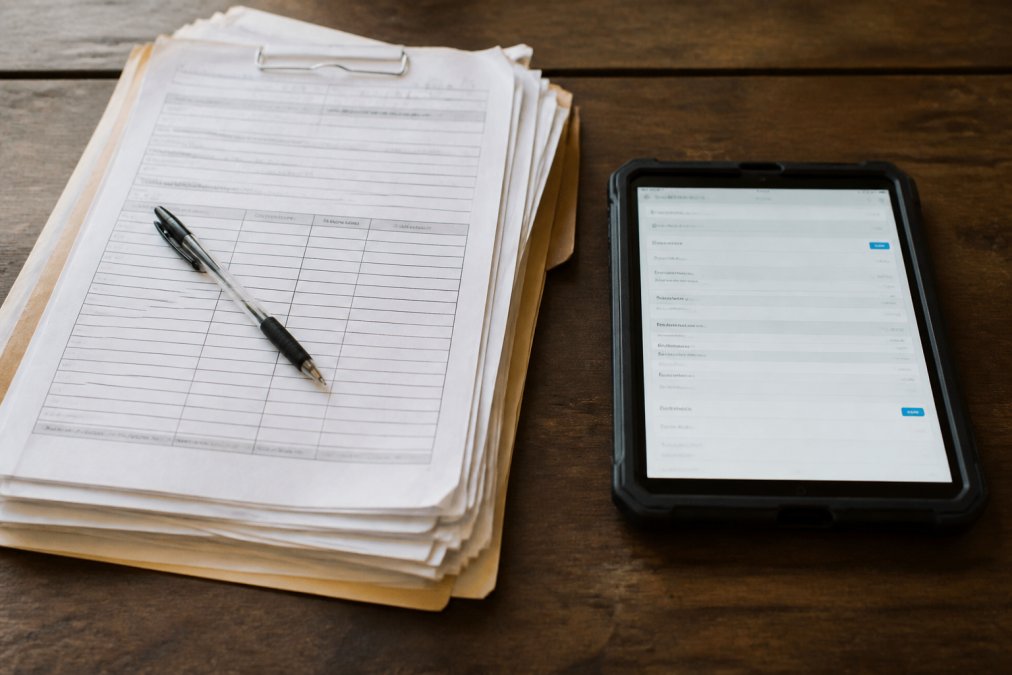
The choice between a digital work order app and paper forms is about operational efficiency, cash flow, and whether your field teams manage paperwork or jobs. A digital work order app captures job details, technician updates, signatures, and payments in real-time from the field. Paper forms are printed or handwritten work orders that return to the office for manual data entry, filing, and processing.
Paper forms create a lag. Information sits in a truck, then on a desk, then gets transcribed (often with errors) into a spreadsheet or accounting system. Digital work order apps eliminate that lag entirely. Technicians complete a job, submit the work order from their phone, and the office sees it instantly. Invoices can be generated and sent the same day. The differences compound across every operational metric: data accuracy, technician productivity, administrative overhead, and cash flow timing.
Benefits of Digital Work Order Software
Digital solutions reshape how field service businesses operate, extending advantages across scheduling, communication, compliance, and revenue collection.
Real-Time Data Entry and Accuracy
A digital work order app captures information the moment work happens. Technicians log job start times, materials used, labor hours, and completion notes directly on their mobile device. There's no transcription step, no handwriting to decipher, no lost pages.
This matters because accuracy compounds. A single data entry error on a paper form cascades: wrong invoice amount, incorrect labor hours in accounting, missing material costs in project analysis. Digital systems enforce data consistency through required fields, photo attachments that document actual work, and GPS timestamps that verify arrival and departure times. The result is an audit trail that tracks every detail of every job.
Mobile-First Workflow and Technician Productivity
Technicians using paper forms spend time returning to trucks to update work orders, then more time at the office transcribing notes. A mobile-first digital app eliminates these friction points. Crews update jobs from the field in seconds, not hours.
Technicians spend less time on administrative tasks and more time on billable work. Dispatchers can reassign jobs on the fly because they see real-time status updates. When a job finishes early, the next customer can be called immediately. Field service management platforms like SolvPro consolidate scheduling, work orders, and communication into a single mobile interface, eliminating context switching and lost information.
Cost Reduction and ROI
Paper-based systems carry hidden costs: printing, filing, storage space, manual data entry labor, and inventory management. A single administrative person spending 10 hours per week transcribing handwritten work orders costs money. Misfiled invoices that delay payment cost money. Duplicate work orders that create billing errors cost money.
Digital systems eliminate these costs. Information flows automatically from field to office to accounting. Many businesses find that time savings alone justify the software investment within months. The ROI accelerates when you factor in faster billing. If your current process delays invoicing by three days, moving to same-day billing accelerates cash flow significantly. For a business processing 20 jobs per day at an average invoice value, that acceleration means thousands of dollars in working capital freed up each month.
Challenges of Paper-Based Work Orders
Paper forms function fine for small operations with a handful of crews and straightforward jobs. As complexity and scale increase, limitations become operational bottlenecks.
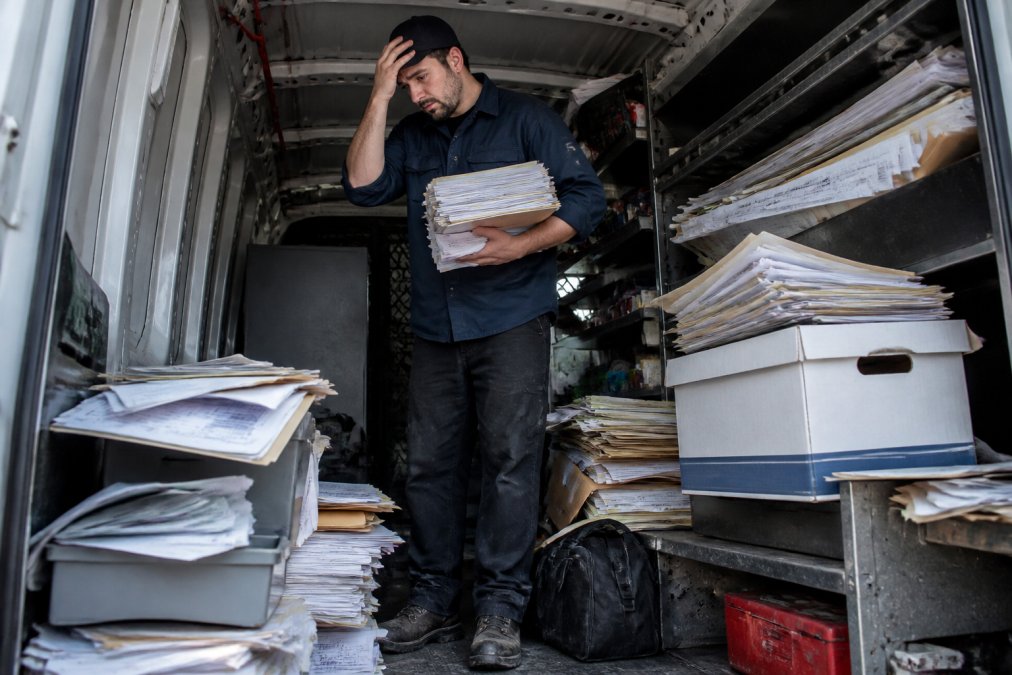
Information lag is the first challenge. A technician completes a job at 3 PM. The work order sits in their truck until they return to the office at 5 PM, then sits on a desk until someone processes it. The customer doesn't receive an invoice for days, delaying payment and cash flow.
Data integrity is the second challenge. Handwriting varies. Details get abbreviated. Numbers are misread. These errors propagate through invoicing, accounting, and compliance records, requiring manual intervention to correct.
Scalability is the third challenge. Paper systems require physical infrastructure: filing cabinets, storage space, organized filing systems. As you add crews, you add more paper. Finding a specific work order from months ago becomes difficult. Auditing operations becomes nearly impossible.
Communication is the fourth challenge. If a customer calls with a question, you need to find the physical work order. Real-time communication doesn't exist on paper.
Compliance is the fifth challenge. Many industries require documented proof of work, material specifications, and customer signatures. Digital systems make compliance auditing instant. Paper systems require time-consuming retrieval.
How to Transition from Paper to Digital Forms
Moving from paper to digital requires planning, team buy-in, and a realistic timeline. The process is manageable with the right change management strategy.
Change Management Strategies
The biggest barrier to switching from paper to digital is resistance from crews accustomed to paper. Address these concerns by showing your team why the change matters. Share concrete examples: "Our invoicing currently takes three days. With digital forms, it takes three hours." Demonstrate how the new system makes their jobs easier by reducing time in the office and increasing billable work time.
Involve your team in the selection process. Let technicians test the app before you commit. Let office staff see how the system integrates with your accounting software. Buy-in happens when people understand the system before they're forced to use it.
Plan a phased rollout. Start with one team. Let them use the new system for a week. Gather feedback. Fix issues. Then expand to the next team. This approach surfaces problems early and builds confidence gradually.
Provide training and support. Budget time for hands-on guidance. Make it clear that struggling with the system is normal and that support is available.

Implementation Timeline and Hardware Considerations
A realistic transition from paper to digital takes four to eight weeks, depending on your operation size and complexity.
Week 1-2: Planning and Setup Choose your software platform. Set up your account. Customize work order templates to match your current process. Integrate with your accounting system if required.
Week 3-4: Pilot Testing Deploy the app to one crew. Run parallel operations where crews complete both digital and paper work orders simultaneously. Gather feedback and refine your process.
Week 5-6: Expanded Rollout Deploy to all crews. Maintain paper forms as a backup for the first week.
Week 7-8: Full Digital Operation Retire paper forms. Verify that all data flows correctly from field to office to accounting.
Hardware considerations matter. Every technician needs a device, smartphone or tablet, with reliable connectivity. Most modern smartphones are sufficient. Budget for device cost, data plan cost, and device management. Connectivity is critical. Choose a platform that supports offline mode so technicians complete work orders offline, then sync when they return to coverage. SolvPro supports offline work order capture, eliminating the risk of lost data in low-signal areas.
| Phase | Duration | Key Activities | Resource Needs |
|---|---|---|---|
| Planning & Setup | 1-2 weeks | Software selection, account setup, template customization | 1-2 hours of your time |
| Pilot Testing | 1-2 weeks | Deploy to one crew, run parallel operations, gather feedback | 1 crew + 1 support person |
| Expanded Rollout | 1-2 weeks | Deploy to all crews, maintain paper backup | All crews + support |
| Full Digital | 1-2 weeks | Retire paper, verify data flow, establish new workflows | All crews, office staff |
Work Order Management Software Examples
SolvPro is purpose-built for small to medium-sized service businesses including landscaping, construction, excavation, septic, and cleaning companies. It centralizes scheduling, work orders, crew tracking, digital proposals, and payments into one platform. Crews see assignments on mobile, update job status in real-time, and customers can be invoiced the same day. SolvPro integrates with QuickBooks Online, eliminating manual data transfer. The bilingual support (English and Spanish) makes it ideal for diverse crews.
ServiceMax targets large enterprises with complex asset management needs. Built on Salesforce, it offers powerful customization but high cost and lengthy implementation timelines. For small teams, ServiceMax is oversized.
Fieldwire focuses on construction project management and daily reporting. It's excellent for coordinating crews on a single large project but less suited for multi-job dispatching typical of service businesses.
GoCanvas specializes in mobile form capture with flexible customization but requires more manual setup.
Smartsheet functions as a work management platform with spreadsheet-like familiarity but offers less field-specific functionality than dedicated service management software.
For small service businesses switching from paper, SolvPro offers a balance of ease of use, field-specific features, and affordability.
Security, Compliance, and Data Integrity
Moving to digital raises legitimate concerns about data security and regulatory compliance. Reputable field service management platforms encrypt data in transit and at rest. Look for platforms that comply with industry standards like SOC 2 Type II certification, which verifies that security controls are independently audited.
Compliance requirements vary by industry. Digital systems excel at compliance because every work order creates an immutable record. You can generate compliance reports in seconds and retrieve documentation from years ago instantly. Paper systems struggle because retrieving historical records is time-consuming and error-prone.
Data integrity in digital systems is enforced automatically through required fields, timestamps, photos, and digital signatures. Cloud-based digital systems automatically back up your data across multiple servers. Your information survives hardware failures, natural disasters, and human mistakes.
Making the Switch: Digital Work Order App or Paper Forms?
The decision between digital and paper isn't close once you examine operational reality. Paper forms work for very small operations with minimal complexity. Beyond that, limitations compound faster than benefits.
If you're running more than five crews, or if your jobs vary significantly in scope and complexity, or if you're trying to grow, paper becomes a liability. The administrative overhead grows faster than revenue. Billing delays hurt cash flow. Data entry errors create customer disputes. Scaling becomes impossible.
The transition to digital is not a massive undertaking. Most businesses complete it within four to eight weeks. The learning curve is manageable. The upfront cost is modest compared to operational savings and cash flow improvements.
For service businesses with crews in the field, SolvPro simplifies the entire operation. Work orders flow instantly from field to office. Invoices generate automatically. Customers pay faster. Crews spend less time on paperwork and more time working. QuickBooks integration eliminates manual accounting reconciliation.
The real cost of staying on paper is the invisible drag of administrative overhead, billing delays, and missed opportunities to scale. Once you switch to digital, you'll wonder why you waited.
Switching from paper to digital work orders isn't a luxury, it's a necessity if you want to grow without proportionally increasing administrative burden. SolvPro eliminates the chaos of scattered paperwork by centralizing scheduling, work orders, crew tracking, and billing in one platform. With bilingual support, QuickBooks integration, and mobile-first design, your team finishes jobs faster and gets paid sooner. Start your free trial today and see how digital work orders transform your operation.
Frequently Asked Questions
What are the main disadvantages of using paper-based work orders?
Paper work orders create significant operational friction. Information gets lost in transit, technicians spend hours manually transferring data to the office, and document retrieval becomes a bottleneck when you need historical records. Paper also creates compliance risks, audit trails are difficult to maintain, and there's no real-time visibility into job status. Administrative overhead increases as staff manually process invoices, and data accuracy suffers from illegible handwriting and transcription errors.
How much time can be saved by switching to digital work orders?
Time savings vary by operation size, but field teams typically recover 5-10 hours per week by eliminating manual data entry, paperwork shuffling, and document retrieval tasks. Office staff save additional hours on invoice processing and scheduling adjustments. Real-time data entry means jobs get billed the same day instead of days later, compressing your cash conversion cycle. The biggest gain: technicians spend more time on billable work instead of administrative tasks.
Can a digital work order app integrate with accounting software like QuickBooks?
Yes. Most modern work order management platforms, including SolvPro, integrate directly with QuickBooks Online. This eliminates manual syncing between systems, reduces transcription errors, and ensures your accounting records match your field operations in real time. Integration also accelerates invoicing, job data flows automatically from the field to your accounting system, speeding up billing and cash flow.
What's the typical implementation timeline for switching from paper to digital forms?
Implementation depends on team size and complexity. Small crews (5-10 technicians) typically go live in 2-4 weeks with proper change management. Larger operations may take 6-8 weeks. The timeline includes data setup, user training, hardware deployment (tablets or smartphones), and a pilot phase where a subset of crews test the system before full rollout. Most teams see productivity gains within the first month of use.
Why should I switch to a digital work order app if spreadsheets and paper are working now?
Spreadsheets and paper create hidden costs. You're paying someone to manually manage paperwork, losing productivity while technicians travel back to the office to drop off forms, and missing real-time visibility into job status. Digital work order apps eliminate administrative overhead, enable remote dispatching, provide instant job updates, and accelerate cash flow by getting invoices to customers the same day work completes. As your business grows, paper systems don't scale, digital systems do.
This article was written using GrandRanker