 comparison
Work Order vs Scheduling Software: Key Differences
Table of Contents
- Work Order vs Scheduling Software: What's the Real Difference
- Understanding Work Order Management Software
- How Scheduling Software Operates Differently
- Feature Comparison: Work Order vs Scheduling Tools
- Best Field Service Management Software for Small Business
- Work Order Management Best Practices for Efficiency
- Benefits of Automated Technician Scheduling
- Do You Need Both or Just One Platform
- Frequently Asked Questions
Last Updated: September 19, 2026
Work Order vs Scheduling Software: What's the Real Difference
Work order scheduling software tracks individual jobs from creation to completion, while also managing when and how those jobs get assigned to technicians. Scheduling software focuses on resource allocation, who's available, when, and how to fit jobs into their calendar. Most field service businesses need both, but they solve different problems: one is about planning, the other about execution.

Understanding Work Order Management Software
Work order management software creates a digital record of every job from request through completion and payment, centralizing information that otherwise lives in spreadsheets, email, or handwritten notes.
A work order captures the job description, customer address, equipment specs, required materials, and assigned technician. Technicians update status in real time from the field, and completed work orders feed directly into invoicing.
The work order lifecycle moves through job creation, assignment, in-progress updates, completion, and billing. Each completed work order becomes a service history record that informs future maintenance decisions.
How Work Order Software Works
Work order software centralizes job information and tracks it from start to finish. Technicians access orders on mobile devices and see exactly what they're walking into before arrival.
Real-time tracking lets technicians update status as they work. Office staff and customers see updates instantly, and the system generates invoices automatically, speeding up billing and cash flow.
Work Order Lifecycle and Tracking
Job creation happens when a customer submits a service request. The office team enters location, problem description, required skills, and urgency level.
A dispatcher assigns the work order to a technician based on availability, location, and skill requirements, delivered via mobile device.
The technician navigates to the job, reviews details, and updates status as they progress, logging materials used and complications.
Completion triggers automatic notifications to the customer and office, generates a service report, and prepares the invoice.

How Scheduling Software Operates Differently
Scheduling software answers: who does what when? It manages technician availability and time allocation to match jobs optimally.
A scheduling system matches technicians to jobs based on skills, location, availability, and travel time. It prevents double-booking, suggests efficient routes, and prioritizes high-priority jobs.
Technician Availability and Resource Allocation
Each technician has a calendar showing availability. The scheduling system won't assign jobs to someone already booked.
The system matches job requirements to technician capabilities, certifications, experience level, and specialties, suggesting the right person for each job.
The system also considers geography. Assigning jobs geographically close together reduces travel time and fuel costs. A scheduling tool calculates distances and suggests routes that cluster jobs efficiently.
Preventive maintenance scheduling is another layer. The system can automatically generate maintenance jobs based on asset age or usage, then schedule them into technicians' calendars before reactive emergency calls fill up the week.
Feature Comparison: Work Order vs Scheduling Tools
| Feature | Work Order Software | Scheduling Software | Which Matters More |
|---|---|---|---|
| Job creation & documentation | Core feature | Not primary | Work order |
| Real-time job tracking | Core feature | Not primary | Work order |
| Technician availability management | Limited | Core feature | Scheduling |
| Route optimization | Not typical | Core feature | Scheduling |
| Preventive maintenance planning | Yes | Yes | Both |
| Mobile access for technicians | Yes | Yes | Both |
| Automated billing from job data | Yes | Limited | Work order |
| Historical service records | Yes | Limited | Work order |
| Calendar-based assignment | Limited | Core feature | Scheduling |
| Conflict detection (double-booking) | Limited | Core feature | Scheduling |
The distinction matters because the tools solve different pain points. If your problem is "jobs get lost in email" or "we don't know what work was done," you need work order software. If your problem is "technicians waste two hours driving between jobs" or "we can't fit all the work in," you need scheduling software.
Most field service operations need both. Work order software documents what happened. Scheduling software prevents what shouldn't happen, wasted time, inefficient routes, missed jobs.
Best Field Service Management Software for Small Business
For small teams managing multiple jobs across different locations, work order scheduling software that combines both functions eliminates the need to toggle between systems.
SolvPro: Unified Work Orders and Scheduling
SolvPro combines work order management and scheduling into a single platform designed specifically for small service businesses. The system centralizes job creation, crew assignment, real-time tracking, and automated billing in one interface.
The work order side captures customer details, job scope, and required materials. Technicians access orders on mobile devices, update status in real time, and attach photos or notes directly to the job record. Completed work orders feed automatically into invoicing, which speeds up cash flow, a critical pain point for small businesses waiting days for payment.
The scheduling side assigns jobs to technicians based on availability, location, and skill level. The system prevents double-booking and suggests efficient routes. Crews see their daily assignments on mobile, reducing time spent on dispatch calls or checking email.
SolvPro includes bilingual support in English and Spanish, which matters for teams with diverse crews. Digital proposals and contracts simplify the sales side. QuickBooks Online integration means job data flows directly into accounting without manual data entry.
The platform is mobile-first, which is essential when your team works in the field.
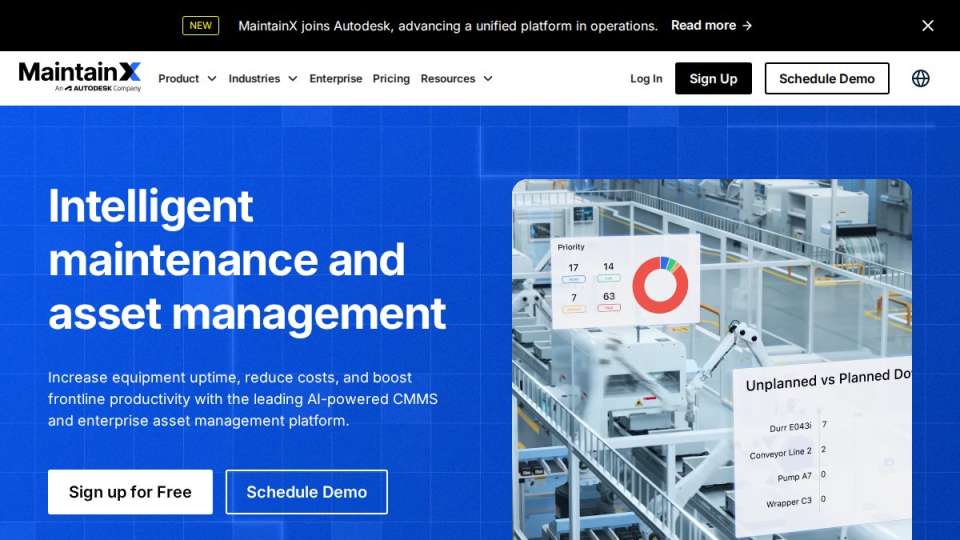
MaintainX: Mobile-First Work Order Platform
The limitation is scheduling optimization. MaintainX handles assignment but doesn't optimize routes or prevent scheduling conflicts as robustly as dedicated scheduling tools. For small teams with simple routing, this is fine. For teams managing 10+ simultaneous jobs across a large area, the scheduling gaps become apparent.
UpKeep: Asset-Focused Maintenance Management
The drawback is complexity. UpKeep is designed for larger maintenance operations with sophisticated asset tracking needs. For a small excavation company or septic service with 5-10 crews, the feature set is overkill, and the learning curve is steeper. Pricing also reflects the enterprise positioning, you'll need to contact the company for quotes.
ClickUp: Customizable Scheduling Flexibility
ClickUp works best for teams that are comfortable with configuration and have time to set it up properly. For small businesses that want a tool to work out of the box, it's more friction than it's worth.
Work Order Management Best Practices for Efficiency
To get the most from work order software, follow these practices that separate efficient operations from chaotic ones.
The biggest mistake small businesses make is creating work orders but not updating them. If technicians don't log status changes, you lose visibility and billing suffers. Make real-time updates a non-negotiable habit.
Benefits of Automated Technician Scheduling
Automated scheduling transforms how small teams operate. Instead of a dispatcher spending an hour every morning figuring out who goes where, the system does it in seconds.
Do You Need Both or Just One Platform
Most field service businesses need both work order and scheduling software, but the answer depends on your operation's complexity.
Frequently Asked Questions
What is the primary function of work order management software?
Work order management software creates, tracks, and documents individual jobs from start to finish. It records what work was performed, who performed it, materials used, time spent, and costs incurred. This creates a permanent record for compliance, billing, and service history. Unlike scheduling software, work order tools focus on capturing the details of completed work and maintaining accountability for each task.
Can one platform handle both work orders and technician scheduling?
Yes. Modern field service management platforms like SolvPro combine both functions into a single system. This approach eliminates the need to switch between tools, reduces data entry errors, and ensures scheduling decisions align with actual work order requirements. When work orders and scheduling are integrated, dispatchers can assign jobs based on real-time technician availability and skill sets, improving efficiency and reducing delays.
How does scheduling software improve field service efficiency?
Scheduling software automates the assignment of jobs to available technicians based on location, skills, and capacity. It reduces manual coordination time, minimizes travel between jobs, and ensures no technician is overbooked. Automated notifications alert crews of changes in real time. This prevents idle time, reduces fuel costs, and allows dispatchers to respond quickly to urgent requests or cancellations without reshuffling entire routes.
What are the benefits of integrating work orders with scheduling?
Integration ensures that scheduling decisions reflect actual job requirements captured in work orders. Technicians see the full scope of work before arriving on site. Dispatchers can track preventive maintenance scheduling and job prioritization together. Real-time tracking of work order status feeds back into scheduling, allowing automatic reassignment if jobs finish early. This creates a closed-loop system that improves resource allocation, reduces rework, and accelerates cash flow through faster billing.
Do I need separate software for work orders and scheduling?
Not necessarily. While some businesses use separate tools, integrated platforms are more efficient for small to mid-sized teams. Separate systems require manual data syncing, create duplicate entry work, and can lead to scheduling conflicts when work order details don't align with assignments. An all-in-one platform eliminates these friction points, reduces training time, and provides a single source of truth for your entire operation.
The real difference between work order and scheduling software is their purpose. Work order software documents and tracks jobs. Scheduling software optimizes resource allocation. Together, they eliminate the chaos that slows small service businesses down. SolvPro unifies both functions in one platform designed for teams that need to finish jobs faster and get paid sooner. Start a free trial to see how centralized work orders and intelligent scheduling work together to transform your operations.