 listicle
Software to Manage Septic Service Jobs: 2026 Buyer's Guide
Table of Contents
- What Software to Manage Septic Service Jobs Actually Does
- Quick Comparison: Top Septic Service Management Platforms
- SolvPro: All-in-One Field Service Management for Septic Operators
- ServiceCore: Purpose-Built for Septic and Wastewater Compliance
- Smart Service: Recurring Scheduling and QuickBooks Integration
- Orderry: Customizable Workflows and Automated Reminders
- FieldEdge: Multi-Truck Dispatch and Financial Tracking
- SepticMind: State Compliance and Inspection Reporting
Software to Manage Septic Service Jobs: 2026 Buyer's Guide
Last Updated: July 7, 2026
Septic service companies that implement digital management systems reduce scheduling conflicts by up to 40% and improve first-time completion rates significantly. Managing jobs without proper software means relying on paper logs, manual dispatch, and scattered customer data, a costly setup that wastes time and damages reputation. This guide covers the best software to manage septic service jobs available in 2026, breaking down what each platform does, who it serves best, and the features that matter most.
The septic industry has unique demands that general field service software often misses: state-specific compliance requirements, pump-out tracking, disposal manifests, tank location notes, and recurring maintenance scheduling across different counties. Some platforms are purpose-built for septic operators; others are general-purpose tools that work if configured properly.
What Software to Manage Septic Service Jobs Actually Does
Software to manage septic service jobs centralizes operations: dispatching trucks, tracking which tanks need service based on pumping schedules, recording inspection findings, documenting compliance issues, and billing customers, all in one system instead of scattered across notebooks, email, and spreadsheets.
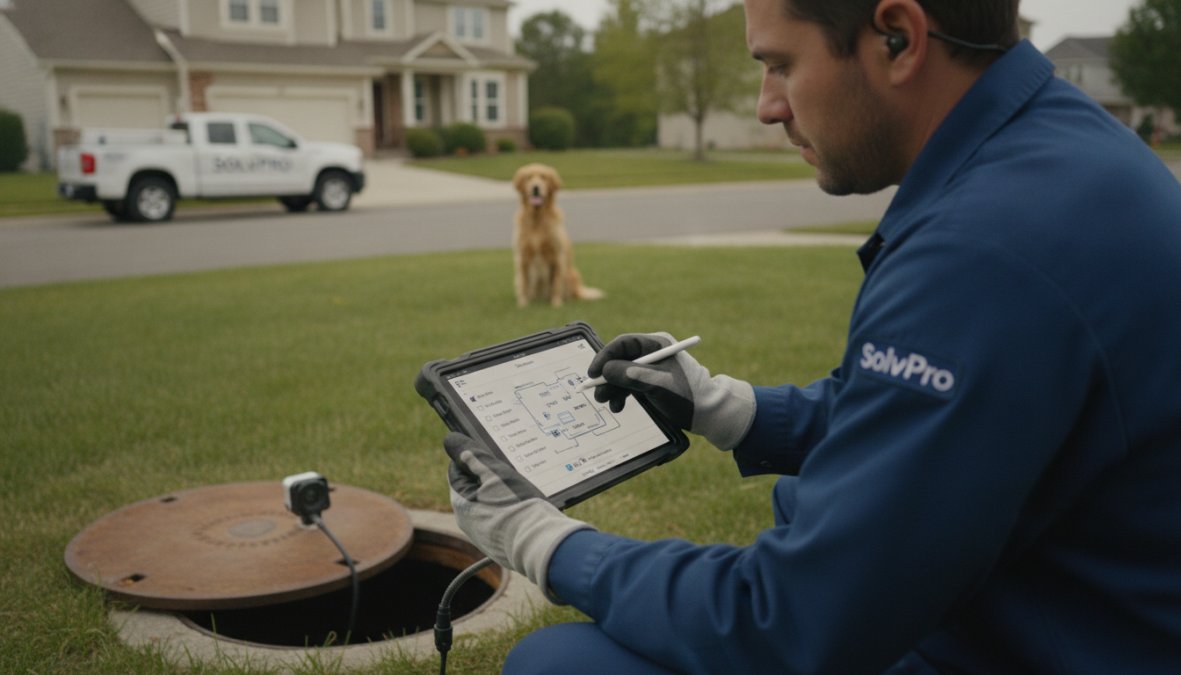
Core functions include scheduling recurring jobs based on service intervals (typically every 3-5 years for residential systems), tracking service history, recording tank condition and sludge levels on-site, generating state-specific inspection reports, managing crew assignments and routing, and integrating with accounting software to eliminate data re-entry. When a technician arrives at a job, they see the customer's history, tank location notes, previous findings, and authorized work, all on their phone.
Most septic operators still rely on phone calls, spreadsheets, and manual dispatch, creating bottlenecks: crews wait for instructions, office staff spend hours coordinating jobs, and invoicing happens days later. Proper software compresses this timeline. Customers book online. The system assigns the nearest available truck. The technician sees job details before arriving. Work is documented in real-time. Invoices are generated immediately.
Quick Comparison: Top Septic Service Management Platforms
| Platform | Best For | Key Strength | Starting Point |
|---|---|---|---|
| SolvPro | Small to mid-size septic operators | All-in-one simplicity + bilingual support | Free trial |
| ServiceCore | Septic-specific compliance | Industry-tailored workflows | Contact for pricing |
| Smart Service | QuickBooks-heavy teams | Direct accounting integration | Contact for pricing |
| Orderry | Digitizing paper workflows | Flexible templates and CRM | Contact for pricing |
| FieldEdge | Growing agencies needing profitability tracking | Multi-truck dispatch + financial reporting | Contact for pricing |
| SepticMind | State compliance and complex inspections | County permit database + AI service intervals | $79/month |
The choice depends on your current setup, team size, and what's causing the most friction.
SolvPro: All-in-One Field Service Management for Septic Operators
SolvPro is built for small to medium-sized service businesses that need to eliminate operational chaos without complexity. The platform centralizes scheduling, work orders, crew tracking, digital contracts, and payments. What makes it stand out for septic operators is bilingual support (English and Spanish), seamless QuickBooks Online integration, mobile-first design, and the ability to finish jobs faster and get paid sooner.
Schedule jobs by customer, tank location, or service interval. Assign crews from a dispatch board. Technicians access job details, service history, and tank notes on their phone. They complete work, document findings, and send an invoice, all before leaving the property. Customers can pay immediately via mobile payment, or invoices are sent automatically.
The bilingual interface is valuable if your team includes Spanish-speaking technicians or you serve bilingual customer bases. QuickBooks Online integration means accounting data syncs automatically, eliminating manual entry and billing errors.
The mobile app works offline, so connectivity gaps don't stop your crew. Technicians see their daily route, access job details, view customer history and tank notes, document work with photos and notes, and generate invoices on-site.
SolvPro offers a free trial, allowing you to test the full platform with your actual workflow before committing.
ServiceCore: Purpose-Built for Septic and Wastewater Compliance
ServiceCore is built specifically for septic and wastewater management businesses. It includes septic-specific scheduling (pump-out intervals, inspections, repairs), waste disposal tracking and manifests, optimized routing for tanker trucks, and field payment collection.
The biggest advantage is automated waste tracking and manifest management. Technicians record sludge measurements on-site. The system tracks disposal locations and quantities. Reports are generated for state agencies automatically. This eliminates manual compliance documentation.
The drawback is that ServiceCore is less common than general platforms, meaning fewer integrations and a smaller user community.
Smart Service: Recurring Scheduling and QuickBooks Integration
Smart Service focuses on recurring service intervals and direct QuickBooks integration. For septic companies already embedded in QuickBooks, this platform eliminates the double-entry problem.
The recurring scheduling engine automatically generates jobs on defined intervals. Technicians access tank location notes and service records on their mobile app. Work is documented, and invoices sync directly to QuickBooks with no re-entry required. The platform also supports documenting sludge measurements and recording repair findings on-site, creating a service history for each tank.
Orderry: Customizable Workflows and Automated Reminders
Orderry emphasizes customization and team efficiency. Create templates for different job types (pump-outs, inspections, repairs, installations), custom fields for tank specifications and previous findings, and automated reminders to customers before scheduled service.
The CRM tracks customer and tank history, manages service agreements, and segments customers by service interval. Automation features include SMS and email reminders for cleanings, job status notifications to customers, and workflow triggers.
FieldEdge: Multi-Truck Dispatch and Financial Tracking
FieldEdge is built for growing service companies needing strong coordination across multiple trucks and detailed financial visibility into each job. The centralized dispatch board shows all trucks on a map, unassigned jobs, and current job status. Drag-and-drop assignment, route optimization, and real-time updates keep the fleet coordinated.
Financial reporting shows job-level profitability, labor costs, and material usage, critical data for growing operations. The Proposal Pro tool lets you present service options to customers, increasing average job value.
The drawback is cost. FieldEdge is more expensive than entry-level platforms, and pricing scales with team size and job volume.
SepticMind: State Compliance and Inspection Reporting
SepticMind is specialized software for septic companies struggling with state compliance, permits, and complex inspection reporting. It includes a county permit database for all 50 states, state-specific inspection report templates, AI-powered service interval prediction, and ATU (aerobic treatment unit) maintenance tracking.
Flat-rate pricing ($79/month for unlimited users) is transparent and affordable for small teams. If compliance and inspection reporting are your biggest headaches, SepticMind provides templates matching your state's requirements. AI service interval prediction analyzes tank usage patterns and recommends when service is needed, preventing customer system failures.
Workforce Management and Scheduling Features
Every platform handles basic scheduling, but depth varies. SolvPro and ServiceCore focus on simplicity: assign jobs to crews and track who's where. FieldEdge and Orderry add optimization: route planning, load balancing across trucks, and predictive scheduling based on historical data.
For most septic operators, simple assignment is sufficient. The real win is automating dispatch so you're not making phone calls or sending text chains. Recurring job scheduling is where septic-specific platforms shine. ServiceCore and SepticMind build recurring intervals into their core logic.
Client Communication and Automated Text Reminders
Text reminders are one of the highest-ROI features in field service software. When customers receive a reminder 24 hours before their appointment with a link to confirm or reschedule, no-show rates drop dramatically.
SolvPro, Orderry, and SepticMind have built-in SMS reminders with customizable messaging. ServiceCore and FieldEdge require integration with third-party SMS providers, adding cost and complexity.
Time Tracking, Payroll Integration, and Invoicing
Time tracking at the job level is essential for accurate costing and payroll. Most platforms allow technicians to clock in/out at each job. SolvPro, Smart Service, and FieldEdge integrate with QuickBooks, eliminating re-entry. ServiceCore and Orderry require manual export or custom integration.
Septic invoicing has specific needs: documenting what was pumped, recording sludge measurements, noting repairs or recommendations, and complying with state-specific line item requirements. SepticMind handles this with customizable invoice templates.
Mobile App Accessibility and Offline Functionality
Field technicians need reliable mobile access, but internet connectivity isn't guaranteed in rural areas where septic systems are located. Offline functionality is critical.
SolvPro's mobile app works offline. Technicians access job details, complete work orders, take photos, and generate invoices without cell service. Data syncs when connectivity returns. ServiceCore and FieldEdge also support offline mode. Mobile experience matters for speed and usability, if technicians spend 5 minutes per job fumbling with the app, adoption suffers.
Booking and Lead Management
Some platforms include customer-facing booking portals, letting customers schedule service directly instead of calling. SolvPro includes a customer portal where existing customers can request service, reschedule, or view service history. Orderry has CRM features supporting customer self-service. FieldEdge includes MarketingEdge, which manages service agreements and customer communications.
Pricing and Affordability Considerations
Pricing varies significantly. SolvPro offers a free trial. SepticMind has transparent pricing at $79/month. Most other platforms require contacting sales for quotes based on team size, job volume, and custom features.
For small teams (1-5 people), expect $200-500/month. For mid-size teams (5-15 people), expect $500-2,000/month. The key question is ROI. If the software saves your office staff 5 hours per week and prevents 2-3 no-shows per month, it pays for itself within 3-6 months.
Hardware Compatibility and Offline Mode
Septic service trucks often work in areas with unreliable internet. Offline functionality is essential. SolvPro, ServiceCore, and FieldEdge all support offline mode explicitly. Most modern platforms require iOS 13+ and Android 8+.
Onboarding and Training Time
Implementation time varies. SolvPro is designed for quick onboarding; most small teams are operational within 1-2 weeks. ServiceCore requires 2-4 weeks. Orderry requires 4-8 weeks for full implementation. The best platforms have good onboarding support: video tutorials, live training sessions, and responsive customer support.
Data Privacy and Security for Client Keys and Access Codes
Septic systems sometimes require access keys, gate codes, or specific instructions for tank location. This sensitive information needs protection and restricted access.
All major platforms encrypt data in transit and at rest. The question is access control. Can you restrict which team members see which customer information? SolvPro, ServiceCore, and FieldEdge support role-based access control. Verify that the platform supports audit logging (recording who accessed what data when).
Scalability: Solo Operators vs. Growing Agencies
A platform that works for one technician might break down at 10 technicians. SolvPro scales well from 1 to 20+ people. ServiceCore is designed for mid-size to large operations. SepticMind is best for small teams (1-10 people). FieldEdge is designed for growth. Pick a platform that can grow with you.
Choosing the right software to manage septic service jobs depends on your current pain points, team size, and growth plans. If you're drowning in scheduling conflicts and no-shows, any of these platforms will help. If you need specialized septic compliance features, SepticMind or ServiceCore are better choices. If you want simplicity combined with bilingual support and QuickBooks integration, SolvPro is the strongest option for most small to mid-size septic operators. Start with a free trial or demo to test the workflow with your actual jobs before committing to a long-term contract.
Frequently Asked Questions
What features should I look for in septic service business software features?
Key features include workforce management and dispatch coordination, recurring job scheduling based on maintenance intervals, automated text reminders to reduce no-shows, mobile access for field staff, invoicing and payment processing, QuickBooks integration, and compliance reporting tools. Look for software that centralizes scheduling, work orders, crew tracking, and digital contracts into one platform to streamline operations and reduce paperwork.
Does septic tank maintenance scheduling software integrate with accounting tools?
Many platforms offer QuickBooks Online integration, which allows seamless syncing of invoices, payments, and job costs without double-entry. Smart Service and FieldEdge emphasize strong QuickBooks connectivity, while SolvPro also supports this integration. Direct accounting integration reduces billing errors and speeds up financial reporting for your septic service business.
How does a septic service invoicing app help with billing efficiency?
A dedicated septic service invoicing app streamlines the entire billing cycle by generating invoices directly from completed work orders, supporting mobile payment processing, and automating recurring billing for maintenance contracts. Digital contracts can be signed on-site, eliminating paperwork delays. Integration with accounting software ensures payment data flows directly to your books, helping you get paid sooner and reducing administrative overhead.
What is the difference between industry-specific septic software and general field service tools?
Industry-specific platforms like ServiceCore and SepticMind include septic-focused features such as pump-out tracking, disposal reporting, state-specific compliance templates, county permit databases, and ATU maintenance tracking. General field service software like SolvPro offers broader functionality but requires more customization. Choose industry-specific tools if compliance and specialized workflows are critical; choose general platforms if you need flexibility and bilingual support across multiple service types.
This article was written using GrandRanker