 listicle
Bilingual Field Service Software: 2026 Guide
Table of Contents
- What Is Bilingual Field Service Software?
- Key Features to Look for in Bilingual Field Service Software
- Field Service Software Translation Features Explained
- Best Practices for Managing Bilingual Field Teams
- Top Bilingual Field Service Solutions: Feature Comparison
- SolvPro: Native Bilingual Support Built In
- ServiceMax: Enterprise-Grade Multilingual Coverage
- Fieldcode: AI-Powered Translation for Real-Time Communication
Bilingual Field Service Software: 2026 Guide
Last Updated: July 15, 2026
Managing field service teams across language barriers creates operational friction that most software doesn't address. Companies with multilingual workforces report 40% higher scheduling errors and communication delays when using English-only platforms. This guide covers software for bilingual field service teams, solutions that natively support multiple languages rather than relying on clunky translation layers. Below, we'll show you how to evaluate bilingual field service software and which platforms deliver real multilingual capability.
What Is Bilingual Field Service Software?
Bilingual field service software enables technicians, dispatchers, and customers to work in their preferred language without losing functionality or data integrity. Unlike generic field service tools with basic translation, native bilingual software means the entire interface, work orders, invoices, scheduling, and mobile apps, operates seamlessly in multiple languages.
When a technician receives a work order in Spanish with all technical terms, measurements, and customer notes properly localized, they complete jobs faster and with fewer mistakes. Real bilingual support includes date formats, currency symbols, regional compliance requirements, and right-to-left language support for Arabic and Hebrew.
Key Features to Look for in Bilingual Field Service Software
The right bilingual platform combines language support with core field service capabilities.
Native Language Support vs. Translation Tools
Native language support means the software was designed with multiple languages built in from the start. The interface, database, and workflows accommodate different languages without conversion steps. Translation tools retrofit language support onto English-only platforms, often producing awkward phrasings and incomplete coverage.
When a technician creates a work order in Spanish, the system captures and stores it in Spanish without converting to English behind the scenes. Reporting tools generate documents in the technician's language. Customer portals display invoices in the customer's preferred language. ConekPro exemplifies this approach with a bilingual interface built for real-time team coordination, while Fieldcode uses AI to translate service notes on the fly.
Mobile-First Design for Non-Desk Workers
Field technicians spend 80% of their time away from desks. A bilingual platform must deliver a genuinely usable mobile experience with touch-friendly buttons, offline functionality, and language support across iOS and Android. Voice input and image capture should work across languages without manual translation steps.
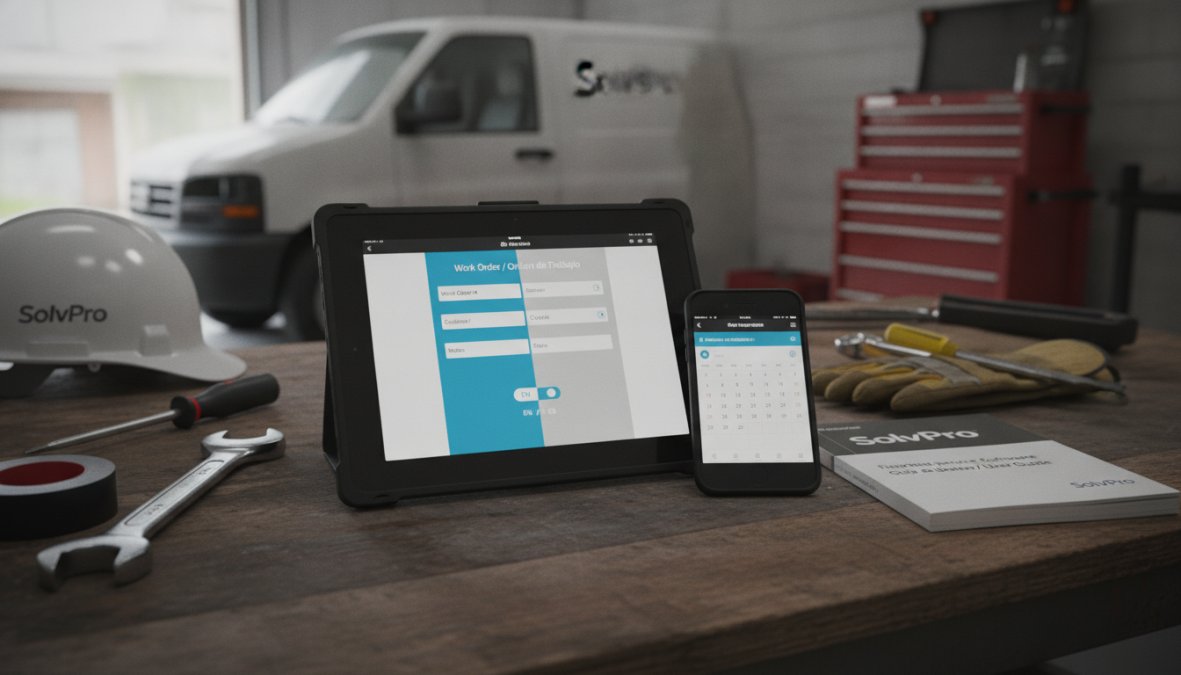
GPS tracking, real-time dispatching, and automated alerts all need to function in the technician's language without lag. SolvPro's mobile platform delivers job details, customer information, and scheduling updates in the technician's preferred language, with digital signature capture and instant payment processing accessible from the field.
Field Service Software Translation Features Explained
Translation in field service software operates at two levels: real-time communication and backend localization.
Real-Time Translation in Work Orders and Invoices
Real-time translation captures communication as it happens. When a customer calls with a service request, the system can translate their message for the dispatcher. When the technician documents work, that documentation can be translated for the office team or customer.
Fieldcode specializes here with AI-powered translation embedded in workflows. Service tickets are summarized and translated automatically, reducing manual handoff errors. A technician in Texas receives a work order from a Spanish-speaking customer, completes the job, and documents findings, all in Spanish. The office team reviews notes in English. The customer receives an invoice in Spanish with proper currency formatting. This happens without manual translation.
Localization for Dates, Currency, and Regional Compliance
Localization includes formatting dates the way your region expects (MM/DD/YYYY vs. DD/MM/YYYY), displaying currency correctly, and applying regional business rules. A service business operating in Mexico needs to display tax IDs in Mexican format, calculate labor law compliance, and generate invoices meeting Mexican accounting standards. ServiceMax handles this with locale-sensitive formatting based on user settings. Microsoft Dynamics 365 Field Service supports installable language packs for custom entities, necessary for enterprises operating across multiple countries with different regulatory requirements.
Best Practices for Managing Bilingual Field Teams
Language support alone doesn't guarantee adoption. The strongest implementations combine software features with team practices that make multilingual workflows feel natural.
User Adoption Strategies for Non-English Speaking Technicians
Non-desk workers adopt technology differently than office staff. They need training in their language, in short bursts, and in the field where they work. Effective adoption strategies include onboarding in the technician's native language, assigning bilingual team leads who can answer questions in real time, and starting with the simplest features before expanding.
SolvPro supports this with intuitive interfaces that minimize language barriers. Technicians receive job information at a glance with clear visual indicators for priority and urgency. Digital proposals and contracts are pre-filled, reducing data entry confusion. Celebrate early wins, when the first technician completes a job 30% faster using the new software, share that result with the team in their language.
Offline-First Functionality for Field Reliability
Bilingual field teams often work in areas with spotty connectivity. Offline-first functionality means the technician can work without connectivity, and the app syncs data when connection returns. Offline mode must include work order details, customer information, pricing, and the ability to capture signatures and photos. Language-specific content must sync correctly, a work order in Spanish must remain in Spanish when it syncs.
A technician in a rural area loses cell signal mid-job. With offline functionality, they continue documenting work, capturing photos, and getting customer sign-off. When they reconnect, everything syncs instantly.

Top Bilingual Field Service Solutions: Feature Comparison
| Platform | Language Support | Real-Time Translation | Mobile-First | Best For |
|---|---|---|---|---|
| SolvPro | English/Spanish native | Via integrations | Yes, iOS/Android | Small-to-mid teams under 50 technicians |
| ServiceMax | 14+ languages native | AI-powered insights | Yes, enterprise-grade | Large enterprises across multiple countries |
| Fieldcode | Multi-language via AI | Native AI translation | Yes, cloud-native | Teams needing translation without configuration |
| Salesforce Field Service | Multi-language via packs | Translation Workbench | Yes, with customization | Enterprises already in Salesforce ecosystem |
| ConekPro | Bilingual interface native | Limited; focuses on coordination | Yes, mobile-first | Independent contractors and small crews |
SolvPro leads for small-to-mid teams with native English/Spanish support and simplicity that non-desk workers need. ServiceMax serves enterprises operating globally. Fieldcode bridges the gap for teams wanting AI-powered translation without heavy configuration.
SolvPro: Native Bilingual Support Built In
SolvPro is purpose-built for service businesses needing English and Spanish support without enterprise complexity. The entire interface, scheduling, work orders, digital contracts, invoicing, and mobile apps, operates natively in both languages.
Technicians receive job details in their preferred language. Customers view service history and pay invoices in Spanish. Dispatchers manage crews across language groups from a single dashboard. QuickBooks Online integration means bilingual invoicing flows directly into accounting without manual translation.
Pros:
- Native English/Spanish interface throughout
- Digital proposals and contracts in both languages
- Mobile-friendly design for non-desk workers
- QuickBooks Online integration
- Free trial available
Cons:
- Limited to English and Spanish
- Smaller feature set than enterprise platforms
ServiceMax: Enterprise-Grade Multilingual Coverage
ServiceMax serves organizations operating across continents with deep localization support. The platform natively supports 14+ languages including French, German, Spanish, and Chinese, with right-to-left support for Arabic and Hebrew. AI-powered service insights and automated translation workflows reduce manual handoff errors.
Pros:
- Extensive language coverage and deep localization
- Strong support for cross-border regulatory requirements
- AI-powered insights across language groups
- Highly scalable for global operations
Cons:
- High complexity and long implementation timelines
- Steep learning curve
- Enterprise pricing
ServiceMax makes sense when your organization spans multiple countries with different languages, currencies, and compliance rules.
Fieldcode: AI-Powered Translation for Real-Time Communication
Fieldcode embeds AI translation directly into operational workflows. Service tickets are automatically translated and summarized, keeping multilingual data within the core workflow. A technician documents work in Spanish, and the system automatically standardizes terminology and translates for the office team without losing context.
Pros:
- AI approach reduces manual translation effort
- Keeps multilingual communication within workflows
- Cloud-native architecture for global scalability
- Effective for bridging communication gaps
Cons:
- Requires configuration for specific business processes
- Less mature than established competitors
- May require trial period to understand AI translation fit
Fieldcode works best for organizations with multilingual teams wanting to reduce communication friction without adding manual steps.
How to Choose the Right Bilingual Field Service Software
Start with your language requirements. If teams operate primarily in English and Spanish, SolvPro's native bilingual interface eliminates friction immediately. If you need 3+ languages or operate across multiple countries, ServiceMax's extensive language support becomes necessary. If translation accuracy and workflow integration matter more than native support, Fieldcode's AI approach may fit better.
Next, consider team size. Small teams (under 20 technicians) benefit from simpler platforms with native support. Mid-market teams (20-100 technicians) need stronger mobile functionality and offline capabilities. Enterprise teams (100+ technicians) require scalability, compliance automation, and customization.
Finally, evaluate integration needs. Does your accounting system, CRM, or existing tools need to sync? SolvPro's QuickBooks integration handles this for small businesses. Salesforce Field Service integrates with the entire Salesforce ecosystem.
Bilingual field service teams face a choice: use English-only software and accept translation friction, or invest in a platform built for multilingual workflows. The right software eliminates language as a barrier to job completion, customer satisfaction, and payment speed.
SolvPro delivers this for service businesses operating in English and Spanish markets. Native language support across the entire platform means your team works in their language without translation delays. Start your free trial and see how much faster your bilingual teams move when the software speaks their language.
Frequently Asked Questions
What features should I look for in bilingual field service software?
Prioritize native language support (not just translation), mobile-friendly interfaces for technicians, real-time dispatch in multiple languages, offline functionality, and integration with accounting systems. Look for platforms that handle localization, dates, currency, and regional compliance, automatically. User adoption tools and clear language-switching features are essential for non-desk workers who may not be tech-savvy.
How does field service software translation differ from basic language switching?
True field service software translation features go beyond UI language changes. They include real-time translation of work orders, automated customer communication, standardized service notes across languages, and locale-sensitive formatting for invoices and contracts. AI-powered solutions can translate and summarize technician notes on-the-fly, reducing manual effort and ensuring accuracy in multilingual operations.
What are best practices for managing bilingual field teams effectively?
Start with clear language preferences during onboarding and let technicians choose their preferred interface language. Provide training materials in both languages and ensure your software supports offline access so language barriers don't disrupt field work. Use automated alerts and notifications in each team member's language, and establish compliance workflows that account for regional labor laws in different language zones.
Can bilingual field service software work offline for technicians?
Yes, many modern platforms offer offline-first functionality. Technicians can download work orders, access job details, and complete service notes without internet connectivity. Once reconnected, the system syncs all data. This is critical for field teams in areas with spotty coverage and ensures language-specific content (work orders, instructions) remains accessible whether online or offline.
This article was written using GrandRanker